Skip to content
TechBone
Samsung

Samsung: Switch Volume Keys to Control Media Volume

Pressing the volume keys on a Samsung phone usually changes the ringtone volume, even while a video or song is playing. That happens because Samsung's One UI ties the physical buttons to the ringer channel by default, leaving media playback at whatever level it was last set to. A dedicated toggle changes this behavior so the same keys adjust media volume directly.

3 min4 steps
Version

Step by step

1 / 4

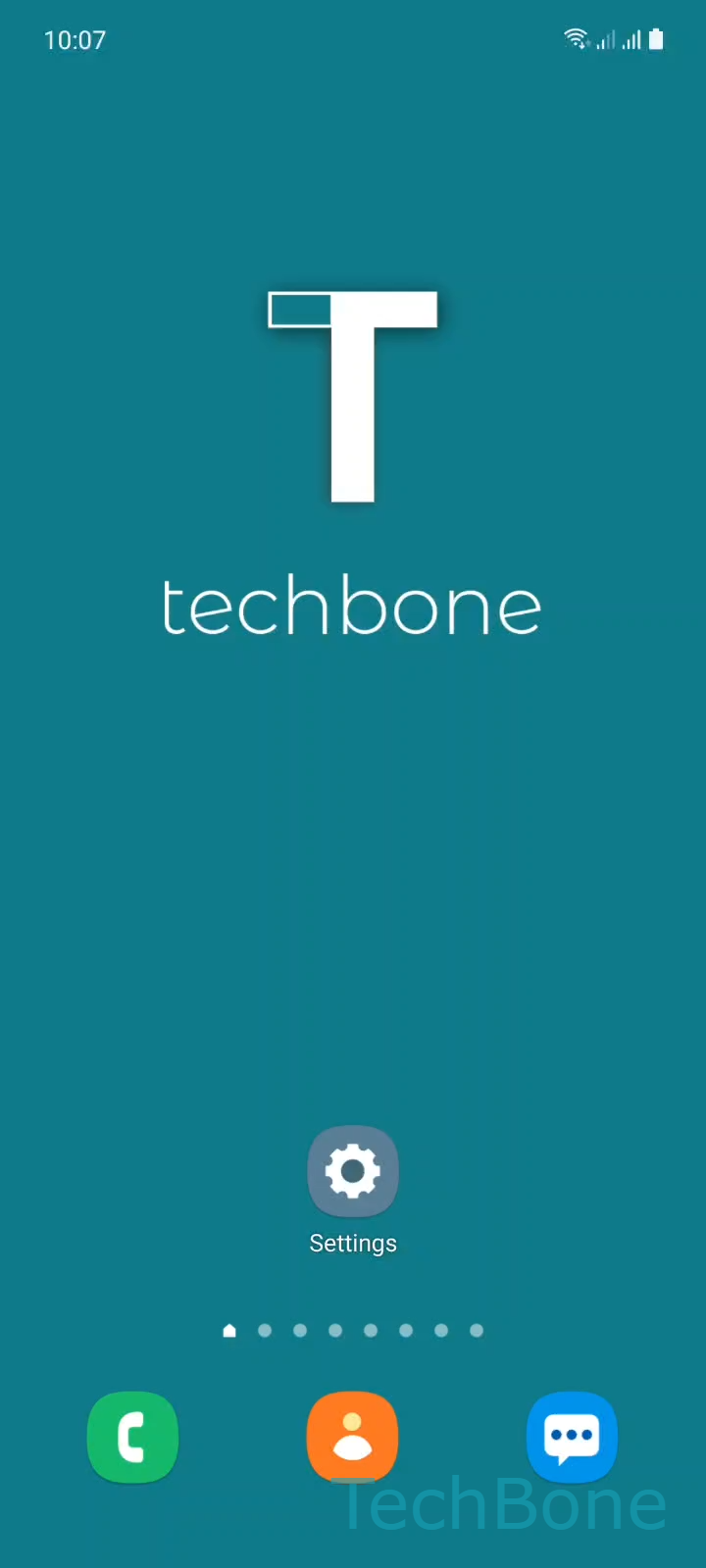
Step 1 of 4: Tap on **Settings**

1

Tap on Settings

Live simulator

Android 11 · One UI 3
Use Volume Keys for Media Volume – One UI 3: step 1 – Tap on Settings
Tap on Settings
1 / 4

Scroll or use the buttons for the next step

Feedback

Was the guide correct?

Help others: confirm the path or report a problem.

43

Confirmations

Forum verified this path

Samsung

Use Volume Keys for Media Volume auf Samsung

On a Samsung phone, the volume keys are linked to the ringer channel by default. Pressing them while a video, song or game is running does nothing to the actual playback volume, because that level was set the last time an app controlled the media stream.

Samsung's One UI includes a switch that reassigns the physical buttons to the media channel instead. Once enabled, pressing the keys while watching a video, listening to music or playing a game adjusts that specific volume, not the ringtone.

To turn it on, go to Tap on SettingsTap on Sounds and vibrationTap on VolumeEnable or disable Use Volume keys for media.

With the option enabled, the volume keys always follow whatever audio is active on screen. If no media is playing, they fall back to controlling the ringtone as usual.

This setting is useful for anyone who frequently switches between calls, notifications and media playback and wants one predictable behavior for the buttons. If separate control over notification and media volume is more important, adjusting the individual sliders in the same Volume menu is the better fix instead of relying on the physical keys.

Frequently asked questions

No. The Use Volume keys for media toggle only changes which audio stream the physical buttons control. Notification volume stays separate and can still be adjusted with its own slider in Tap on SettingsTap on Sounds and vibrationTap on Volume.

Compatible devices

Tap your device — opens its hub with matching guides.

Android 11 · One UI 3

No compatible devices are listed for this version.