Skip to content
TechBone
Samsung

Samsung: Turn Vibrate While Ringing On or Off

If your Samsung phone stays silent on the desk during an incoming call, the vibration for ringing is switched off in your sound settings. This toggle controls only the ring vibration, separate from notification vibration or Do Not Disturb rules. Missed calls at work or in a bag often trace back to this single setting.

3 min3 steps
Version

Step by step

1 / 3

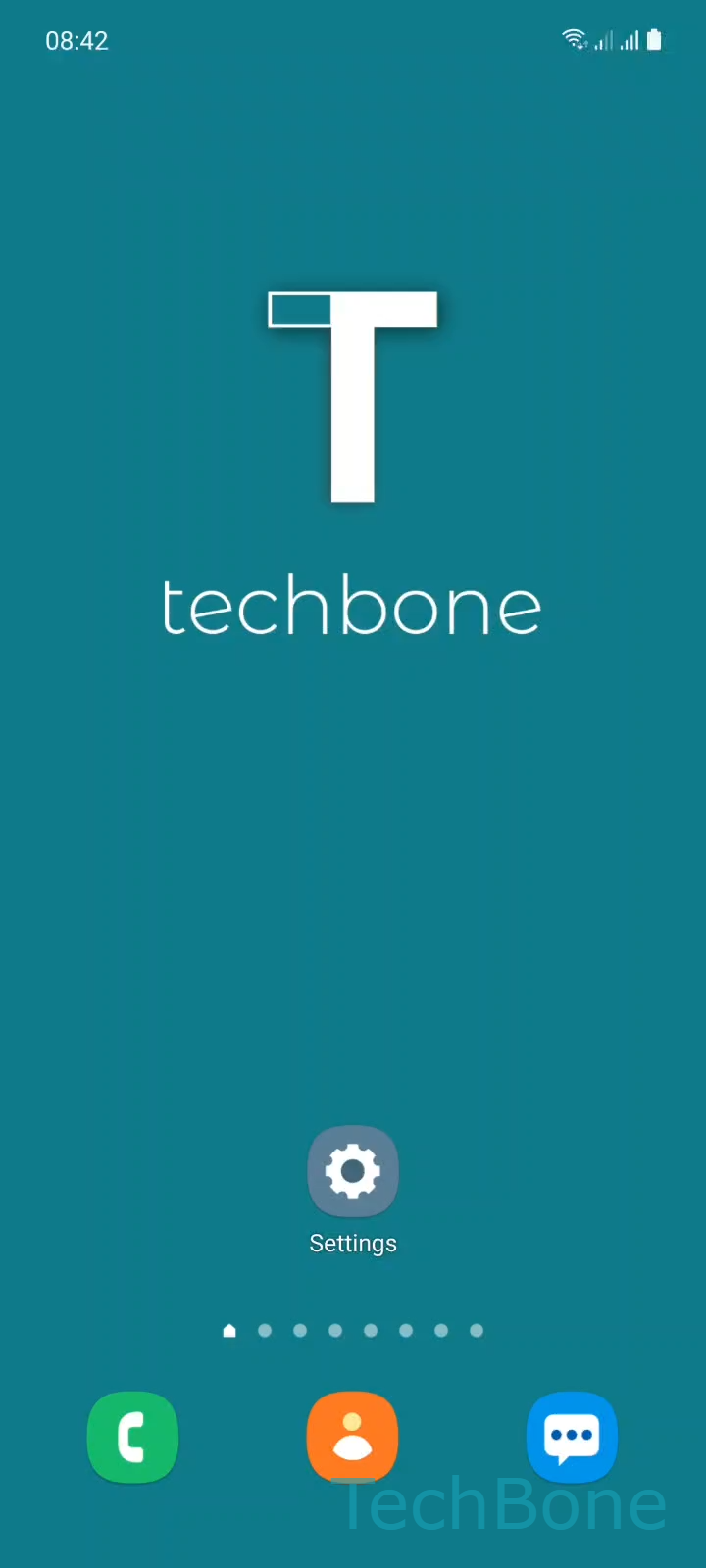
Step 1 of 3: Tap on **Settings**

1

Tap on Settings

Live simulator

Android 11 · One UI 3
Vibrate While Ringing: Turn On or Off – One UI 3: step 1 – Tap on Settings
Tap on Settings
1 / 3

Scroll or use the buttons for the next step

Feedback

Was the guide correct?

Help others: confirm the path or report a problem.

95

Confirmations

Forum verified this path

Samsung

Vibrate While Ringing: Turn On or Off auf Samsung

Vibrate while ringing is a separate setting from your ringtone volume and from notification vibration. Samsung phones ship with this option turned off by default, so many users assume their device is broken when calls only ring without any vibration.

This setting lives inside the sound and vibration menu, independent of Do Not Disturb or app-specific alert settings. Turning it on makes the phone vibrate together with the ringtone, or on its own if the ringer is muted. Turning it off keeps calls silent unless the ringtone itself is audible.

Where to find it

Go to Tap on SettingsTap on Sounds and vibrationEnable or disable Vibrate while ringing. The toggle applies immediately, no restart needed.

If calls still do not vibrate after enabling this, check that the phone is not in a Do Not Disturb schedule or a vibration-limited mode like a case or accessory that suppresses motor feedback. For notification vibration on messages or apps, use the separate notification settings for that app instead, since this toggle only affects incoming calls.

Frequently asked questions

Check if Do Not Disturb is active, since some schedules override vibration for calls. Also confirm the phone is not in a case or mode that dampens the vibration motor.

Compatible devices

Tap your device — opens its hub with matching guides.

Android 11 · One UI 3

No compatible devices are listed for this version.