Skip to content
TechBone
Samsung

Samsung: Enable or Disable Camera Voice Commands

If your Samsung phone only snaps a photo when you tap the shutter button, press a volume key or use a floating release, you might be missing the hands-free option. Samsung Camera also supports a voice shutter that lets you say a command instead of touching the screen. This only works once the Voice commands option is switched on in the camera settings.

3 min4 steps
Version

Step by step

1 / 4

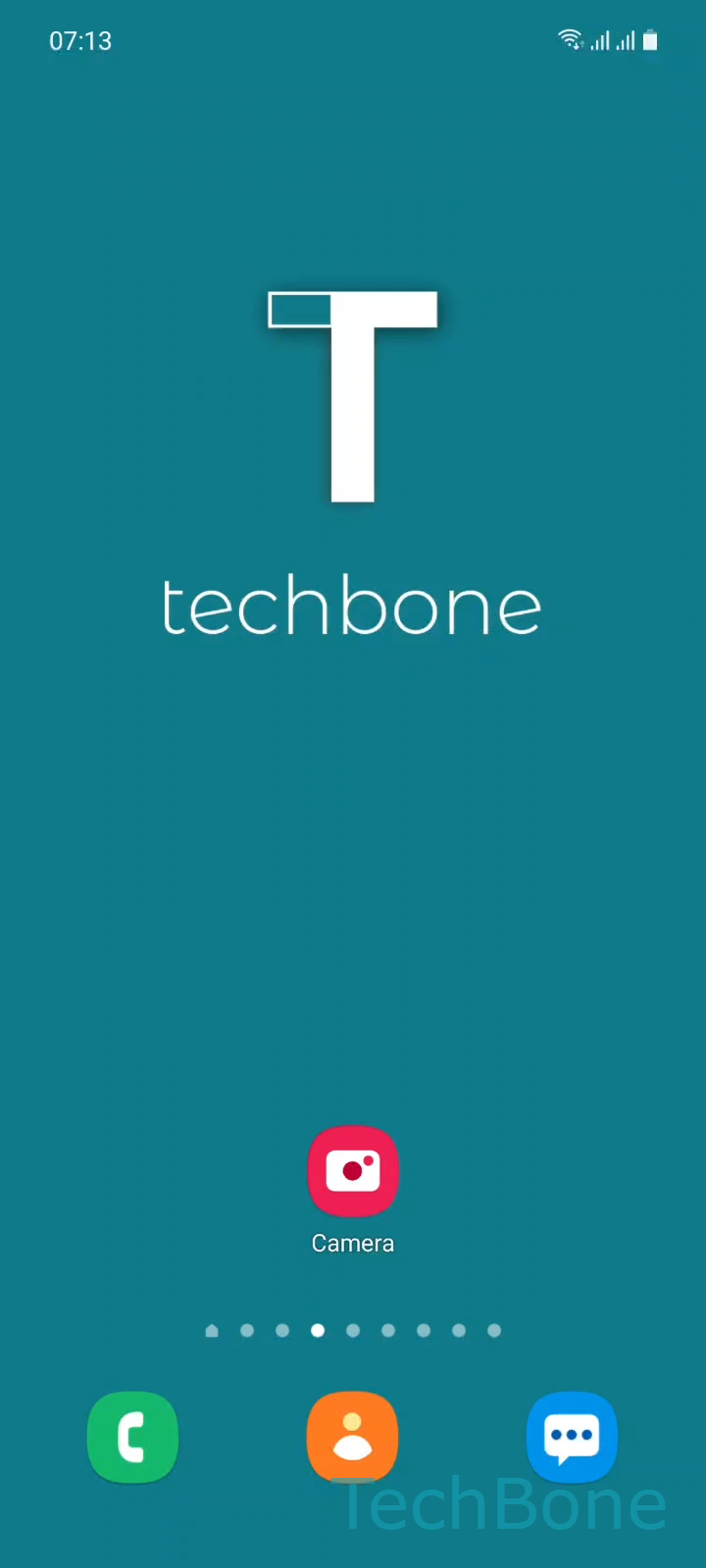
Step 1 of 4: Tap on **Camera**

1

Tap on Camera

Live simulator

Android 11 · One UI 3
Turn Camera Voice Commands On or Off – One UI 3: step 1 – Tap on Camera
Tap on Camera
1 / 4

Scroll or use the buttons for the next step

Feedback

Was the guide correct?

Help others: confirm the path or report a problem.

99

Confirmations

Forum verified this path

Samsung

Turn Camera Voice Commands On or Off auf Samsung

Samsung Camera offers several ways to trigger the shutter: the on-screen button, the volume keys, a floating shutter release, gestures, and voice commands. The voice shutter is not active by default on every device, which is why saying a command sometimes has no effect.

The setting lives inside the camera app itself, not in the general phone settings. Open CameraSettingsShooting methodsVoice commands and toggle the option on or off.

Once enabled, the camera listens for specific spoken words instead of requiring a tap or button press. This is useful for group photos, tripod setups, or situations where the phone is out of reach.

If the toggle is on but nothing happens, check that microphone permission for the Camera app has not been revoked and that background noise is not drowning out the command.

Turning the option off again removes the voice trigger entirely, so accidental commands while talking near the camera stop being picked up.

Frequently asked questions

Common triggers are words like Smile, Cheese, Capture and Shoot. The exact set can vary slightly by region and firmware, but these core commands work on most Samsung devices once Voice commands is switched on.

Compatible devices

Tap your device — opens its hub with matching guides.

Android 11 · One UI 3

No compatible devices are listed for this version.