Skip to content
TechBone
Samsung

Samsung: Answer Calls with the Volume Up Button

Fumbling for the screen while a call rings on your Samsung phone wastes precious seconds, especially with the display off or the phone tucked in a pocket. A hidden call setting lets you pick up simply by pressing the volume up key instead of swiping the screen. Without it enabled, that button only adjusts ringtone loudness and does nothing to answer the call.

4 min5 steps
Version

Step by step

1 / 5

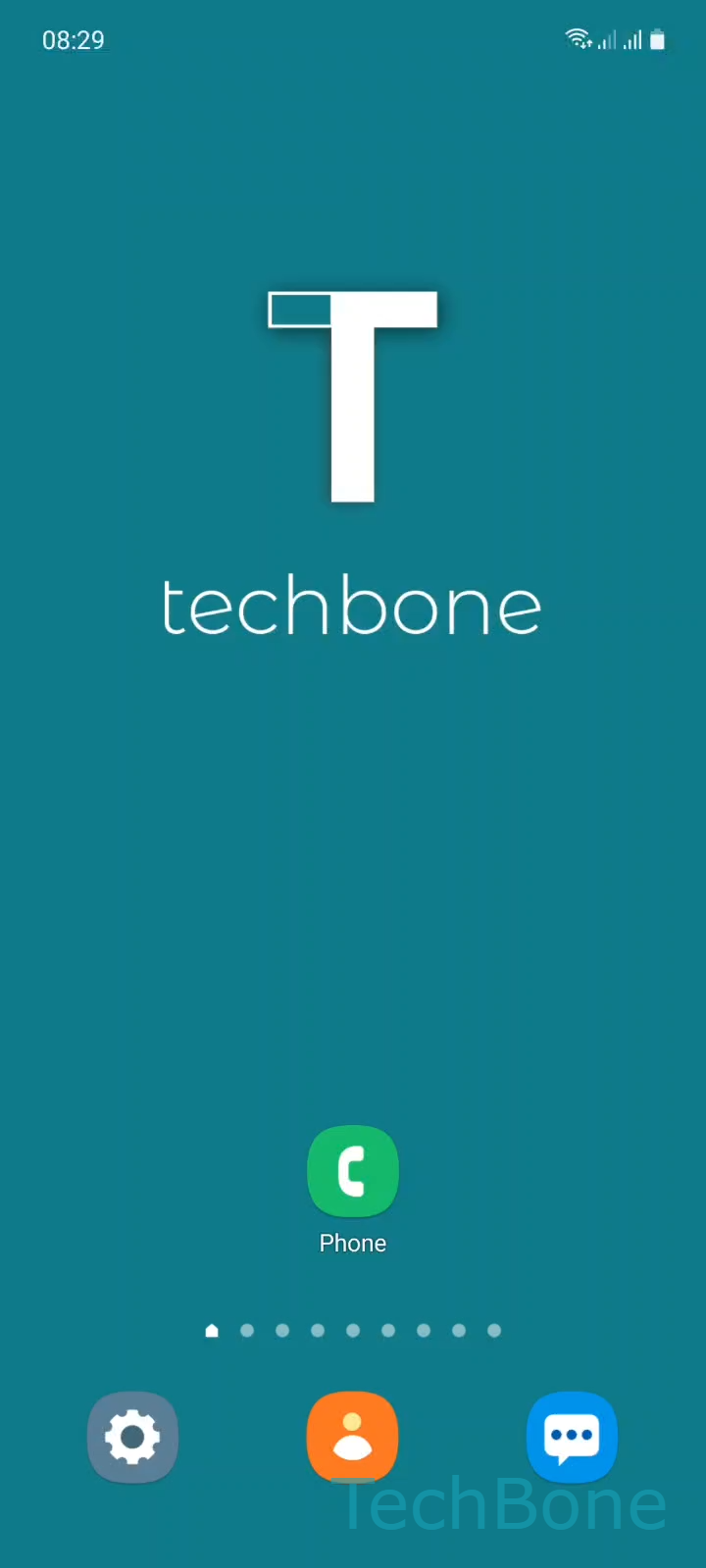
Step 1 of 5: Tap on **Phone**

1

Tap on Phone

Live simulator

Android 11 · One UI 3
Answer Calls with the Volume Up Button – One UI 3: step 1 – Tap on Phone
Tap on Phone
1 / 5

Scroll or use the buttons for the next step

Feedback

Was the guide correct?

Help others: confirm the path or report a problem.

58

Confirmations

Forum verified this path

Samsung

Answer Calls with the Volume Up Button auf Samsung

When your Samsung phone rings and the display is off, reaching for the unlock swipe in time is not always fast enough. Samsung includes a setting that lets you answer a call by pressing the volume up button instead, and it works whether the screen is active or off.

This option sits inside the call settings, separate from your general ringtone and media volume controls. Once enabled, a single press of volume up during an incoming call picks it up immediately, without unlocking or swiping anything.

To turn it on, go to PhoneOpen the MenuSettingsAnswering and ending calls ➔ enable Press Volume up to answer.

If you disable the toggle again, the volume up button reverts to only adjusting ringtone loudness while a call is coming in. Switching it off can help if the phone sits in a bag or pocket, where a stray button press could otherwise answer calls you never meant to take.

The setting has no effect on Bluetooth headset buttons or on how calls end. It only changes what happens when you press the physical volume up key while the phone is ringing.

Frequently asked questions

Yes. The Press Volume up to answer option works with the screen active or off, so you can pick up without unlocking first.

Compatible devices

Tap your device — opens its hub with matching guides.

Android 11 · One UI 3

No compatible devices are listed for this version.