Skip to content
TechBone
Samsung

Samsung: Turn Off Weather Notifications in the Status Bar

If your Samsung phone keeps pushing a weather update into the status bar or notification panel, that alert actually comes from the Google app, not a dedicated weather app. It reappears every time conditions change, even if you never asked for it and have no weather widget installed. Turning it off means adjusting a notification category rather than uninstalling anything.

4 min5 steps
VersionAndroid 10 · One UI 2

Step by step

1 / 5

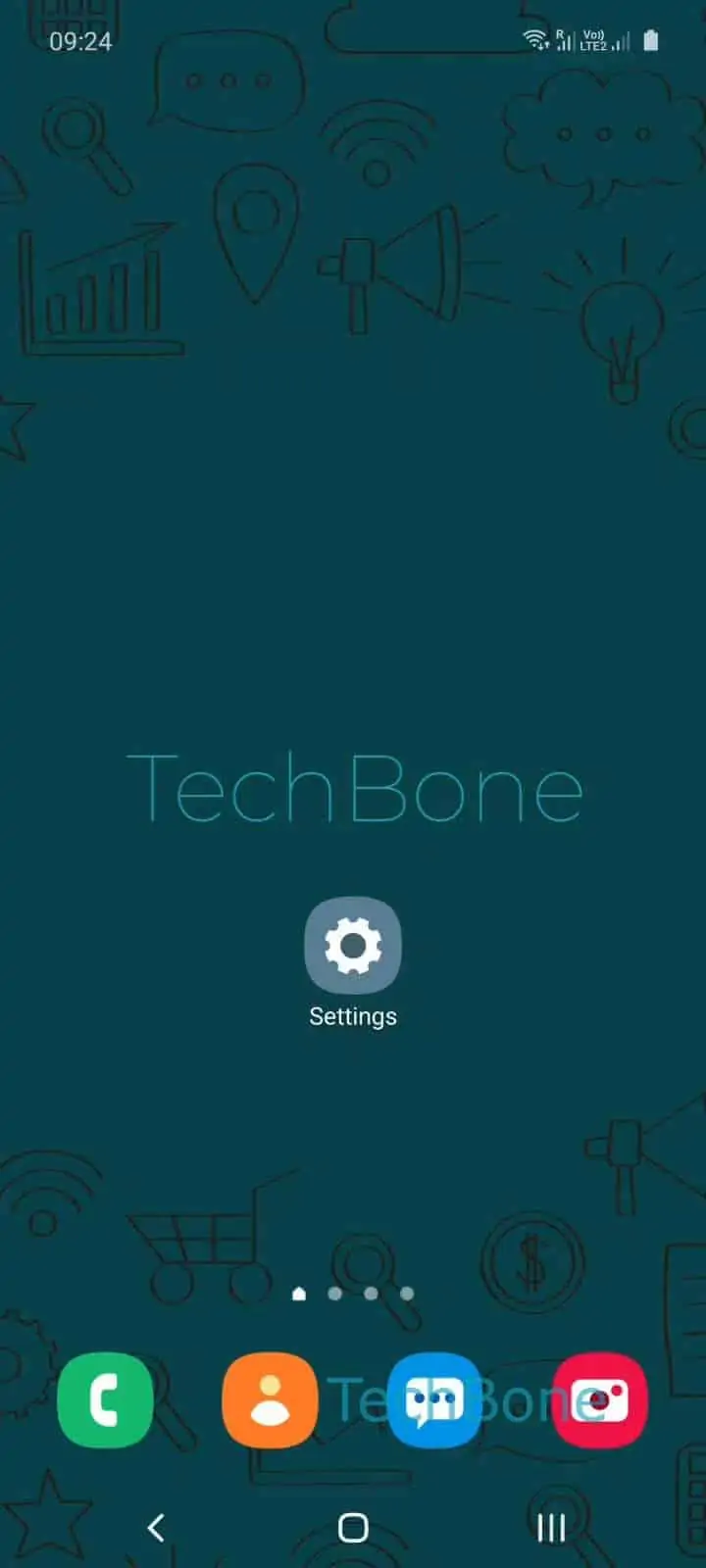
Step 1 of 5: Open the **Settings**

1

Open the Settings

Live simulator

Android 10 · One UI 2
Weather Notifications in Status Bar – One UI 2: step 1 – Open the Settings
Open the Settings
1 / 5

Scroll or use the buttons for the next step

Feedback

Was the guide correct?

Help others: confirm the path or report a problem.

75

Confirmations

Forum verified this path

Samsung

Weather Notifications in Status Bar auf Samsung

The weather entry in your Samsung status bar is generated by the Google app, which bundles local weather updates into its own notification channel. This is why the alert can appear even without a weather widget on your home screen, and why searching inside a weather app for an off switch leads nowhere.

Because the setting lives under the Google app itself, turning it off only affects this one notification type. Other Google alerts, such as search suggestions or account notices, stay untouched.

To disable it, go to Open the SettingsTap on AppsTap on GoogleTap on NotificationsEnable or disable Current weather condition. Switching this toggle off stops the status bar entry immediately, without restarting the phone.

If you still see weather information after disabling this, check whether a separate weather widget or app is installed, since those run independent notification settings. Re-enabling the toggle brings the alert back the next time conditions change locally.

Frequently asked questions

If it reappears, the toggle under Open the SettingsTap on AppsTap on GoogleTap on NotificationsCurrent weather condition was likely re-enabled by a Google app update. Check the setting again after any app update.

Compatible devices

Tap your device — opens its hub with matching guides.

Android 10 · One UI 2

No compatible devices are listed for this version.