Skip to content
TechBone
Samsung

Samsung: Show or Hide Web Previews in Messages

When someone texts you a link, Samsung Messages can automatically pull in a preview showing the page title, a small screenshot and the URL. That preview loads over mobile data every time a link arrives, even if you never tap on it, which can add up on a limited plan. Whether that convenience is worth the data use depends on how often you get linked messages.

4 min5 steps
Version

Step by step

1 / 5

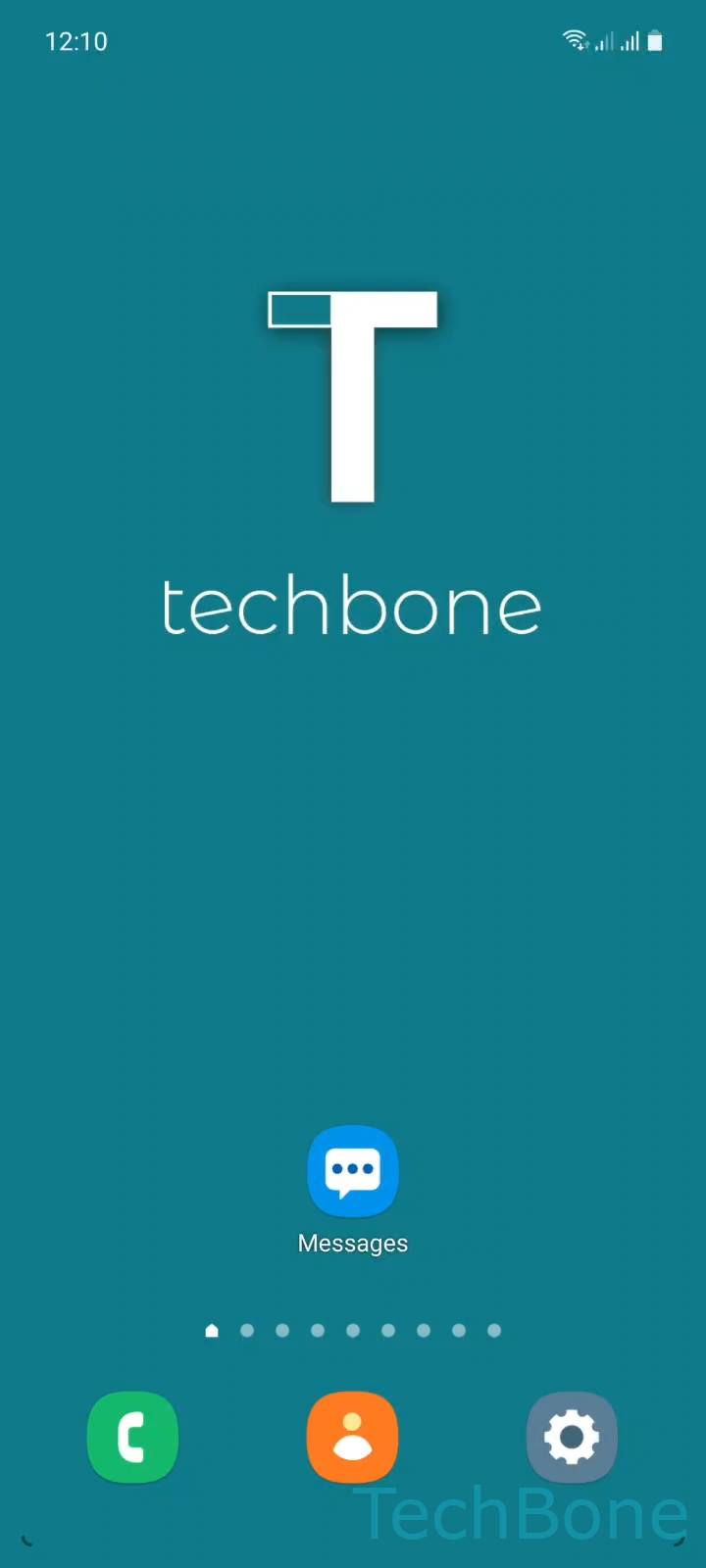
Step 1 of 5: Tap on **Messages**

1

Tap on Messages

Live simulator

Android 11 · One UI 3
Show or Hide Web Previews in Messages – One UI 3: step 1 – Tap on Messages
Tap on Messages
1 / 5

Scroll or use the buttons for the next step

Feedback

Was the guide correct?

Help others: confirm the path or report a problem.

42

Confirmations

Forum verified this path

Samsung

Show or Hide Web Previews in Messages auf Samsung

Samsung Messages can show a preview card under any text message that contains a website link. The card usually includes the page title, a small screenshot and the URL, so you get an idea of where the link goes before opening it.

This preview is generated by loading the linked page in the background, which uses mobile data if you are not connected to Wi-Fi. On a limited or metered plan, that background loading can quietly use up data over time, especially if you receive a lot of messages with links.

The setting sits inside the Messages app rather than the general system settings. To find it, go to Tap on MessagesOpen the MenuTap on SettingsTap on More settingsEnable or disable Show web previews.

Turning the option off stops the automatic preview from loading, so messages with links show only the raw text and URL. Turning it on brings back the visual preview but resumes the background data use. Neither setting changes whether you can open the link manually, only how much information appears before you tap it.

Frequently asked questions

No. Existing preview cards stay in the conversation. The setting only controls whether new links generate a preview after you change it.

Compatible devices

Tap your device — opens its hub with matching guides.

Android 11 · One UI 3

No compatible devices are listed for this version.