Skip to content
TechBone
Samsung

Samsung: Connect a Device via Wi-Fi Direct

When two Samsung phones are next to each other but can't share files because they're not on the same WLAN, Wi-Fi Direct solves it. This peer-to-peer connection skips the router entirely and links two devices straight to each other. It only works if both devices support Wi-Fi Direct and have the feature open at the same time.

5 min6 steps
Version

Step by step

1 / 6

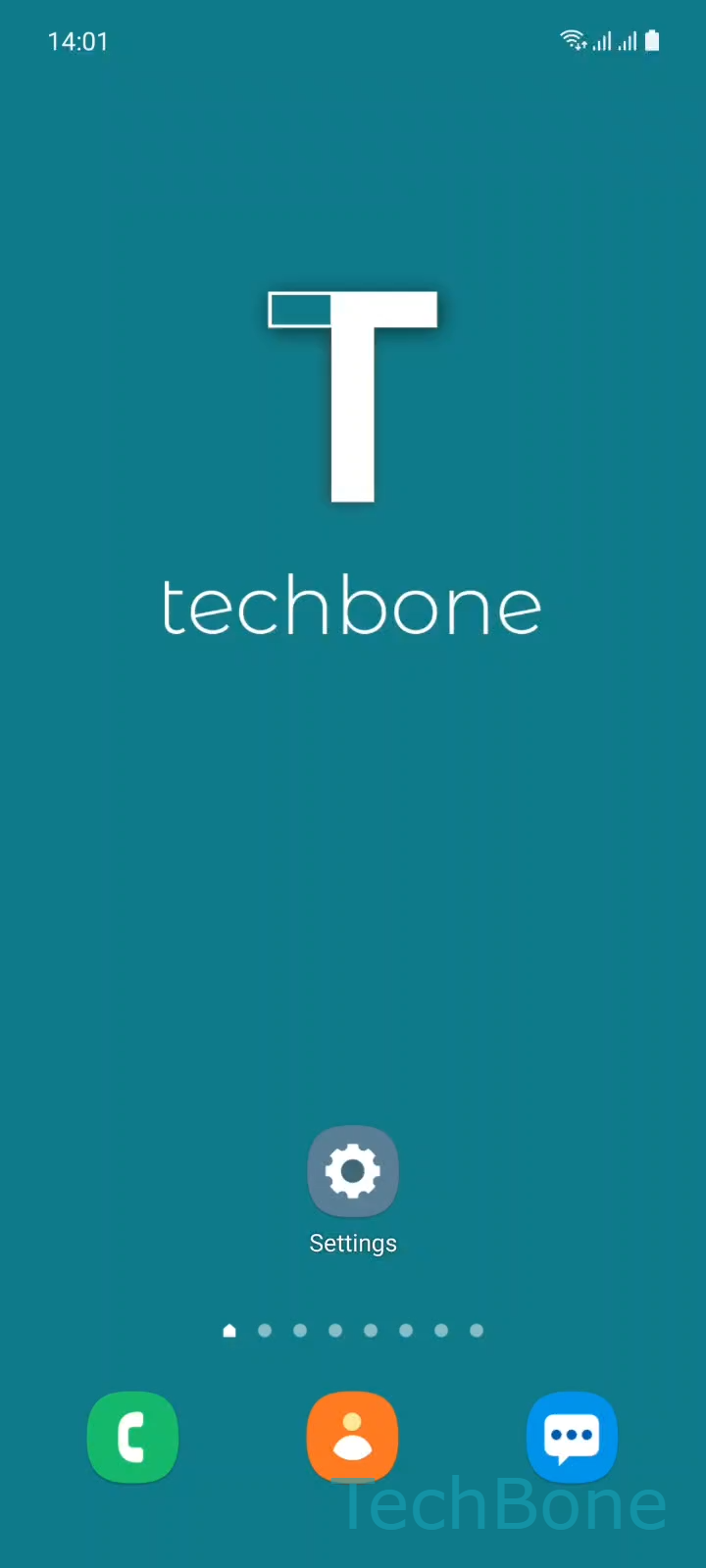
Step 1 of 6: Tap on **Settings**

1

Tap on Settings

Live simulator

Android 11 · One UI 3
Connect via Wi-Fi Direct – One UI 3: step 1 – Tap on Settings
Tap on Settings
1 / 6

Scroll or use the buttons for the next step

Feedback

Was the guide correct?

Help others: confirm the path or report a problem.

32

Confirmations

Forum verified this path

Samsung

Connect via Wi-Fi Direct auf Samsung

Wi-Fi Direct creates a direct WLAN link between two compatible devices without a router or access point in between. It uses the same radio hardware as a normal WLAN connection, so transfer speeds stay far above Bluetooth, which makes it useful for larger files like videos or full photo albums.

Both devices need Wi-Fi Direct support and both need the feature open in their settings before they can see each other. On Samsung phones running One UI, the option sits inside the WLAN settings rather than as a separate app.

Menu path on Samsung

Open SettingsConnectionsWi-FiMenuWi-Fi Direct. The device scans automatically and lists every nearby device that also has Wi-Fi Direct active. Tap the target device under Available devices to send a connection request, then confirm on the second device to finish pairing.

Wi-Fi Direct temporarily disconnects the device from a regular WLAN network in some cases, since it repurposes the same antenna. If a stable internet connection matters more than a fast local transfer, a shared WLAN network or Quick Share is often the better choice.

Frequently asked questions

Both devices need Wi-Fi Direct open at the same time. If it closes on one side after a timeout, reopen SettingsConnectionsWi-FiMenuWi-Fi Direct on both devices and wait for the scan to refresh.

Compatible devices

Tap your device — opens its hub with matching guides.

Android 11 · One UI 3

No compatible devices are listed for this version.