
Skip to content
TechBone
Xiaomi

Xiaomi: Allow or Block Notification Shade Access on the Lock Screen

Swiping down on your Xiaomi lock screen normally opens the notification shade before you even unlock the phone. If you share your device often or just want less exposed on a locked screen, that shortcut can feel like a privacy gap. MIUI lets you turn this specific swipe-down access on or off without touching your screen lock security.

3 min4 steps
VersionAndroid 11 · MIUI

Step by step

1 / 4

Step 1 of 4: Tap on **Settings**

1

Tap on Settings

Live simulator

Android 11 · MIUI
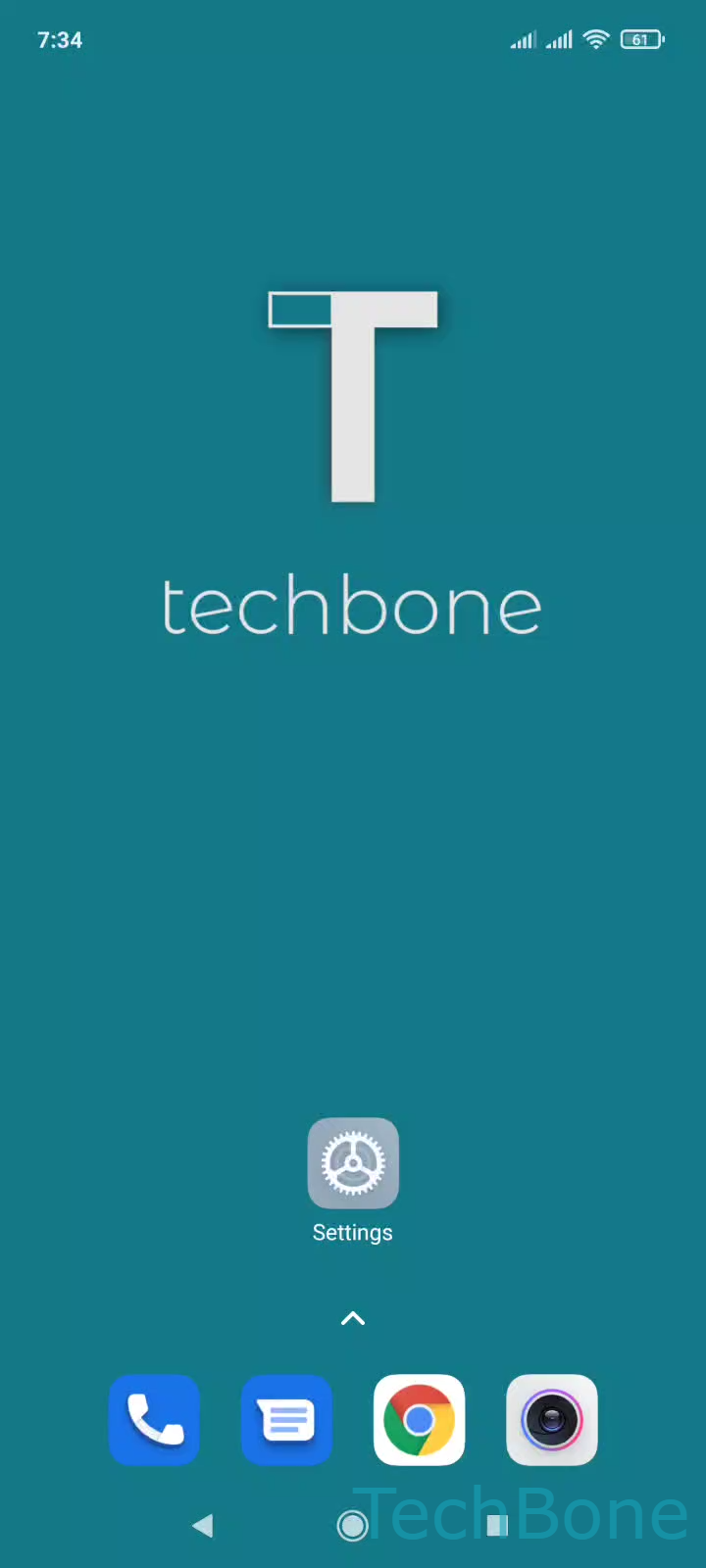
Enable or Disable Notification Shade Access on the Lock Screen – MIUI: step 1 – Tap on Settings
Tap on Settings
1 / 4

Scroll or use the buttons for the next step

Feedback

Was the guide correct?

Help others: confirm the path or report a problem.

31

Confirmations

Forum verified this path

Xiaomi

Enable or Disable Notification Shade Access on the Lock Screen auf Xiaomi

On MIUI, swiping down on the lock screen normally opens the notification shade without needing to unlock the device first. This behavior is controlled separately from your screen lock security, so turning it off does not affect your PIN, pattern or fingerprint setup.

When the option is disabled, a swipe down on the lock screen only reveals the clock and widgets area, and the notification shade stays hidden until the phone is unlocked. This stops anyone picking up the phone from opening the shade, even before individual notification previews come into play.

Where to find the toggle

Open SettingsNotifications & Control centerItems shown on the Lock screen after swiping down and switch Notification shade on or off.

Disabling access here does not remove notifications from the lock screen itself, it only blocks the swipe-down gesture. If you also want the notification content hidden, check the separate lock screen notification privacy settings for that.

Frequently asked questions

No, it only blocks the swipe-down gesture that opens the shade. Notification previews shown directly on the lock screen are managed separately in the lock screen notification settings.