Skip to content
TechBone
Xiaomi

Xiaomi: Turn the Accessibility Menu Shortcut On or Off

If a small floating icon suddenly shows up in the bottom right corner of your screen on your Xiaomi phone, the Accessibility menu shortcut has been switched on. This icon opens a panel with accessibility actions and does not change how the rest of the phone works. You can turn it on or off depending on whether you actually need those accessibility tools.

5 min6 steps
Version

Step by step

1 / 6

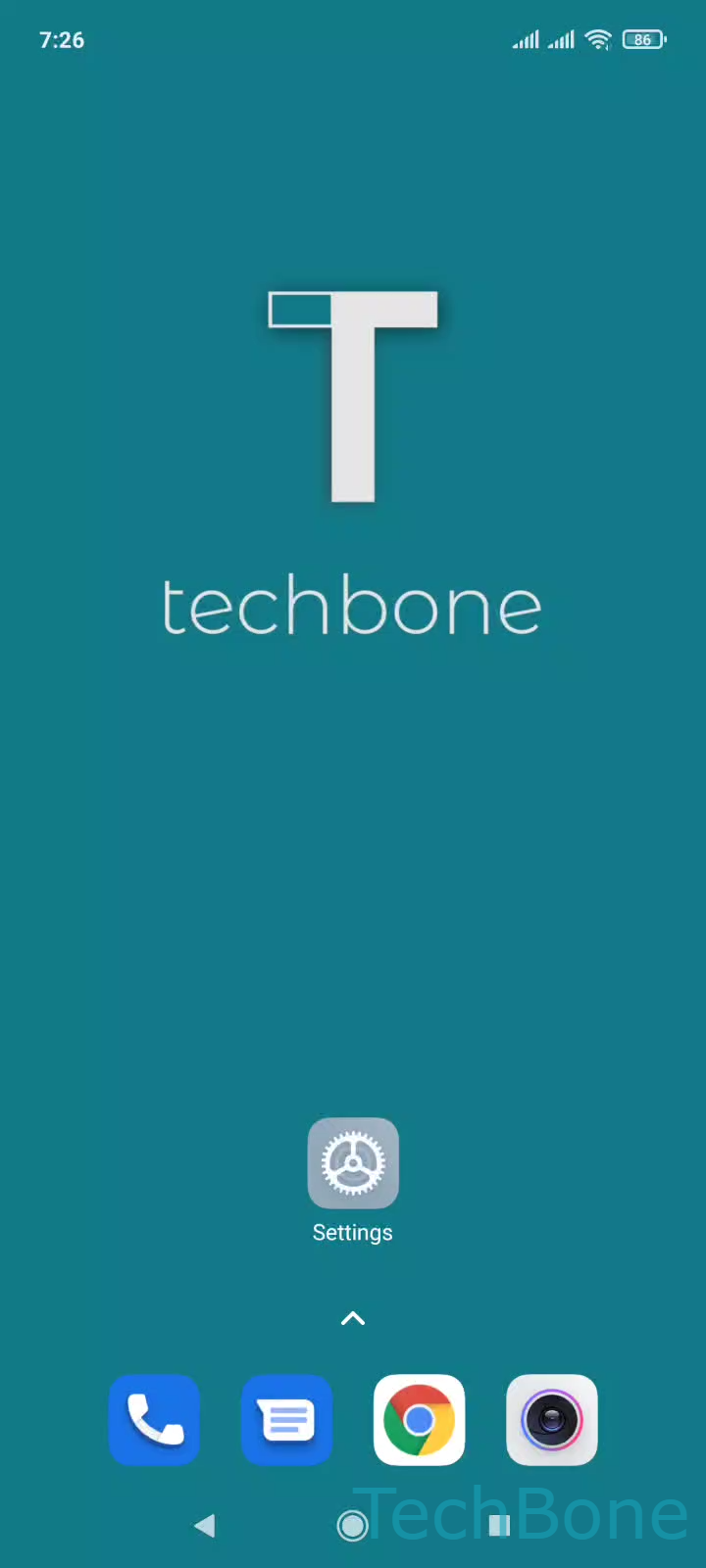
Step 1 of 6: Tap on **Settings**

1

Tap on Settings

Live simulator

Android 11 · MIUI
Turn Accessibility Menu Shortcut On or Off – MIUI: step 1 – Tap on Settings
Tap on Settings
1 / 6

Scroll or use the buttons for the next step

Feedback

Was the guide correct?

Help others: confirm the path or report a problem.

55

Confirmations

Forum verified this path

Xiaomi

Turn Accessibility Menu Shortcut On or Off auf Xiaomi

The Accessibility menu shortcut adds a small floating icon to the bottom right corner of your screen on MIUI. Tapping it opens a panel with quick actions such as volume control, screenshot, or lock screen, meant to help people who have trouble reaching physical buttons or performing complex gestures.

The icon does not interfere with regular phone use and stays available from any app or screen. It can be moved to a different position, but it cannot be removed completely while the shortcut is active. If you never use those accessibility actions, turning the shortcut off removes the floating icon and frees up that corner of the screen.

How to enable or disable it

Open SettingsAdditional settingsAccessibilityAccessibility menu. From there, toggle Enable or disable Accessibility menu shortcut and confirm with Allow when the permission prompt appears.

If the icon keeps coming back after you turn it off, check whether another accessibility feature or a third-party app is re-enabling the shortcut automatically.

Frequently asked questions

Some accessibility features enable the shortcut automatically when they are turned on. Check SettingsAdditional settingsAccessibilityAccessibility menu and disable the shortcut if you did not set it up intentionally.