Skip to content
TechBone
Xiaomi

Xiaomi: Add a New Account in Settings

If WhatsApp, Facebook or another app did not create the account you need automatically, you have to add it yourself before contacts, calendar or backup data can sync. Xiaomi phones bundle every linked account - Google, Exchange, Mi Cloud and more - under a single settings screen, but that screen is easy to miss on a new device. Without the account added there, the app keeps asking you to sign in every time you open it.

3 min4 steps
Version

Step by step

1 / 4

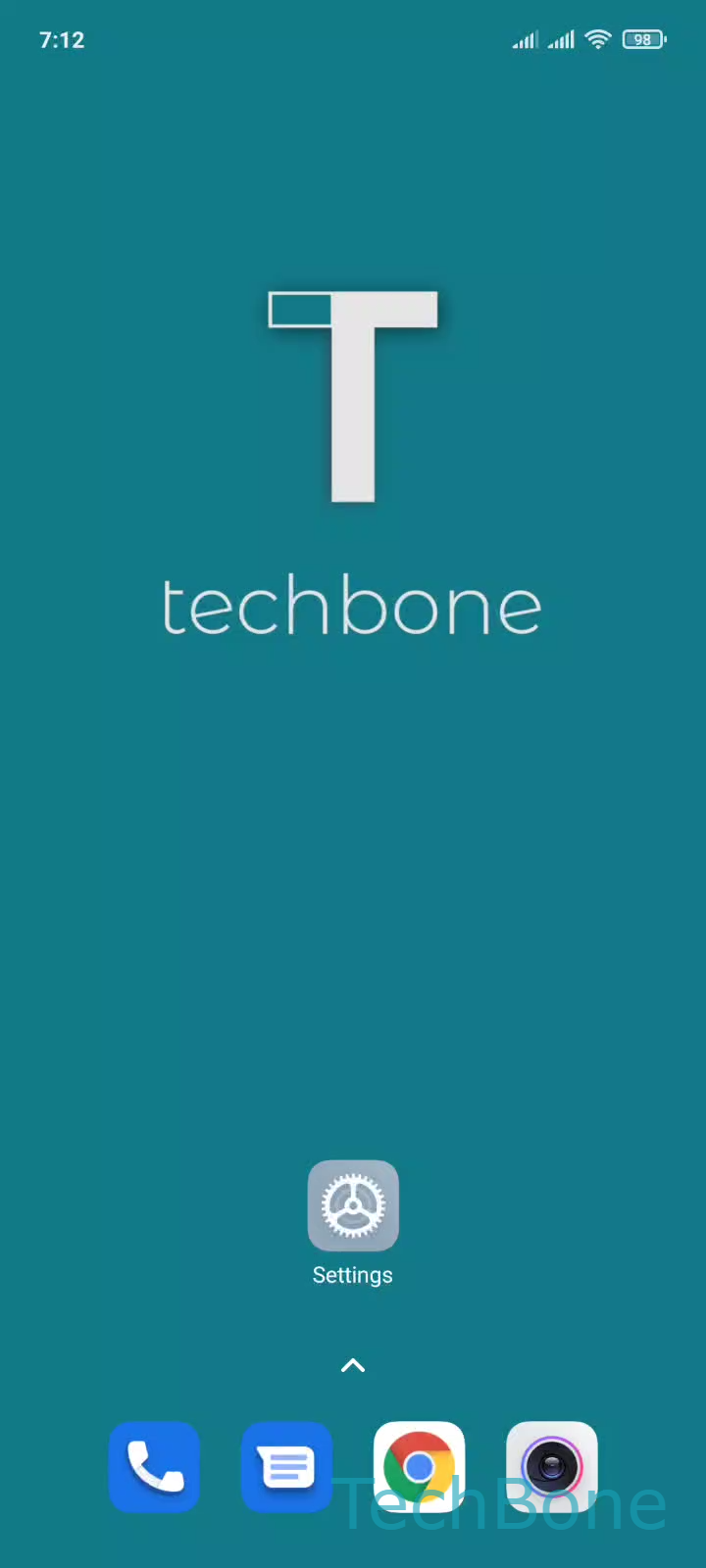
Step 1 of 4: Tap on **Settings**

1

Tap on Settings

Live simulator

Android 11 · MIUI
Add an Account – MIUI: step 1 – Tap on Settings
Tap on Settings
1 / 4

Scroll or use the buttons for the next step

Feedback

Was the guide correct?

Help others: confirm the path or report a problem.

60

Confirmations

Forum verified this path

Xiaomi

Add an Account auf Xiaomi

Most apps create an account automatically the first time you log in, but some services - Exchange mail, a second Google profile, Mi Cloud - need to be added manually before they show up in an app. All accounts on a Xiaomi phone are managed from one central menu, independent of the individual apps that use them.

Where to add an account

Open SettingsAccounts & syncAdd account. Pick the account type you want to link, then follow the sign-in steps shown on screen for that provider.

Once an account is added here, apps that rely on it - Mail, Calendar, Contacts, or backup services - can read and sync its data without asking you to log in again separately.

When this does not help

If an app-specific login (for example inside WhatsApp or Facebook) fails, the fix is usually inside that app itself, not in Accounts & sync. Adding the account system-wide only covers services that support Android account sync, such as mail, calendar and contacts.

Removing an account from this same menu also stops all connected apps from syncing that account immediately, so double-check which services depend on it first.

Frequently asked questions

Some MIUI versions list Exchange under a slightly different label inside Add account. If it is missing entirely, update the Mail app or check with your IT admin, since some Exchange servers require an app-specific client instead of the system account.