Skip to content
TechBone
Xiaomi

Xiaomi: Add Widgets to the Home Screen

Opening an app just to check a stock quote, the weather, or your next calendar entry gets tedious fast. On Xiaomi phones running MIUI, widgets show that information directly on the home screen without unlocking the app first. Many users only find wallpaper and icon-organizing options here, since the widget menu is easy to miss.

3 min4 steps
Version

Step by step

1 / 4

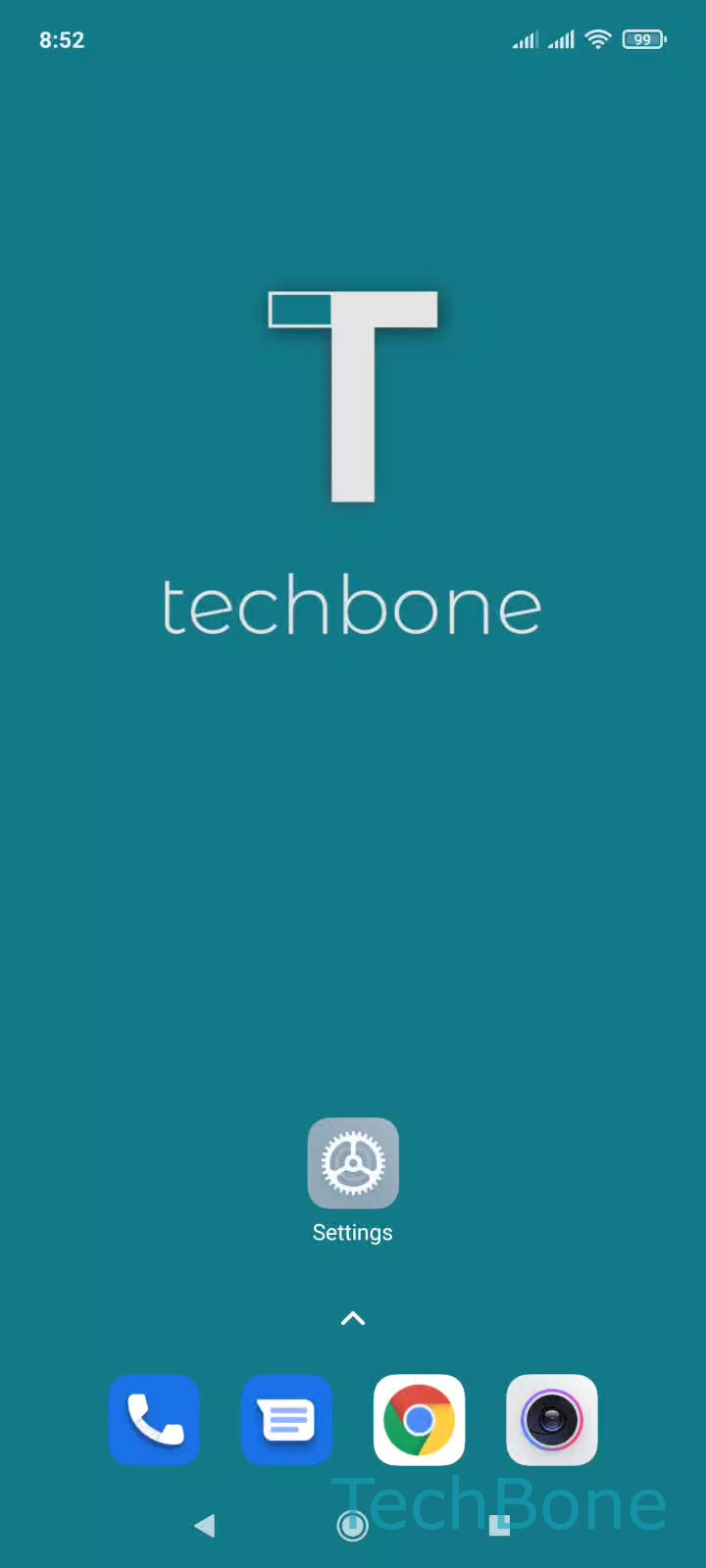
Step 1 of 4: Tap and hold a **free area**on home screen

1

Tap and hold a free areaon home screen

Live simulator

Android 11 · MIUI
Add a Widget to the Home Screen – MIUI: step 1 – Tap and hold a free areaon home screen
Tap and hold a free areaon home screen
1 / 4

Scroll or use the buttons for the next step

Feedback

Was the guide correct?

Help others: confirm the path or report a problem.

12

Confirmations

Forum verified this path

Xiaomi

Add a Widget to the Home Screen auf Xiaomi

Widgets pull live content from an app onto the home screen, so you can see stock prices, weather, or calendar entries without opening anything. On Xiaomi phones running MIUI, the widget picker sits inside the home screen editor rather than in a dedicated settings menu, which is why it stays hidden until you know where to look.

To add one, press and hold an empty spot on the home screen: Tap and hold a free area on home screenTap on WidgetsChoose a WidgetTap on Done. Some widgets come in multiple sizes, so drag the resize handles after placing one if the layout looks cramped.

If the free area does not respond, you are likely tapping directly on an app icon or an existing widget instead of open space. Widgets also use noticeably more battery and home screen space than a simple app icon, since they refresh content in the background. For apps you only open occasionally, a regular shortcut is usually the better choice.

Frequently asked questions

If nothing happens when you tap and hold, you are probably tapping an icon instead of empty space. Move to a spot without icons, then use Tap and hold a free area on home screenTap on Widgets to open the picker.