
Xiaomi
Answer an Incoming Call on the Lock Screen auf Xiaomi
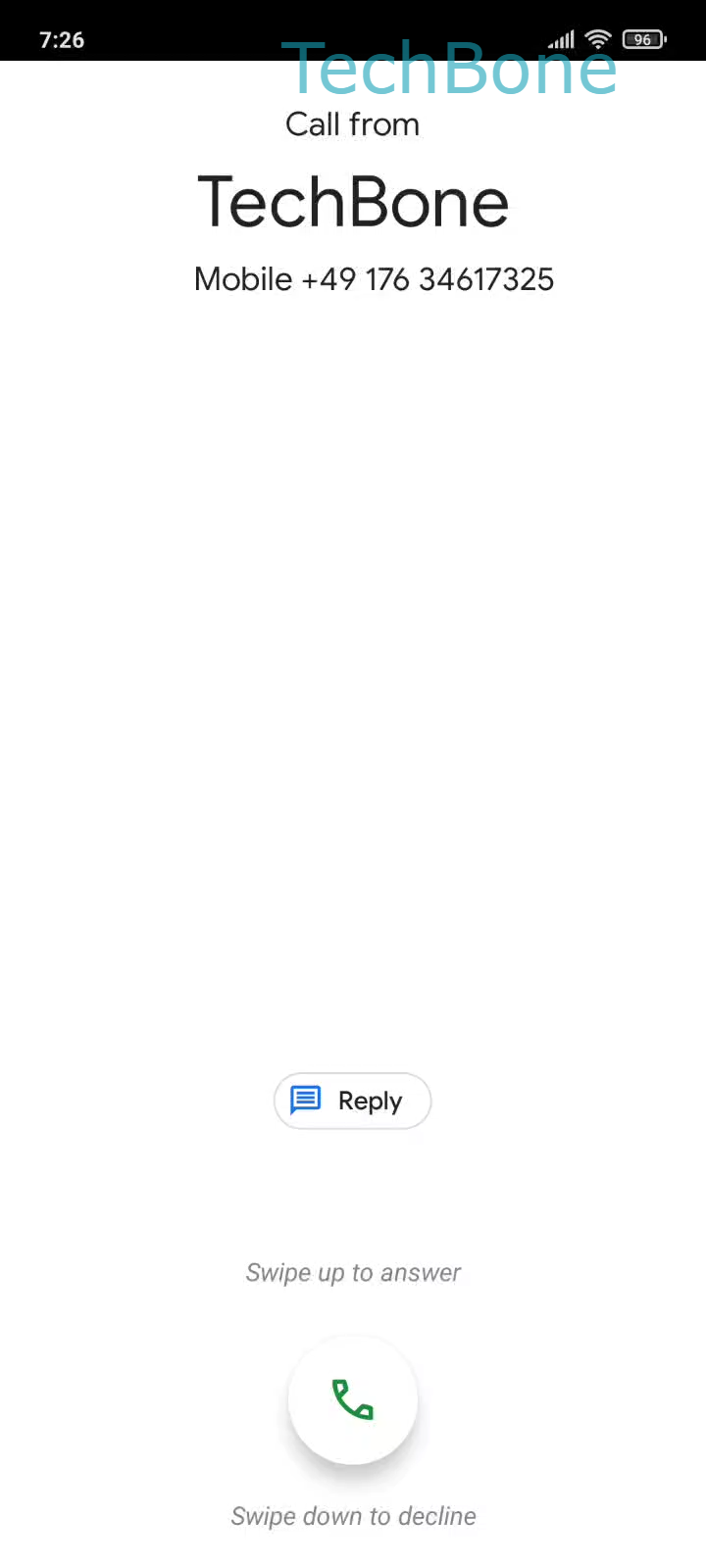
On Xiaomi phones running MIUI, the incoming call screen shows a green phone icon that reacts only to a vertical drag, not a tap. If you tap it like a regular button, the system often registers no input, and the call keeps ringing until it goes to voicemail.
To answer the call correctly:
Drag the Phone button upwards ➔ Release the Phone button to answer the call
The same gesture works whether the screen is locked or unlocked. Dragging the icon downwards instead declines the call, so the direction of the swipe matters as much as the swipe itself.
If calls still do not connect after a correct swipe, the issue is usually unrelated to the gesture. Check whether Do Not Disturb is active, whether the SIM has signal, or whether a third-party dialer app has replaced the default phone app and intercepts the call screen.
On some devices, a case or screen protector near the top edge can interfere with the touch area used for the drag gesture. Removing the case temporarily helps confirm whether that is the cause.