Skip to content
TechBone
Xiaomi

Xiaomi: Turn On or Off Blur Effect for App Previews

When you swipe through recent apps on your Xiaomi phone, the preview thumbnails can show account balances, chat messages or other personal details in plain sight. MIUI lets you blur individual app previews so text and layout become unreadable at a glance. The setting works per app, which means it is easy to forget for apps you add later, such as a new banking or messaging app.

3 min4 steps
Version

Step by step

1 / 4

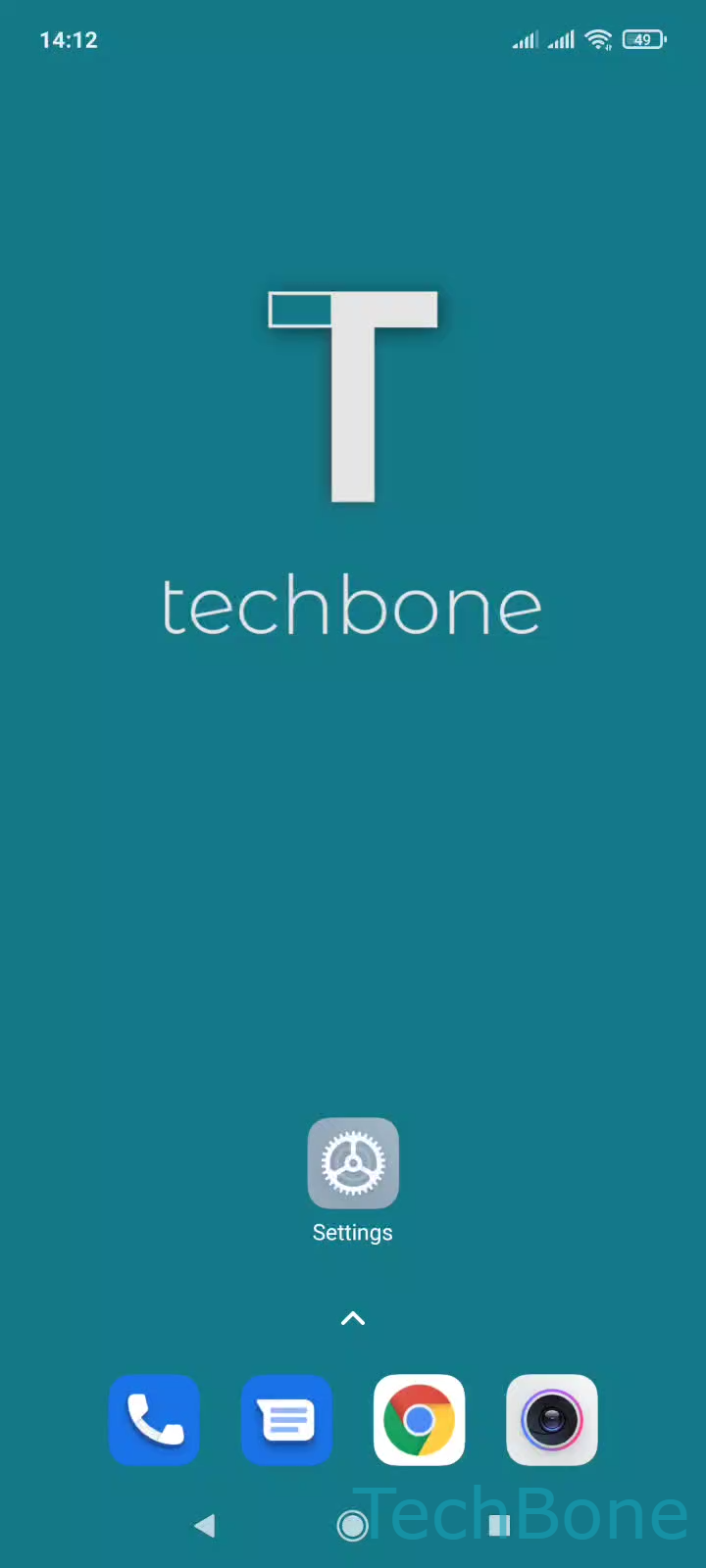
Step 1 of 4: Tap on **Settings**

1

Tap on Settings

Live simulator

Android 11 · MIUI
Blur Effect for App Previews – MIUI: step 1 – Tap on Settings
Tap on Settings
1 / 4

Scroll or use the buttons for the next step

Feedback

Was the guide correct?

Help others: confirm the path or report a problem.

58

Confirmations

Forum verified this path

Xiaomi

Blur Effect for App Previews auf Xiaomi

The blur effect in the recent apps overview hides the content of an app preview by softening text and images until they are no longer readable. MIUI applies this per app, not globally, so every app you want protected has to be switched on individually.

This matters most for apps that display personal data on the screen, such as banking apps, messengers or health trackers. Without the blur effect, anyone glancing at your phone while you switch apps can read balances, messages or other details straight from the preview.

Where to enable it

Open Tap on SettingsTap on Home screenTap on Blur app previewsEnable or disable an app. The list shows every installed app with a toggle, so you can turn the blur on for sensitive apps and leave it off for the rest.

If an app is missing from the list, it usually means the app was installed after your last check, so it is worth revisiting the setting whenever you add a new app that handles personal information.

Frequently asked questions

Yes. Under Tap on Blur app previewsEnable or disable an app, every installed app has its own toggle, so you decide which previews stay sharp and which get blurred.