Skip to content
TechBone
Xiaomi

Xiaomi: Set Camera Modes Layout to Tab or Panel

Switching between Photo, Video, and other capture modes takes an extra tap when your camera app hides them behind a 'More' tab instead of a swipeable panel. This layout setting decides how the mode bar behaves at the bottom of the viewfinder, and the wrong choice can slow down quick mode changes while shooting. The option lives inside the camera app itself, not in the general phone settings.

5 min6 steps
VersionAndroid 11 · MIUI

Step by step

1 / 6

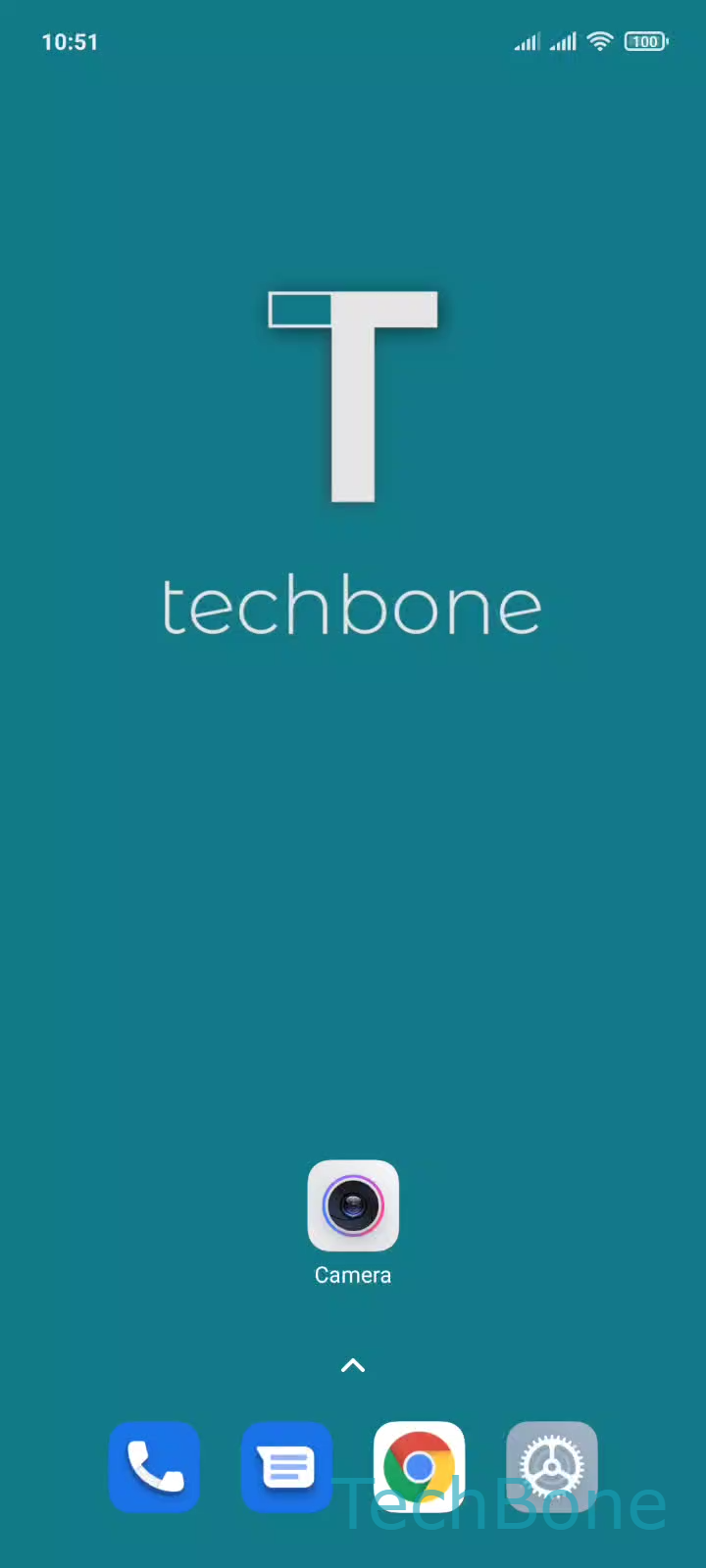
Step 1 of 6: Tap on **Camera**

1

Tap on Camera

Live simulator

Android 11 · MIUI
Camera Modes Layout: Tab or Panel – MIUI: step 1 – Tap on Camera
Tap on Camera
1 / 6

Scroll or use the buttons for the next step

Feedback

Was the guide correct?

Help others: confirm the path or report a problem.

73

Confirmations

Forum verified this path

Xiaomi

Camera Modes Layout: Tab or Panel auf Xiaomi

The camera modes bar (Photo, Video, Portrait and so on) can show extra modes two different ways. One option keeps them behind a 'More' tab that needs an extra tap to open. The other shows a panel you reach by swiping up on the mode bar, which feels faster once you get used to it.

This layout only affects modes that do not fit directly in the visible row. Your most-used modes like Photo and Video stay visible either way.

Where to change it

Open the setting with this path:

Tap on CameraOpen the MenuTap on SettingsTap on CustomizeTap on Camera modesChoose "More" tap or "More" panel

Pick the 'More' tab if you prefer a clear, static button. Pick the 'More' panel if you switch between extra modes often and want a quicker swipe gesture instead of a tap-and-select menu.

If the Customize entry is missing from camera settings, the current MIUI camera version may not offer this layout choice on your device.

Frequently asked questions

The 'More' tab shows a single button that opens a list of extra modes when tapped. The 'More' panel replaces that button with a swipe gesture on the mode bar, letting you scroll through extra modes directly without an extra tap.