Skip to content
TechBone
Xiaomi

Xiaomi: Change the Font Size on Your Phone

Reading long texts on a small screen strains your eyes if the system font stays too small, and cranking up brightness alone does not fix that. On Xiaomi phones the text scale sits in its own menu, separate from general display settings, which is why many people never find it. MIUI offers six size steps instead of a simple small/medium/large switch, so getting the right level takes a bit of trial and error.

3 min4 steps
Version

Step by step

1 / 4

Step 1 of 4: Tap on **Settings**

1

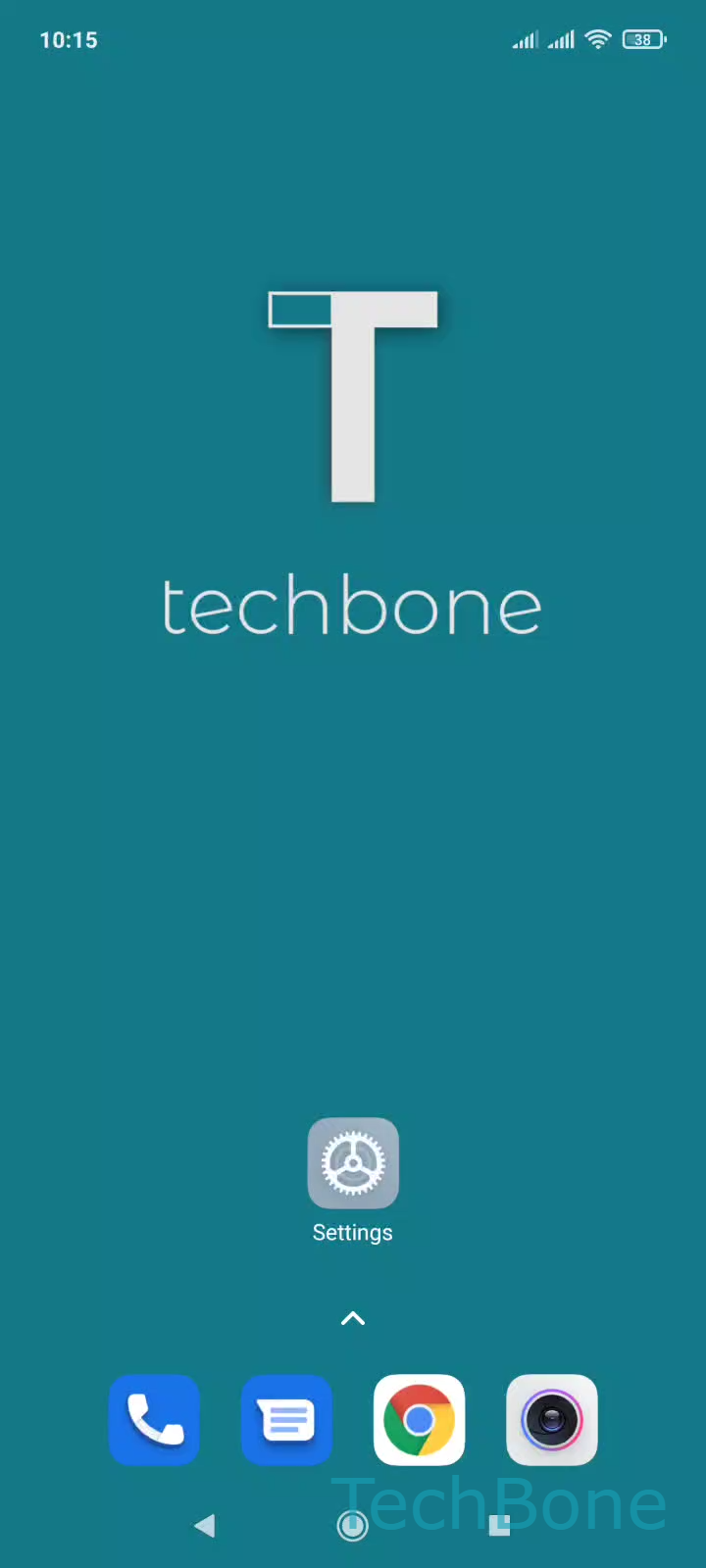
Tap on Settings

Live simulator

Android 11 · MIUI
Change Font Size – MIUI: step 1 – Tap on Settings
Tap on Settings
1 / 4

Scroll or use the buttons for the next step

Feedback

Was the guide correct?

Help others: confirm the path or report a problem.

87

Confirmations

Forum verified this path

Xiaomi

Change Font Size auf Xiaomi

Small system text on MIUI often stays hard to read even after tweaking brightness or resolution, because font scaling lives in its own separate menu on Xiaomi phones instead of being grouped with those settings.

MIUI controls text scaling through a dedicated slider that affects menus, notifications and most native apps at once. Third-party apps sometimes ignore this system-wide scale and rely on their own internal font settings instead, which explains why text size changes do not always show everywhere.

To change it, open Tap on SettingsTap on DisplayTap on Text sizeSet the text size. MIUI gives you six steps from XS to XXL, so you can fine-tune readability instead of picking a rough small, medium or large option.

Going up several steps can push list items, widgets or the keyboard layout out of their usual position, so some home screen elements might need rearranging afterward. If only a single app still displays text too small or too large, check that app's own text or zoom setting first, since it does not always follow the system-wide scale.

Frequently asked questions

Some apps use their own internal font setting instead of following the system-wide scale set under Tap on SettingsTap on DisplayTap on Text size. Check that app's own display or accessibility menu for a separate text size option.