Skip to content
TechBone
Xiaomi

Xiaomi: Change the Control Center Style

If your Xiaomi phone still shows the older two-panel layout after an update, or you miss that classic view after switching to the newer simplified overview, the display style does not change on its own. It sits behind a separate setting that many people never open. Notifications and quick toggles stay mixed together until you pick the layout you actually want.

3 min4 steps
Version

Step by step

1 / 4

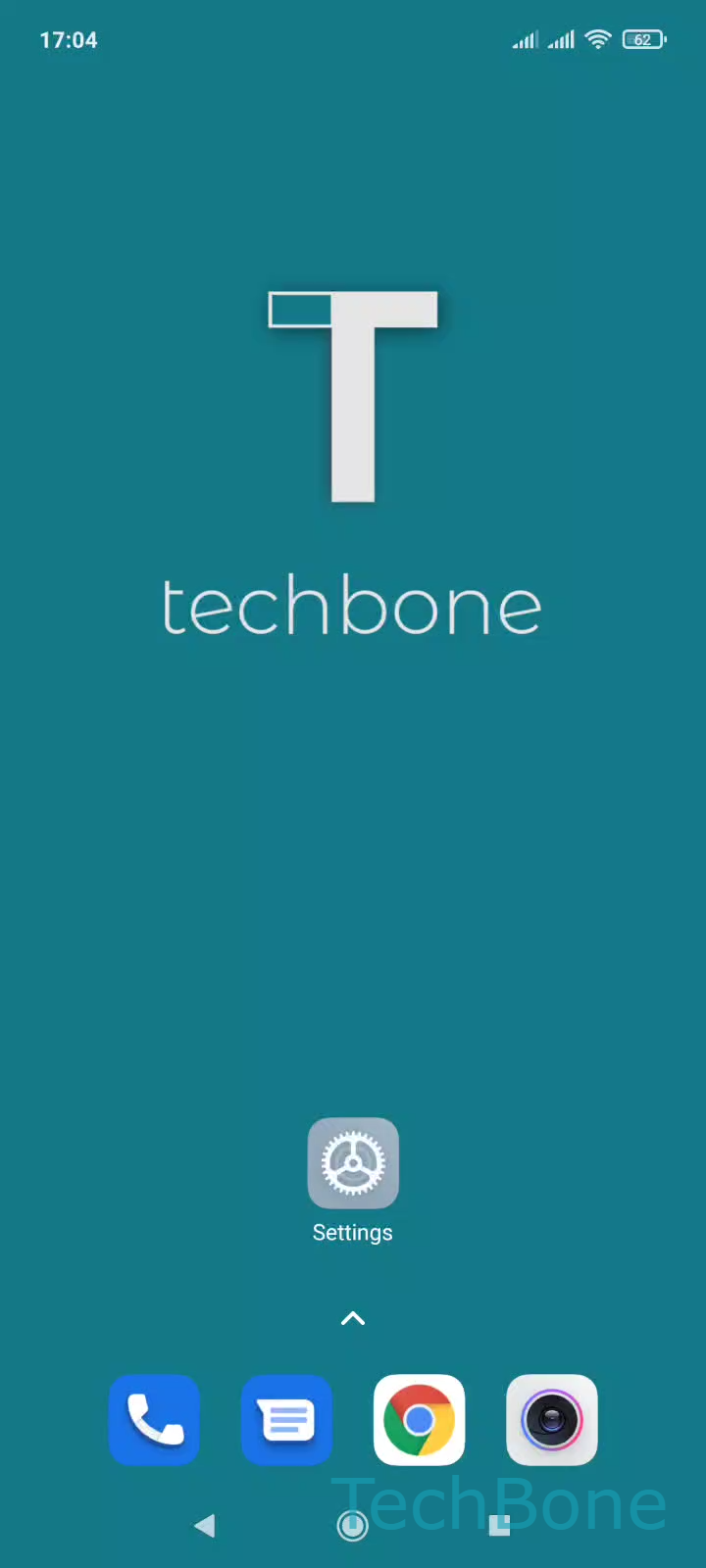
Step 1 of 4: Tap on **Settings**

1

Tap on Settings

Live simulator

Android 11 · MIUI
Switch Between Old and New Control Center Style – MIUI: step 1 – Tap on Settings
Tap on Settings
1 / 4

Scroll or use the buttons for the next step

Feedback

Was the guide correct?

Help others: confirm the path or report a problem.

92

Confirmations

Forum verified this path

Xiaomi

Switch Between Old and New Control Center Style auf Xiaomi

MIUI on Xiaomi phones offers two different Control center layouts. The newer version groups quick toggles into a clean, simplified panel, while the older version splits notifications and toggles into two separate swipe areas on the left and right edge of the screen.

Both layouts pull from the same set of Quick Settings tiles. Switching between them only changes how those tiles and notifications are arranged on screen, not which shortcuts are available.

To change the style, open Tap on SettingsTap on Notifications & Control centerTap on Control center styleChoose Old version or New version.

Pick the old version if you rely on muscle memory from earlier phones and want notifications and toggles kept apart. Pick the new version for a single unified panel that opens with one swipe from the top center of the screen.

This setting only affects layout and gesture zones. It does not remove or add any toggles, and it has no effect on notification behavior itself.

Frequently asked questions

MIUI updates sometimes reset the Control center style to the default new layout. Check SettingsNotifications & Control centerControl center style and set it back to Old version if you preferred the split layout.