Skip to content
TechBone
Xiaomi

Xiaomi: Change the Default Dialer App

If you install a new phone or call app on your Xiaomi device, calls may still open in the standard MIUI Dialer instead of your preferred app. This happens because MIUI keeps its own dialer set as default until you switch it manually in the app settings. Third-party dialer apps from the Play Store only take over once you assign them as default there.

6 min7 steps
Version

Step by step

1 / 7

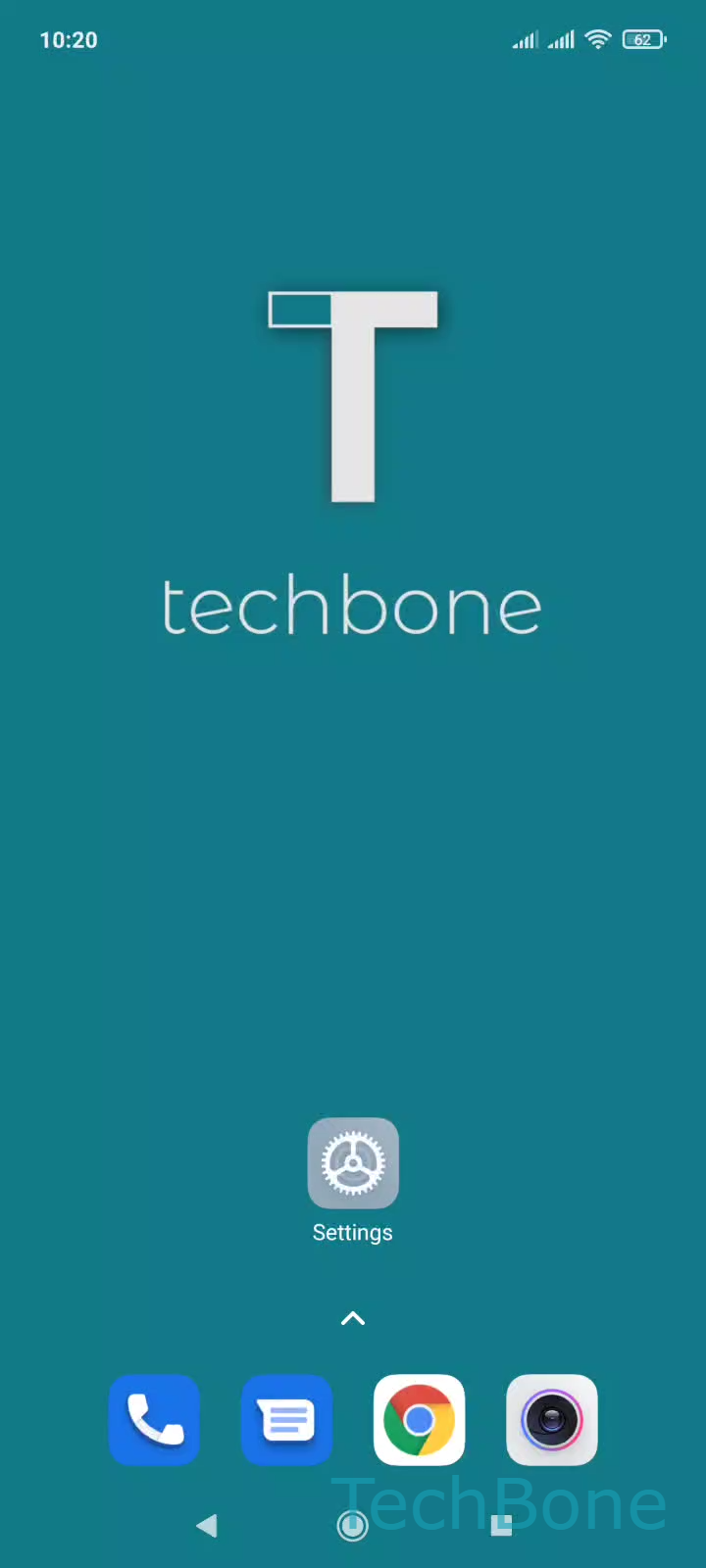
Step 1 of 7: Tap on **Settings**

1

Tap on Settings

Live simulator

Android 11 · MIUI
Change Default Dialer App – MIUI: step 1 – Tap on Settings
Tap on Settings
1 / 7

Scroll or use the buttons for the next step

Feedback

Was the guide correct?

Help others: confirm the path or report a problem.

54

Confirmations

Forum verified this path

Xiaomi

Change Default Dialer App auf Xiaomi

MIUI keeps its own Dialer app active as the default handler for calls, even after you install a third-party phone app from the Play Store. Android routes every call through whichever app is registered as default, so a new app stays inactive until you switch that setting manually.

Open SettingsAppsManage appsMenuDefault appsDial and select the app you want to use for calls. MIUI applies the change immediately, and all outgoing and incoming calls now open in the selected app.

Switching the default dialer can affect features tied to the MIUI Dialer, such as built-in spam recognition or call recording shortcuts. If your alternative app does not offer these functions, check its settings before making the switch permanent. You can reverse the process at any time and set the MIUI Dialer back as default using the same menu path.

Frequently asked questions

Only apps that request dialer permissions appear under Dial in Default apps. Make sure the app is fully installed and has been opened at least once, then check the list again.