Skip to content
TechBone
Xiaomi

Xiaomi: Delete the Second Space

If the second space on your Xiaomi phone still takes up storage or keeps showing up as a swipe option on your lock screen, removing it completely clears out that whole separate profile. Second space works like a second phone with its own apps, photos and accounts, so it does not disappear just because you stop using it. This guide covers removing it directly from the space settings, which works slightly differently than deleting it through device admin.

4 min5 steps
VersionAndroid 10 · MIUI

Step by step

1 / 5

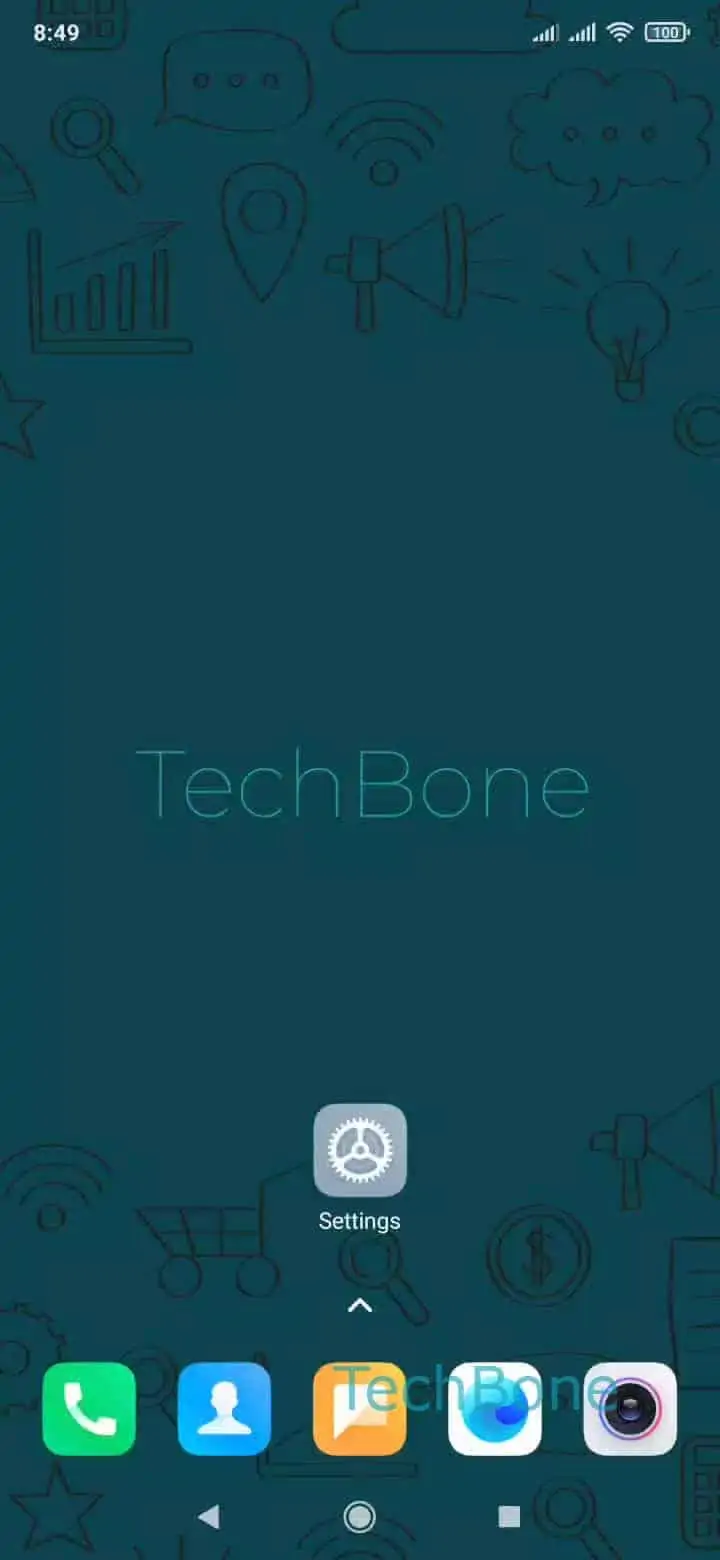
Step 1 of 5: Open the **Settings**

1

Open the Settings

Live simulator

Android 10 · MIUI
Delete Second Space – MIUI: step 1 – Open the Settings
Open the Settings
1 / 5

Scroll or use the buttons for the next step

Feedback

Was the guide correct?

Help others: confirm the path or report a problem.

37

Confirmations

Forum verified this path

Xiaomi

Delete Second Space auf Xiaomi

Second space on a Xiaomi phone is a separate, isolated profile with its own home screen, apps, photos and accounts. It runs alongside your main profile but keeps everything strictly apart, which is why it does not clear itself out when you simply stop using it.

You can remove second space from the main profile through device admin, or directly from inside second space itself. Deleting it from within its own settings is useful when you are already logged into that profile and want to shut it down without switching back first.

To delete it this way, go to Open the SettingsTap on Special featuresTap on Second spaceTap on DeleteConfirm with Delete.

Confirming the deletion removes the second space profile completely, along with every app, file and account stored inside it. This action cannot be undone, so check for anything you still need in that profile before confirming.

If you only want to switch off second space temporarily instead of deleting it, look for a lock or disable option in the same settings area rather than the delete function.

Frequently asked questions

No. Second space is fully isolated, so deleting it only removes the apps, accounts and files stored inside that separate profile. Your main profile stays untouched.