Skip to content
TechBone
Xiaomi

Xiaomi: Create or Remove a Dual App

Running two WhatsApp or Facebook accounts on one phone usually fails because those apps only allow a single login at a time. Dual apps gets around that by cloning the app into a second icon with its own data and notifications, fully separate from the original. Without setting this up, you are stuck logging out and back in every time you want to switch accounts.

4 min5 steps
Version

Step by step

1 / 5

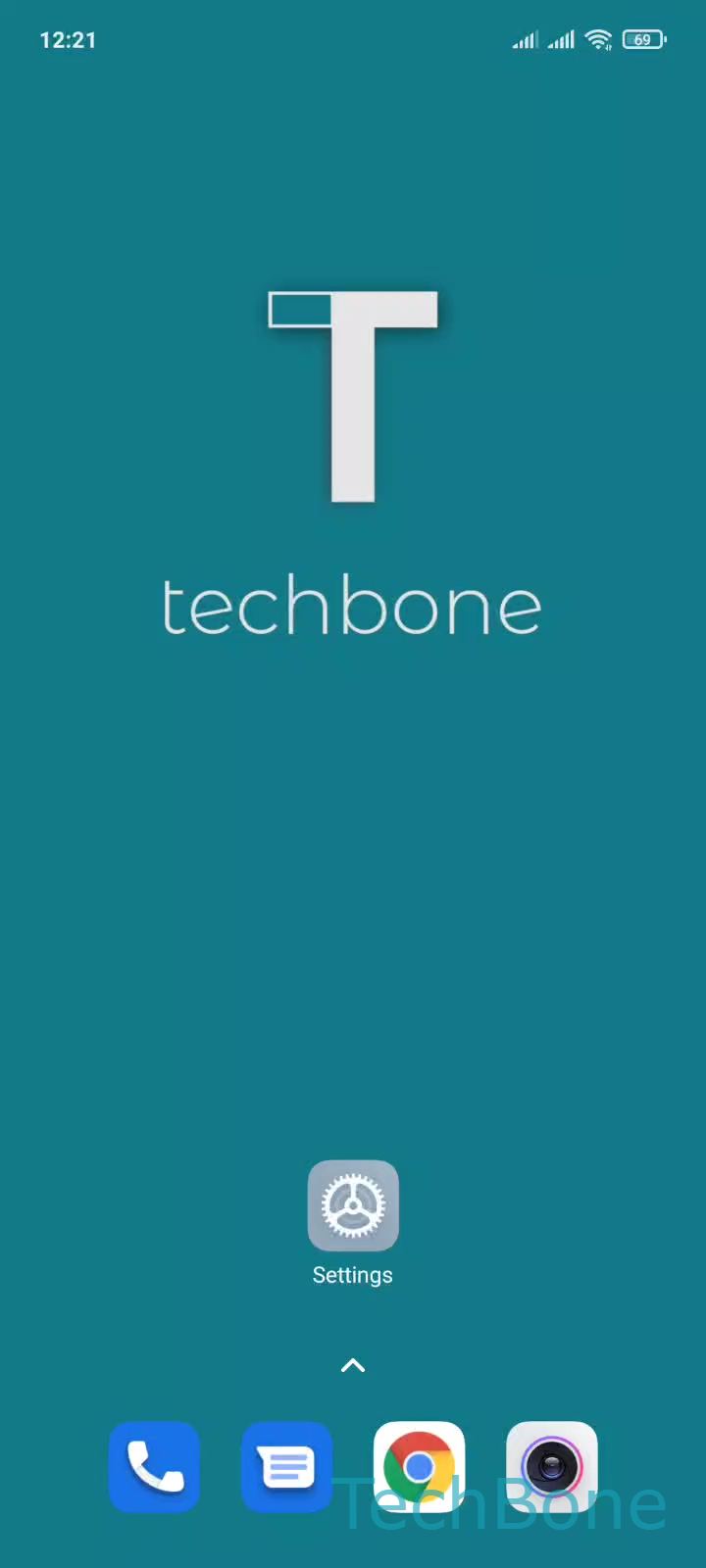
Step 1 of 5: Tap on **Settings**

1

Tap on Settings

Live simulator

Android 11 · MIUI
Create or Remove Dual Apps – MIUI: step 1 – Tap on Settings
Tap on Settings
1 / 5

Scroll or use the buttons for the next step

Feedback

Was the guide correct?

Help others: confirm the path or report a problem.

49

Confirmations

Forum verified this path

Xiaomi

Create or Remove Dual Apps auf Xiaomi

MIUI can run a second, independent instance of certain apps through the Dual apps feature. Once enabled for an app, the system creates a second icon on the home screen that behaves like a fresh install, with its own storage, cache, and login session.

This is why you can stay signed in to two WhatsApp or Facebook accounts on the same phone without constantly logging in and out. The original app and its clone never share data, so messages, contacts, and settings stay separate.

To set it up, go to Tap on SettingsTap on AppsTap on Dual appsTurn On/Off an app or select a recommended appEnable or disable Dual apps. MIUI shows a list of apps that support cloning, and enabling the toggle adds the second icon automatically.

If the app you need is missing from that list, it does not support Dual apps, and you will need an app that has built-in multi-account support instead. Turning a dual app off removes the cloned icon and its separate data, but leaves the original app untouched.

Frequently asked questions

MIUI only lists apps that are technically compatible with running a second instance. If the app is not shown under Tap on SettingsTap on AppsTap on Dual apps, it does not support cloning on your device, regardless of the app version.