Skip to content
TechBone
Xiaomi

Xiaomi: Turn On/Off Dual Clock on Lock Screen

After switching the region on a Xiaomi phone, a second time suddenly shows up on the lock screen next to the main clock. This happens because MIUI detects a time difference between your set region and your current location or SIM, and the Dual clock feature reacts automatically. You can switch it off entirely or change which region the second clock refers to.

4 min5 steps
Version

Step by step

1 / 5

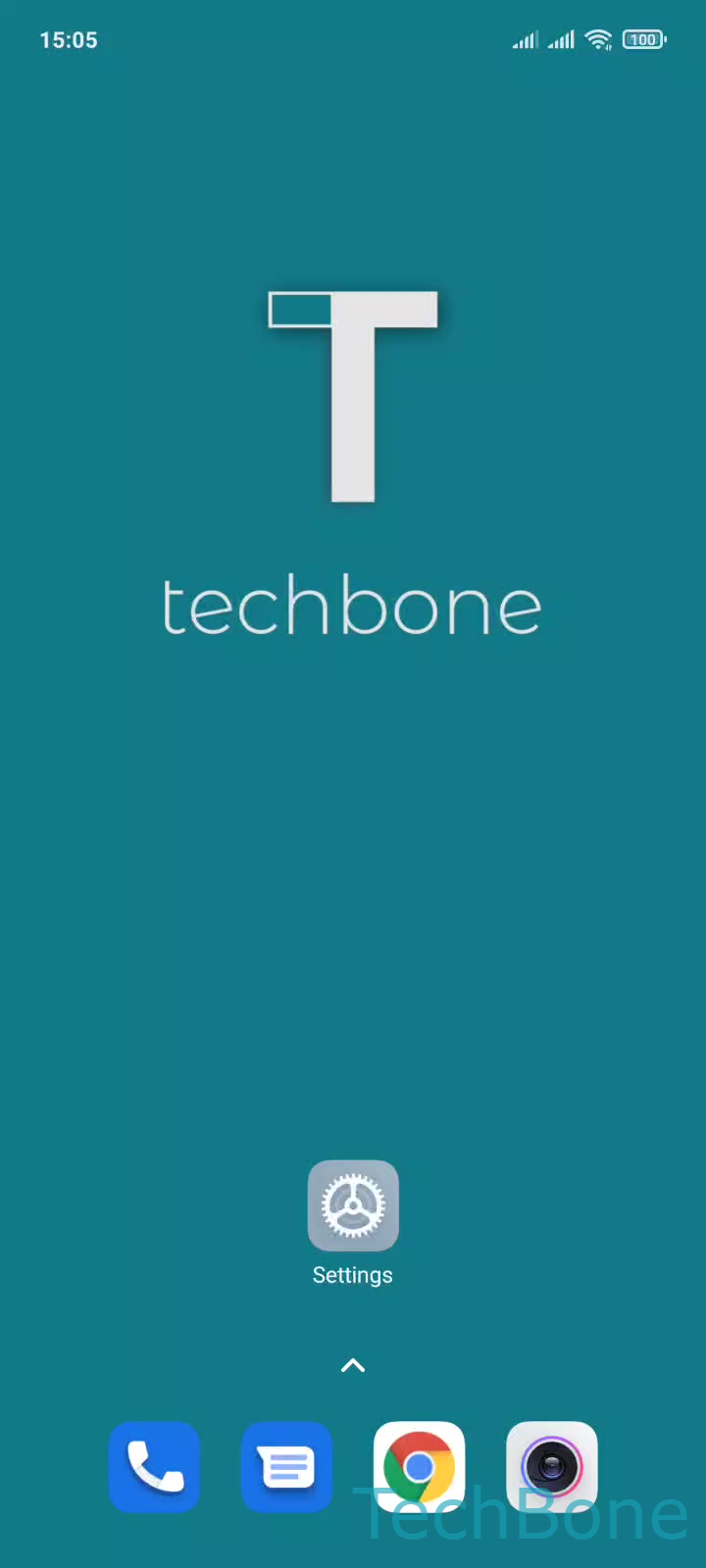
Step 1 of 5: Tap on **Settings**

1

Tap on Settings

Live simulator

Android 11 · MIUI
Turn Dual Clock On/Off on Lock Screen – MIUI: step 1 – Tap on Settings
Tap on Settings
1 / 5

Scroll or use the buttons for the next step

Feedback

Was the guide correct?

Help others: confirm the path or report a problem.

55

Confirmations

Forum verified this path

Xiaomi

Turn Dual Clock On/Off on Lock Screen auf Xiaomi

A second clock on the lock screen shows up when MIUI detects that your set region differs from your current time zone. This usually happens after changing the region in the system settings or after traveling with a SIM from a different country. MIUI compares both time zones and displays them side by side once a difference exists.

This is not a bug. Dual clock is a built-in feature meant to help you keep track of two time zones at once, similar to a travel clock. If you do not need this, you can turn it off, and the lock screen goes back to a single clock.

To manage it, go to Tap on SettingsTap on Additional settingsTap on Date & timeEnable or disable Dual clockTap on Got it. From the same menu you can also pick which region the second clock represents, so it always matches the time zone you actually want to track.

If the second clock does not disappear even after switching the toggle off, check whether the region setting itself was reverted, since MIUI re-enables Dual clock automatically whenever it detects a mismatch again.

Frequently asked questions

MIUI adds the second clock automatically whenever your region setting and your actual time zone no longer match, for example after a SIM swap or automatic region detection while traveling. Check Tap on SettingsTap on Additional settingsTap on Date & time to see which region is currently set.