Skip to content
TechBone
Xiaomi

Xiaomi: Turn Google Discover On or Off on the Home Screen

If the Info Assistant or Google Discover feed disappeared from your Xiaomi home screen, you probably stopped getting stock updates, news, or quick shortcuts. This panel sits on the leftmost home screen page and gets toggled through a hidden home screen setting, not through the Google app itself. Swiping all the way left and finding a blank page usually means it got switched off by accident.

3 min3 steps
Version

Step by step

1 / 3

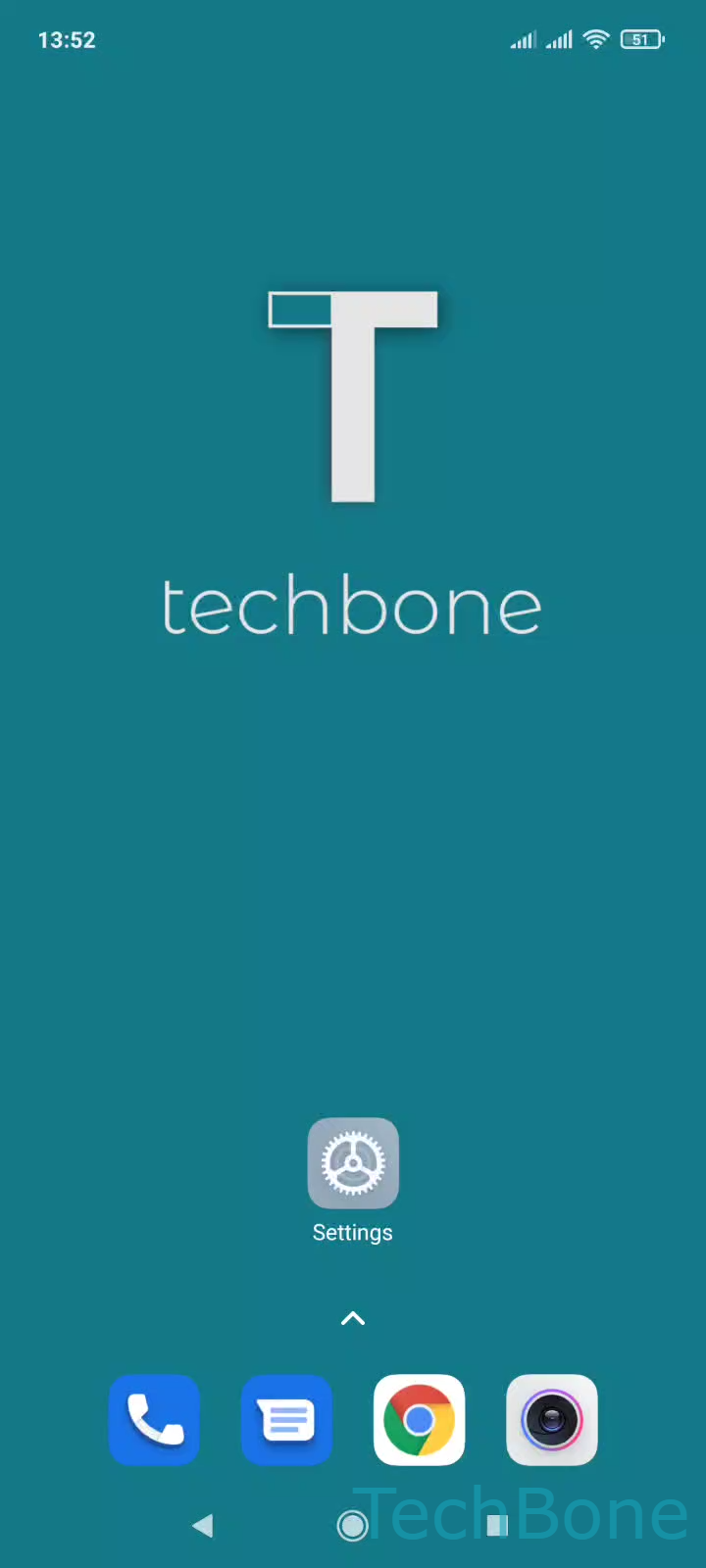
Step 1 of 3: Tap on **Settings**

1

Tap on Settings

Live simulator

Android 11 · MIUI
Turn Google Discover On/Off on the Home Screen – MIUI: step 1 – Tap on Settings
Tap on Settings
1 / 3

Scroll or use the buttons for the next step

Feedback

Was the guide correct?

Help others: confirm the path or report a problem.

31

Confirmations

Forum verified this path

Xiaomi

Turn Google Discover On/Off on the Home Screen auf Xiaomi

Google Discover, also labeled Info Assistant on some Xiaomi devices, is a scrollable feed that lives on the home screen page furthest to the left. It shows personalized news, stock updates, and quick shortcuts pulled from your Google account, not from the MIUI launcher itself.

When this panel is missing, the toggle for it sits inside the home screen settings, separate from the Google app settings. Swiping through every page and landing on an empty screen where the feed used to be is the clearest sign it got disabled.

To switch it back on or off: Tap on SettingsTap on Home screenEnable or disable Google Discover.

Disabling the feed does not remove the Google app or affect notifications from other apps. It only hides this one panel, and re-enabling it restores the same feed without any additional setup.

If the panel is enabled but still shows no content, the issue is usually a Google account sync problem rather than this home screen setting, and checking your Google account permissions is the better fix.

Frequently asked questions

A restart does not disable Discover on its own. If the setting was recently switched off through Tap on SettingsTap on Home screenEnable or disable Google Discover, it stays off until you turn it back on.