Skip to content
TechBone
Xiaomi

Xiaomi: Turn On or Off Screen Magnification

If icons, text or app menus stay too small even after adjusting the display size, the built-in screen magnifier can help. On Xiaomi phones this feature works as a temporary zoom you trigger with a gesture or a shortcut button, not as a permanent font size change. Many users enable it but then struggle to find the toggle again or accidentally leave it running in the background.

5 min6 steps
Version

Step by step

1 / 6

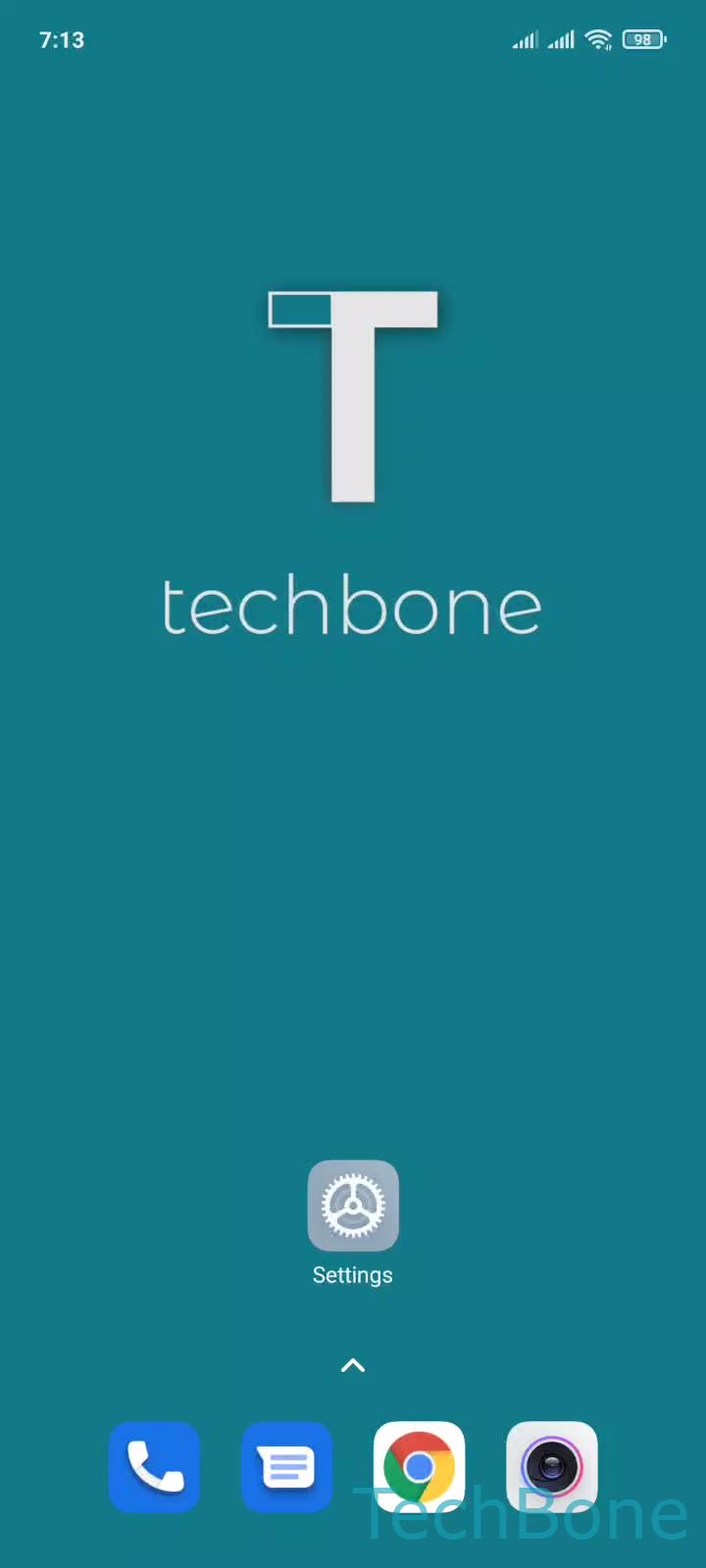
Step 1 of 6: Tap on **Settings**

1

Tap on Settings

Live simulator

Android 11 · MIUI
Turn On/Off Screen Magnification – MIUI: step 1 – Tap on Settings
Tap on Settings
1 / 6

Scroll or use the buttons for the next step

Feedback

Was the guide correct?

Help others: confirm the path or report a problem.

35

Confirmations

Forum verified this path

Xiaomi

Turn On/Off Screen Magnification auf Xiaomi

Screen magnification on Xiaomi phones is an accessibility tool, not a display size setting. It temporarily zooms into whatever is on screen and works independently of font or icon scaling in the display menu.

You can trigger it in two ways. The first is a triple-tap gesture directly on the screen. The second is a shortcut added to a button or the navigation bar, which is useful if triple-tap conflicts with an app or game.

To manage this feature, go to Tap on SettingsTap on Additional settingsTap on AccessibilityTap on VisionTap on MagnificationEnable or disable Magnification shortcut.

Once enabled, the zoom stays active until you tap the same gesture or shortcut again to zoom back out. It does not resize UI elements permanently, so app layouts return to normal automatically.

If your real goal is larger text and icons everywhere, use the display size or font size settings instead. Magnification is meant for temporary close-up viewing, not everyday reading comfort.

Frequently asked questions

Some apps or full-screen games block system gestures, so triple-tap may not trigger there. In that case, add the shortcut to a button or the navigation bar via Tap on MagnificationEnable or disable Magnification shortcut instead.