Skip to content
TechBone
Xiaomi

Xiaomi: Mirror the Navigation Bar Buttons

If the back button and recent apps button feel like they are on the wrong side of the navigation bar, your Xiaomi phone likely has the default three-button layout active. Left-handed users especially notice this, since reaching for the back key on the left edge feels unnatural. A hidden toggle lets you flip the order of these two buttons without changing anything else on the home button.

3 min4 steps
Version

Step by step

1 / 4

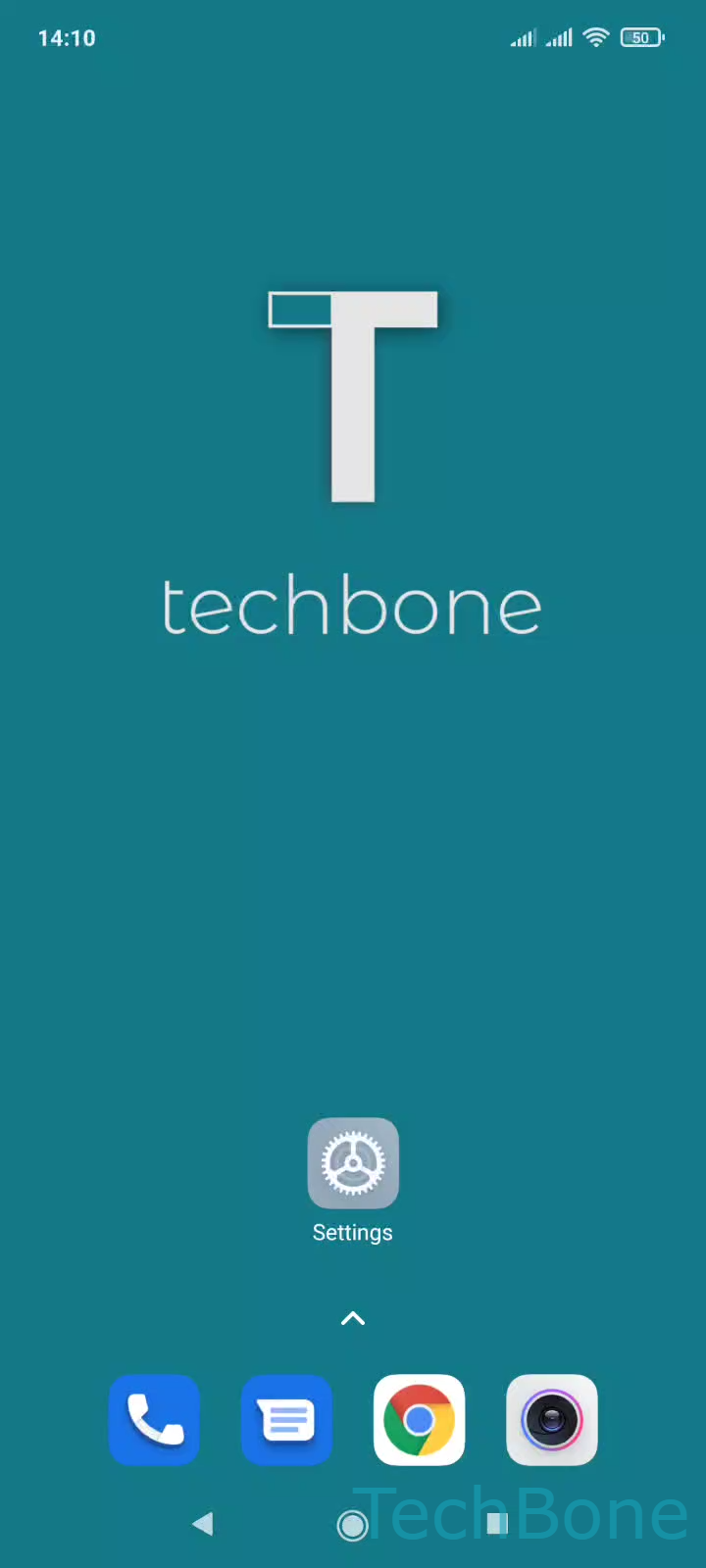
Step 1 of 4: Tap on **Settings**

1

Tap on Settings

Live simulator

Android 11 · MIUI
Mirror Navigation Bar Buttons – MIUI: step 1 – Tap on Settings
Tap on Settings
1 / 4

Scroll or use the buttons for the next step

Feedback

Was the guide correct?

Help others: confirm the path or report a problem.

50

Confirmations

Forum verified this path

Xiaomi

Mirror Navigation Bar Buttons auf Xiaomi

On Xiaomi phones running MIUI with the classic three-button navigation, the back button sits on the left and the recent apps button sits on the right by default. Some users find this layout awkward, especially left-handed people who have to reach across the screen for the back key.

The Mirror buttons option in the system navigation settings flips the position of the back and recent apps keys. The home button in the middle stays fixed, only the two side buttons swap places.

To change the layout, open SettingsHome screenSystem navigation. Make sure the button-based navigation mode is selected first, since mirroring only affects the classic three-button layout and has no effect on gesture navigation. Then enable or disable the Mirror buttons toggle to switch the arrangement instantly.

If the mirrored order feels wrong after switching, you can toggle it back at any time without restarting the phone. The change applies immediately across the whole system, including third-party apps.

Frequently asked questions

The Mirror buttons toggle only appears when button-based navigation is active. Switch from gesture navigation to the classic three-button mode under SettingsHome screenSystem navigation first.