
Xiaomi
Move a Widget on the Home Screen auf Xiaomi
Widgets on MIUI are not simple icons. Each one reserves a fixed block of grid space on the home screen, sized according to the widget itself.
When you move a widget into an area that is already occupied, MIUI automatically shifts nearby app icons and other widgets out of the way to make room. This is expected behavior, not a glitch, and it explains why your layout can look different after a single move.
How to move a widget
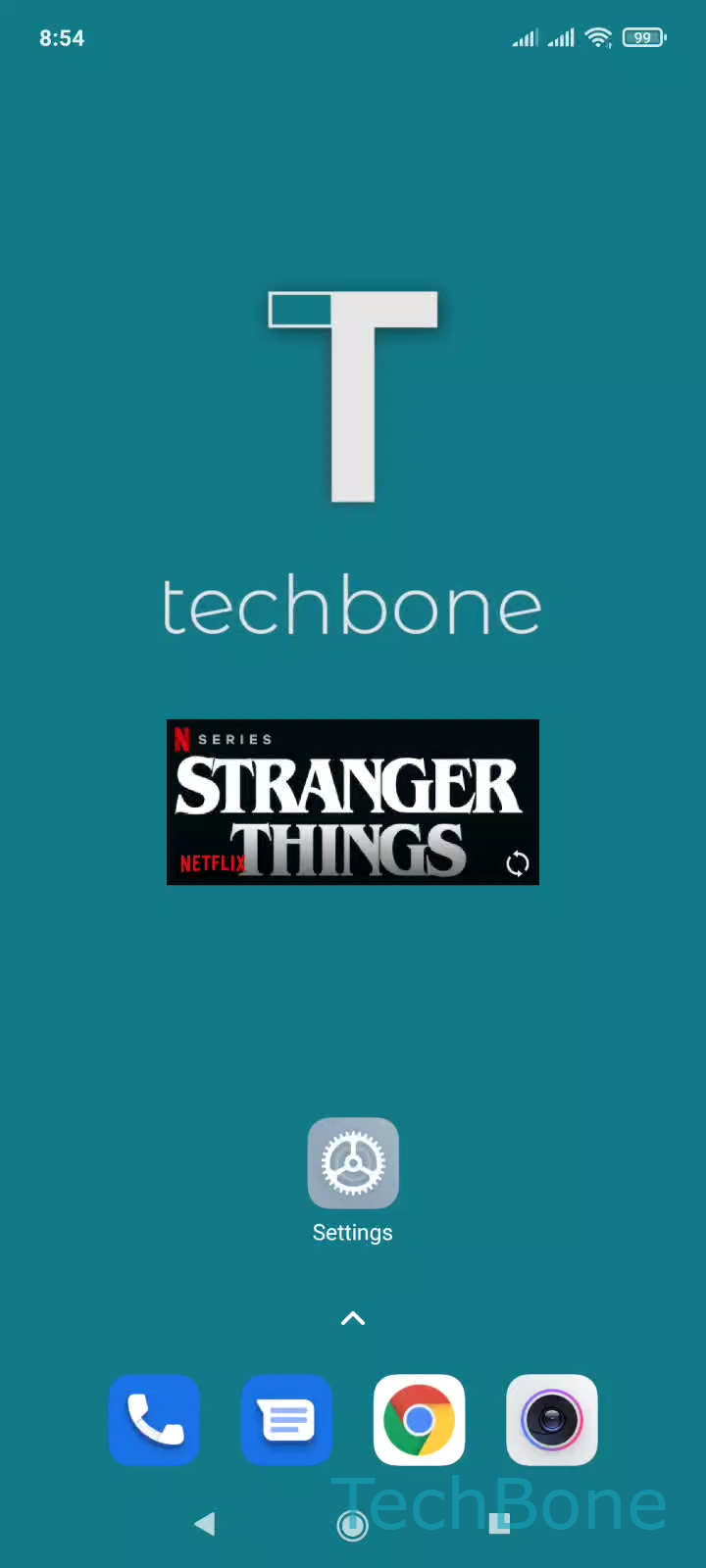
Press and hold the widget until it lifts slightly and the home screen switches into edit mode. Drag it across the screen, including onto a different page if you hold it near the edge, then release it once it sits where you want.
Tap and hold a Widget ➔ Drag the Widget to the desired position ➔ Release the Widget to position it
If the widget snaps back to its old spot, you likely released it over a spot that cannot fit its full size. Try an empty area first, then rearrange icons around it afterward.
For a permanently cluttered layout, consider removing unused widgets instead of resizing your icon grid around them.