
Xiaomi
Remove Google Search Bar from Home Screen auf Xiaomi
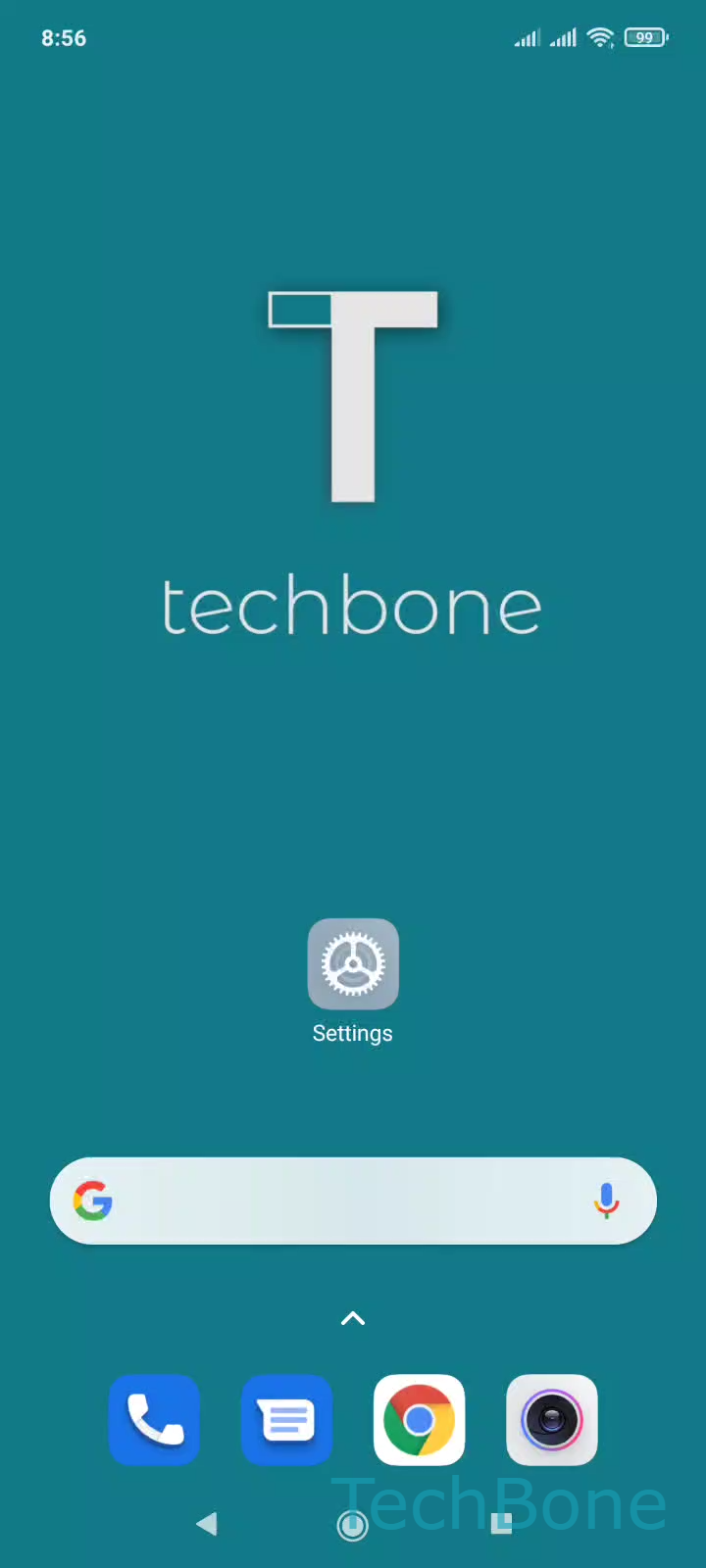
The Google Search bar on a Xiaomi home screen is a widget that MIUI places there automatically during first setup, not a system element you need to configure through settings. Because it behaves like any other home screen widget, it can be removed directly from the screen where it appears.
To take it off, press and hold the bar until the edit menu pops up, then confirm the removal option:
Tap and hold the Google Search bar ➔ Tap on Remove
This only removes the widget shortcut from the home screen. Google Search itself, the Google app, and voice search through the assistant keep working exactly as before, since the widget is just one entry point among several.
Removing the bar frees up a full row of space on that home screen page, which you can then fill with app icons, a folder, or a different widget. If you later want quick access to search again, you can add the widget back the same way you add any other MIUI widget, by long-pressing an empty area of the home screen and browsing the widget list.
If your goal is only to stop search suggestions or the Discover feed rather than the bar itself, check the related feed settings instead, since those are controlled separately from this widget.