
Xiaomi
Remove a Home Screen Widget auf Xiaomi
Widgets on MIUI sit on top of the home screen as small live panels, pulling data from apps like weather, calendar, or battery stats at set intervals. The more of these panels you keep active, the more background processes MIUI has to manage, which can show up as slower screen transitions or extra battery drain.
Removing a widget does not delete the underlying app. It only takes the live panel off the home screen, so the app itself stays installed and keeps working normally when opened directly.
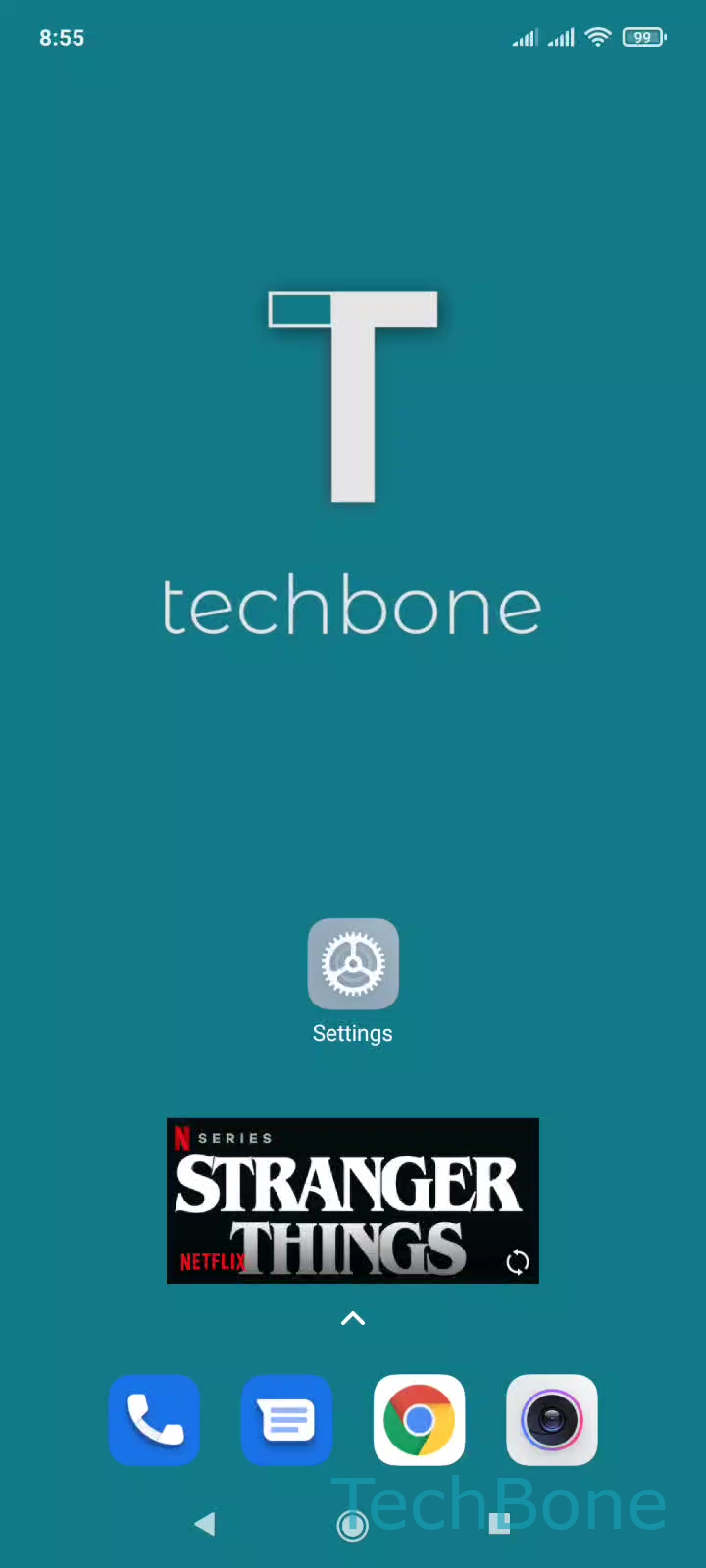
To remove a widget: Tap and hold a Widget ➔ Tap on Remove. MIUI shows a small popup with this option as soon as you hold a blank area of the widget for about a second, no separate edit mode needed.
If a widget disappears on its own after a restart, that is a different issue tied to background app restrictions, not the removal process described here.
Some widgets come bundled with system apps and can reappear after certain updates. In that case, repeat the same steps. The widget will not return unless you add it again from the widget drawer.