Skip to content
TechBone
Xiaomi

Xiaomi: Reset Camera Settings to Default

If your Xiaomi camera keeps producing blurry shots, odd colors, or a shooting mode you no longer understand after trying out filters and manual adjustments, restoring the default configuration usually fixes it. This clears every custom change you made in the camera app without touching photos or videos already saved on your phone. It is the fastest way to undo settings that got out of control after too much tinkering with exposure, resolution, or scene modes.

4 min5 steps
Version

Step by step

1 / 5

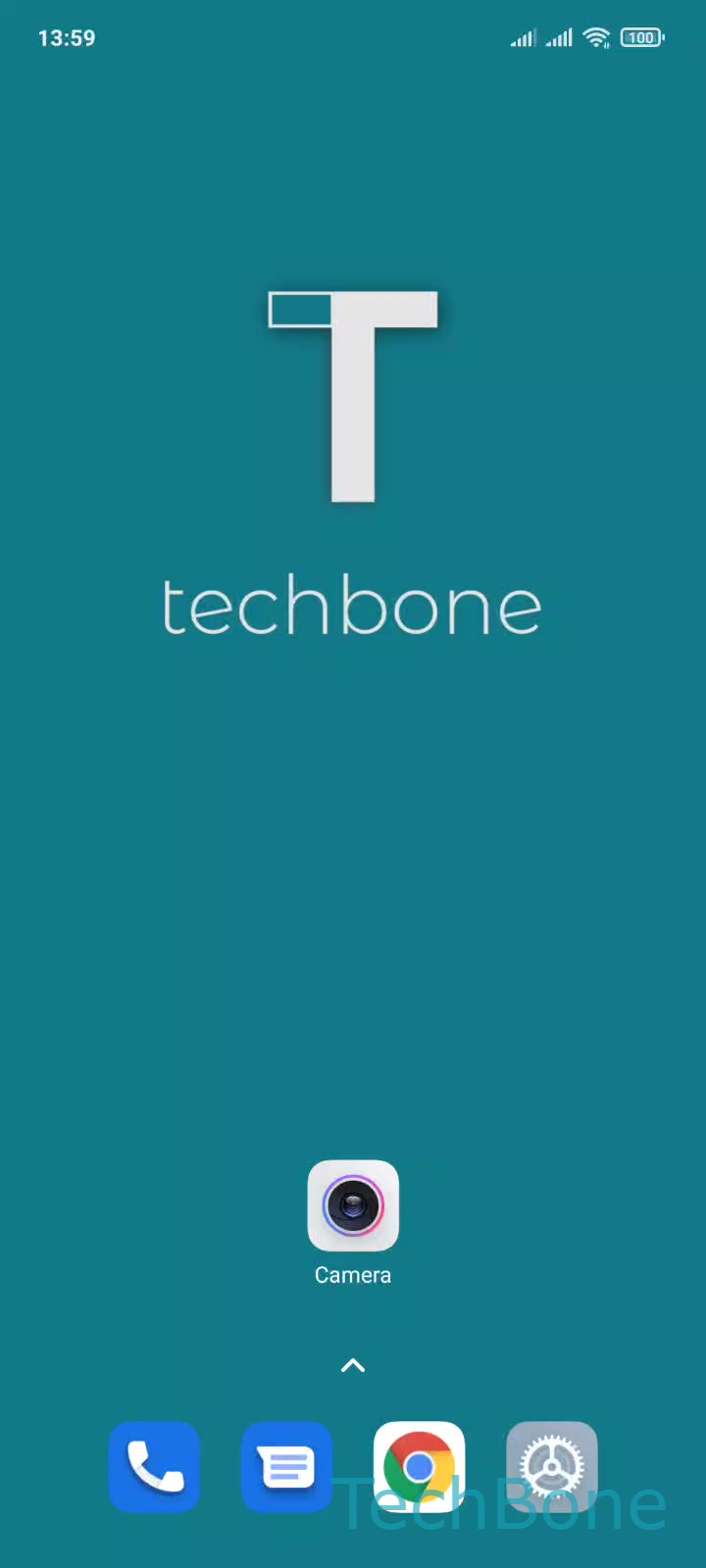
Step 1 of 5: Tap on **Camera**

1

Tap on Camera

Live simulator

Android 11 · MIUI
Reset Camera Settings to Default – MIUI: step 1 – Tap on Camera
Tap on Camera
1 / 5

Scroll or use the buttons for the next step

Feedback

Was the guide correct?

Help others: confirm the path or report a problem.

72

Confirmations

Forum verified this path

Xiaomi

Reset Camera Settings to Default auf Xiaomi

Xiaomi's camera app stores a large number of adjustable options: exposure, white balance, resolution, grid lines, shutter sound, and shooting modes. Once too many of these get changed, results become inconsistent and it is often faster to reset everything than to track down each setting manually.

A reset only affects the camera app configuration. Photos and videos already saved in your gallery are not deleted or altered in any way.

To restore the default camera settings, open Tap on CameraOpen the MenuTap on SettingsTap on Restore default settingsTap on OK. After confirming, the camera app reloads with its original configuration, including default resolution, aspect ratio, and shooting mode.

This fix works well when photos look washed out, videos record in the wrong format, or a previously changed setting cannot be located again. If the problem persists after the reset, it may point to a hardware issue with the lens or sensor rather than a software setting.

Frequently asked questions

No. The reset only affects settings inside the camera app, such as Settings options like resolution or grid lines. Everything stored in your gallery remains untouched.