Skip to content
TechBone
Xiaomi

Xiaomi: Turn Screen Cast On or Off

If your Xiaomi phone won't mirror to a TV or monitor, the built-in Cast feature might be turned off, or your phone and screen aren't on the same Wi-Fi network. Screen Cast behaves differently from many third-party mirroring apps, since playback usually stops the moment you turn off the display. That makes it easy to mistake a disabled toggle for a broken connection.

4 min5 steps
Version

Step by step

1 / 5

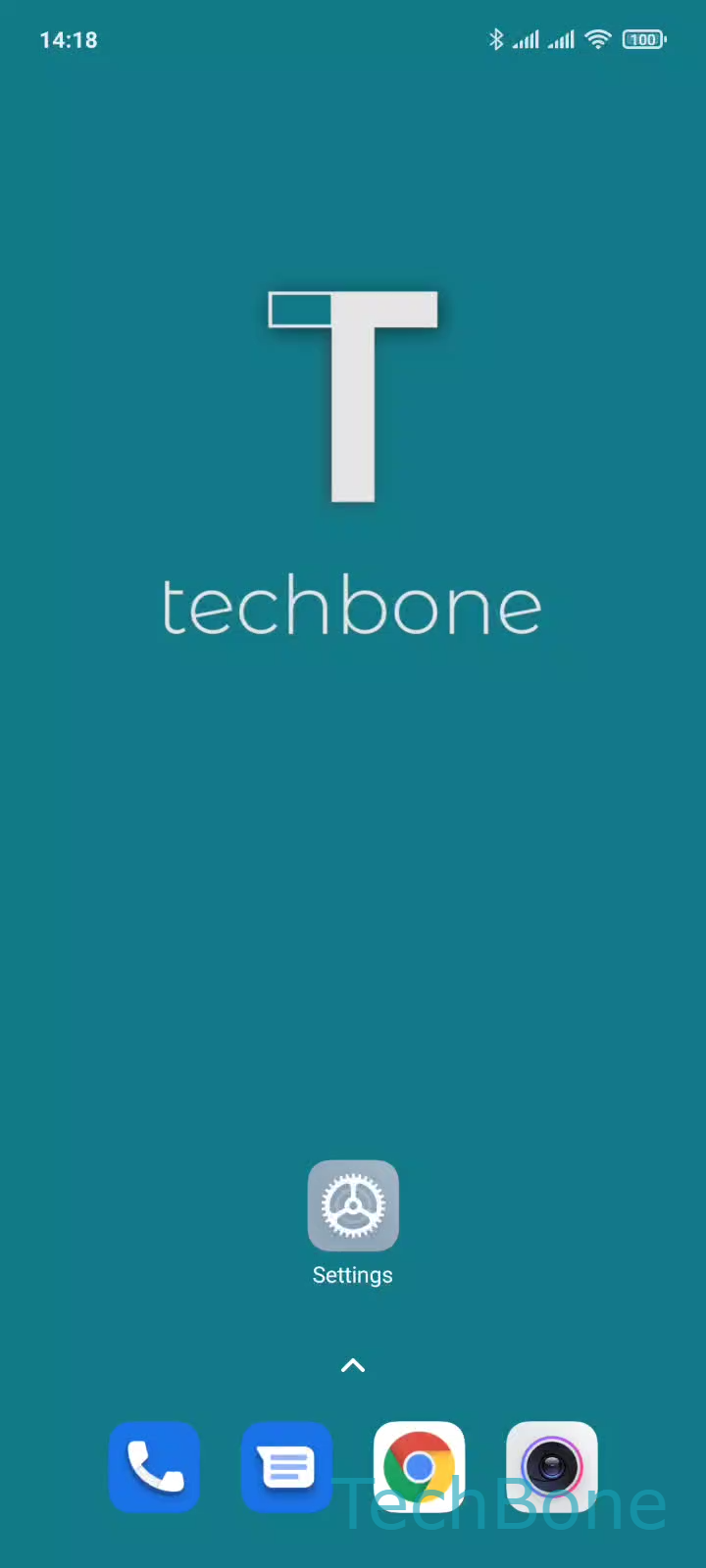
Step 1 of 5: Tap on **Settings**

1

Tap on Settings

Live simulator

Android 11 · MIUI
Turn Screen Cast On or Off – MIUI: step 1 – Tap on Settings
Tap on Settings
1 / 5

Scroll or use the buttons for the next step

Feedback

Was the guide correct?

Help others: confirm the path or report a problem.

39

Confirmations

Forum verified this path

Xiaomi

Turn Screen Cast On or Off auf Xiaomi

Screen Cast lets you mirror your Xiaomi phone to a TV, monitor, or compatible display without installing a separate app. The feature sits inside the connectivity settings and depends on both devices sharing the same Wi-Fi network.

If casting fails, check first whether Cast itself is switched off. Go to SettingsConnection & sharingCastEnable or disable CastTap on Agree to confirm the required permission and turn the function on or off.

Unlike many third-party mirroring apps, Screen Cast usually pauses as soon as you turn off your phone's display or lock it. That is expected behavior, not a bug: the feature mirrors an active screen, it does not keep streaming content in the background.

If you need mirroring to continue after the screen turns off, a dedicated app for the specific content, such as video or music, is usually the better choice. Screen Cast stays the simplest option for quick mirroring tasks, presentations, or showing photos on a bigger display, as long as both devices remain on the same network.

Frequently asked questions

Screen Cast mirrors your active display. Locking the phone or turning off the screen stops the mirrored output, since there is no live screen content left to send. If you need continuous playback, use an app made for the specific content instead of the general Cast toggle.