
Skip to content
TechBone
Xiaomi

Xiaomi: Change the Home Screen Transition Effect

Swiping between home screen pages on your Xiaomi phone always triggers the same flat slide animation, even after you have customized icons and widgets. MIUI actually ships with several transition styles such as Crossfade, Cube or Cascade, but the option sits inside the home screen settings rather than the main display menu, so most people never find it.

5 min6 steps
Version

Step by step

1 / 6

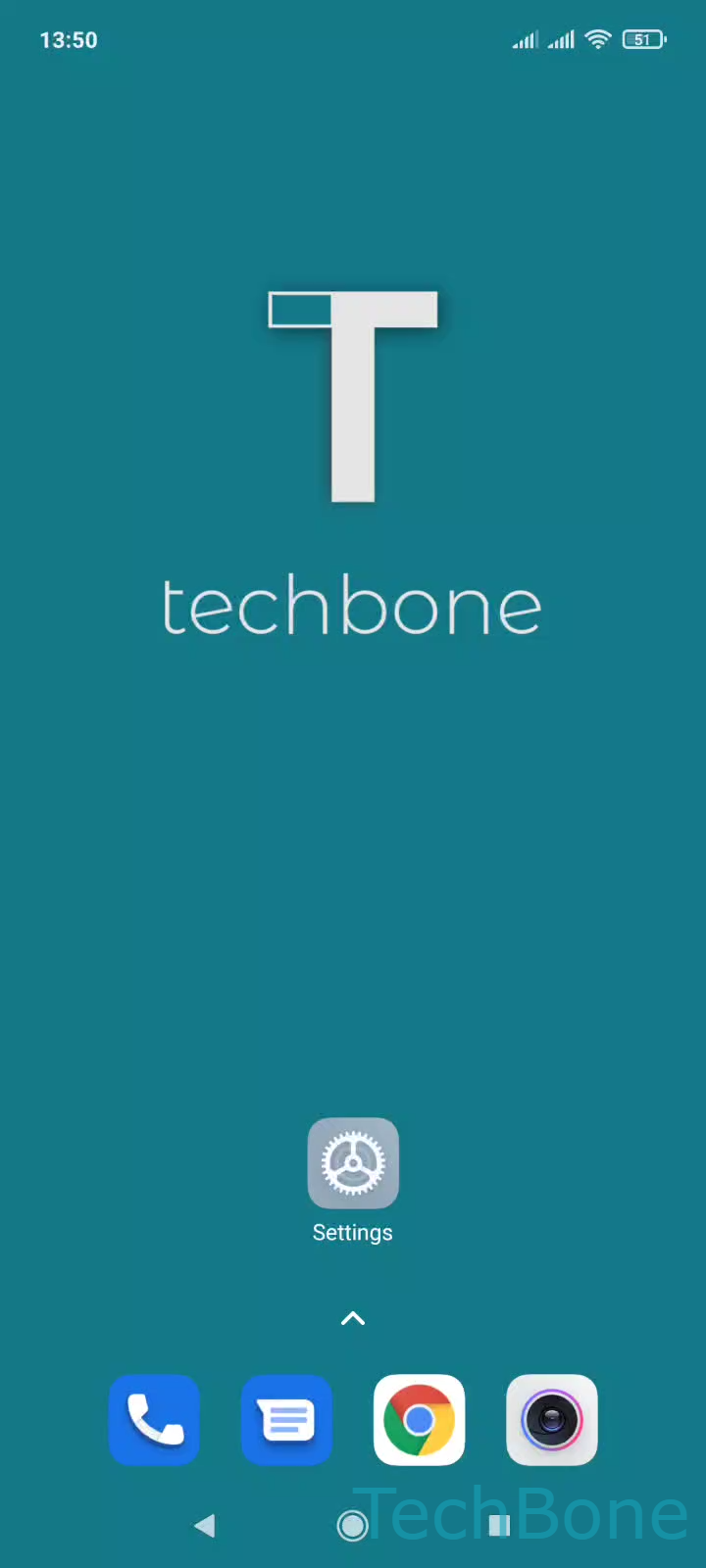
Step 1 of 6: Tap and hold a **free area**on home screen

1

Tap and hold a free areaon home screen

Live simulator

Android 11 · MIUI
Change Home Screen Transition Effect – MIUI: step 1 – Tap and hold a free areaon home screen
Tap and hold a free areaon home screen
1 / 6

Scroll or use the buttons for the next step

Feedback

Was the guide correct?

Help others: confirm the path or report a problem.

69

Confirmations

Forum verified this path

Xiaomi

Change Home Screen Transition Effect auf Xiaomi

By default, every Xiaomi phone uses a plain horizontal slide when you swipe between home screen pages. This animation is controlled by the launcher's own transition setting, not by a general system animation option, which is why it lives inside the home screen settings instead of the display menu.

MIUI offers several alternative transitions: Sliding, Crossfade, Tumble, Page, Cascade, Rotate and Cube. Each one only changes how the current page moves out and the next page slides in. None of them touch app opening animations or the lock screen.

To change it, tap and hold a free area on the home screen, then tap SettingsTransition effects. Swipe left or right to preview each style, choose the one you want, and tap Done to apply it.

If a transition looks laggy after switching, the cause is usually the active theme or a live wallpaper competing for resources, not the animation itself. Try a static wallpaper first before assuming the transition effect is broken.

Frequently asked questions

No. The transition only changes how pages animate during a swipe, it does not run in the background or use extra processing once the swipe finishes.