Skip to content
TechBone
Xiaomi

Xiaomi: Switch Recent Apps Between Vertical and Horizontal View

On Xiaomi phones, Recents stacks open apps vertically below each other by default, which can feel cramped if you are used to the classic card layout. MIUI lets you switch to a horizontal row instead, so apps line up side by side like in older Android versions. This setting sits in the Home screen options, not inside the multitasking menu itself.

3 min4 steps
VersionAndroid 11 · MIUI

Step by step

1 / 4

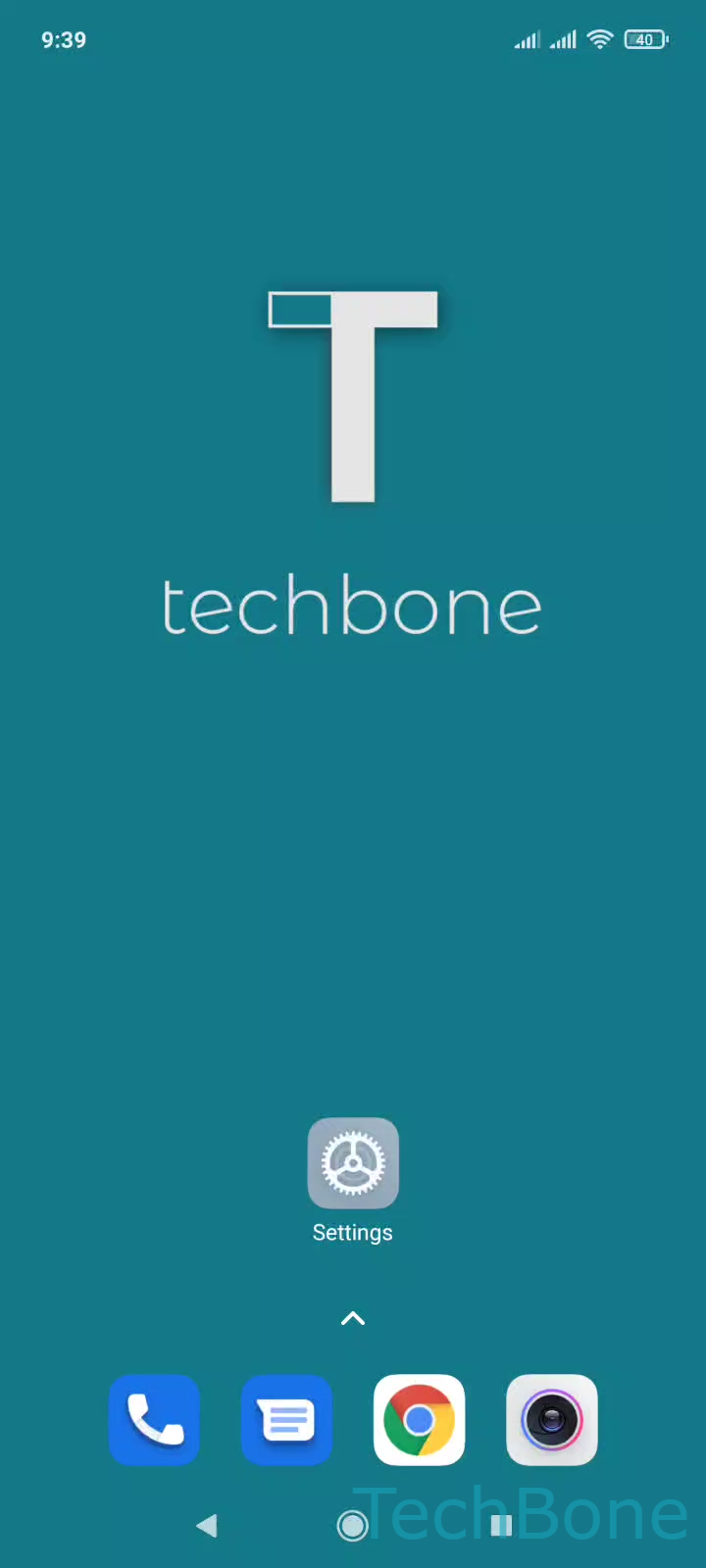
Step 1 of 4: Tap on **Settings**

1

Tap on Settings

Live simulator

Android 11 · MIUI
Switch Recent Apps View – MIUI: step 1 – Tap on Settings
Tap on Settings
1 / 4

Scroll or use the buttons for the next step

Feedback

Was the guide correct?

Help others: confirm the path or report a problem.

98

Confirmations

Forum verified this path

Xiaomi

Switch Recent Apps View auf Xiaomi

MIUI on Xiaomi phones shows Recent apps as a vertical list by default. Each open app appears as a card stacked below the previous one, which works well on tall displays but differs from the horizontal card row many users know from other Android skins.

This layout is controlled through the Home screen settings, not through a toggle inside the multitasking view. Xiaomi ties it to the launcher configuration, so changing it affects how Recents looks system-wide, regardless of which app you switch from.

How to change it

Open SettingsHome screenArrange items in Recents. Choose Vertically for the stacked list or Horizontally for the classic side-by-side row.

The change applies immediately. Open the Recents view again to confirm the new layout without restarting the phone.

If Recents still looks unchanged, double check you edited the correct entry in Home screen settings, since some third-party launchers add a separate Recents option that overrides the system setting.

Frequently asked questions

No. Choosing between Vertically and Horizontally only changes how cards are arranged on screen. It has no effect on memory management or which apps stay active in the background.