
Android
Add a Contact to Home Screen auf Android
A contact shortcut on the home screen works like an app icon, but it opens the call or contact card for one specific person instead of an app. This is useful for numbers you dial constantly, such as family members, your workplace, or a taxi service, since you avoid opening Contacts and scrolling through the list every time.
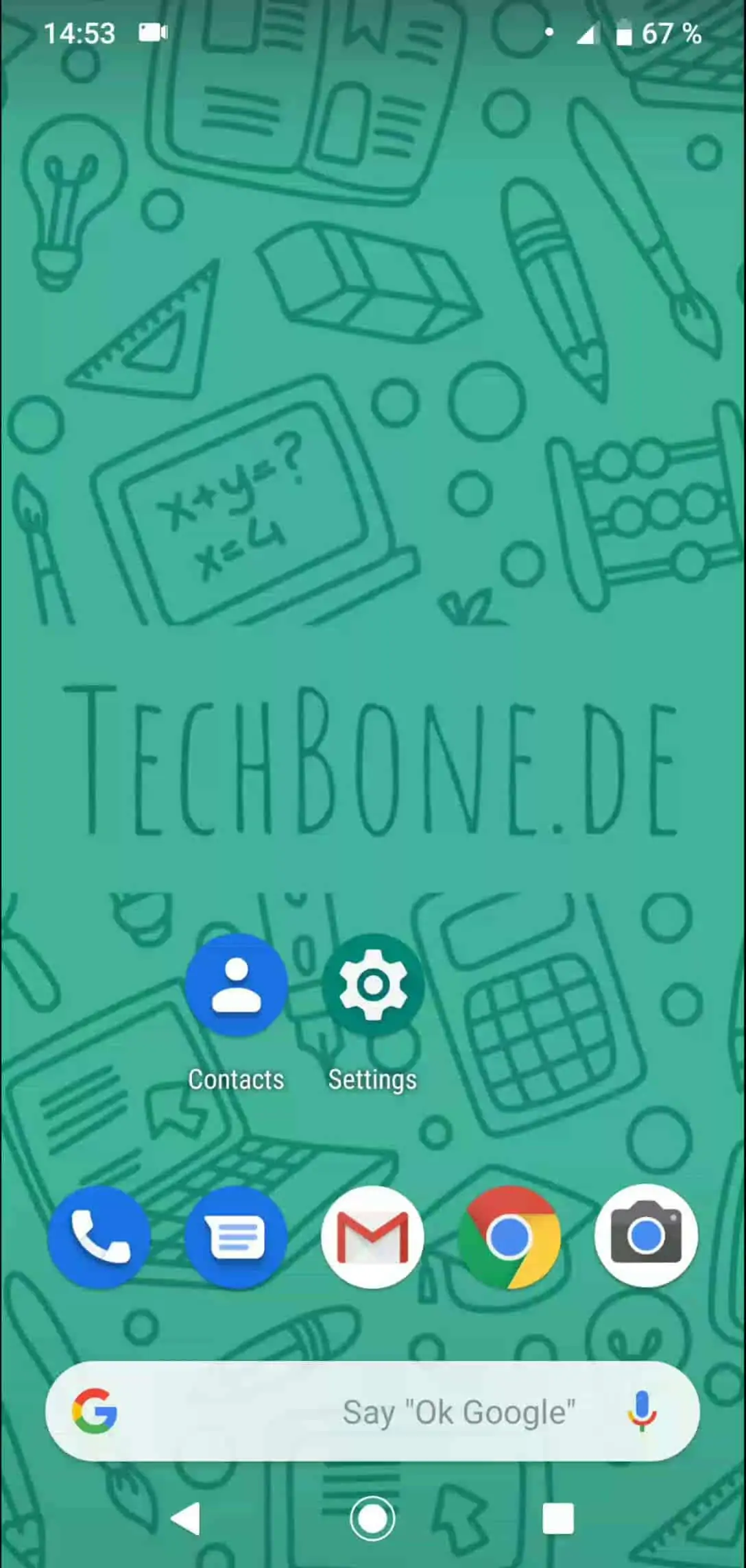
The shortcut is created directly from the contact's own menu, not from the home screen itself. Open Open Contacts ➔ Choose a contact ➔ Open the menu ➔ Tap on Add to Home screen ➔ Tap on Add automatically. Android then places the icon on the next free home screen slot without asking you to pick a position manually.
The shortcut points to the contact entry, not to a fixed phone number. If you edit or add numbers to that contact later, the shortcut still opens the same contact card, so it stays accurate as long as the contact itself is not deleted.
If you need quick access to several people rather than one, a dedicated dialer widget or your most-used contacts list in the Phone app may work better than adding many single shortcuts, since too many icons make the home screen harder to scan.