Skip to content
TechBone
Android

Android: Allow App Notifications in Do Not Disturb

When Do Not Disturb is active, Android mutes both the sound and the visual banner for every app by default. If you rely on certain apps like messaging or calendar reminders to break through, you can miss them entirely without any sign anything happened. Android lets you fine-tune this per app so specific alerts still get through while the rest stay silent.

6 min7 steps
Version

Step by step

1 / 7

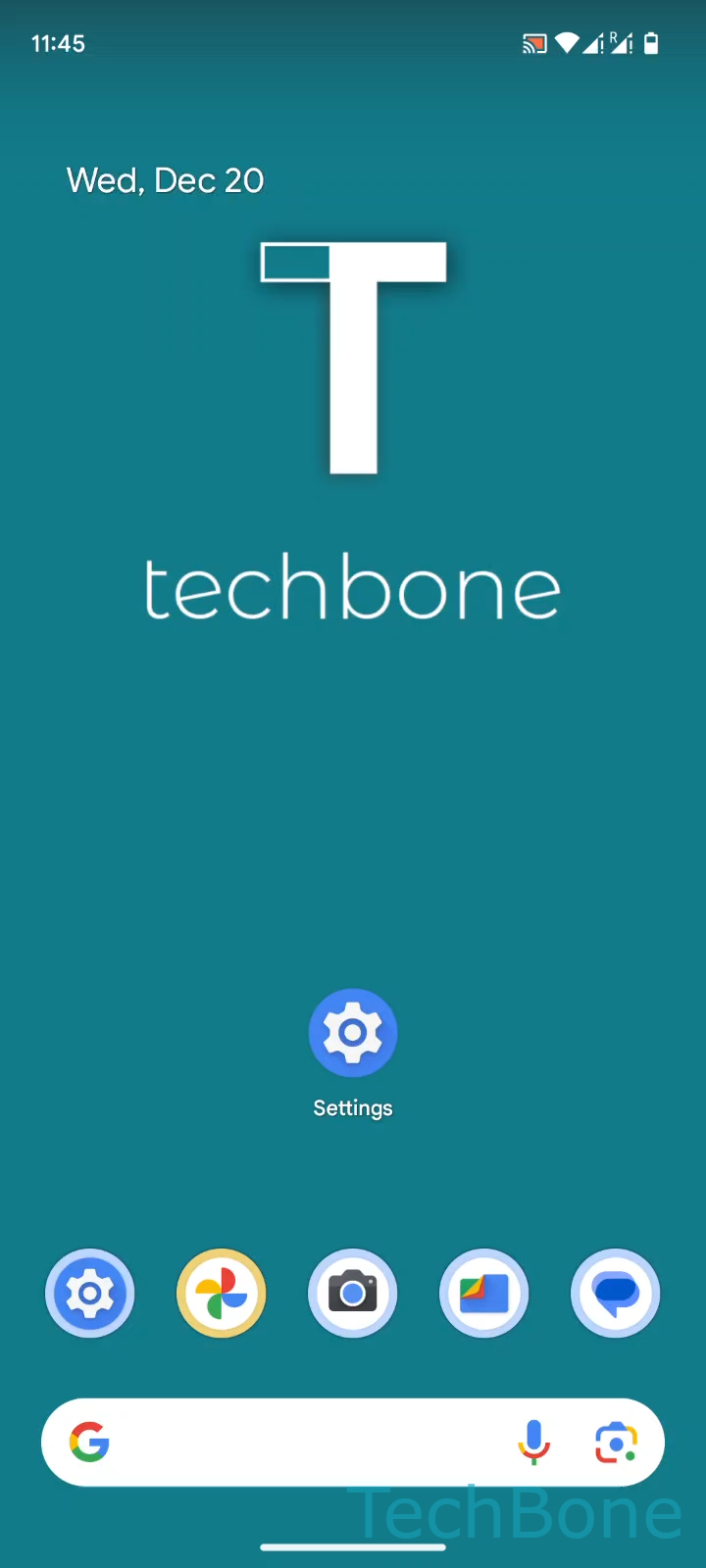
Step 1 of 7: Tap on **Settings**

1

Tap on Settings

Live simulator

Android 14 · Android 14
Allow App Notifications in Do Not Disturb – Android 14: step 1 – Tap on Settings
Tap on Settings
1 / 7

Scroll or use the buttons for the next step

Feedback

Was the guide correct?

Help others: confirm the path or report a problem.

12

Confirmations

Forum verified this path

Android

Allow App Notifications in Do Not Disturb auf Android

Do Not Disturb on Android mutes every notification by default, both the sound and the pop-up banner. That includes messages, reminders, and app alerts you might actually want to see immediately, even while the mode is active.

Android handles this with a per-app allowlist inside the Do Not Disturb settings. Once an app is added there and its toggle is switched on, its alerts bypass the mute and show up normally, sound included.

To adjust this, go to Tap on SettingsTap on Sound & vibrationTap on Do Not DisturbTap on AppsTap on Add appsChoose an AppTurn on Allow all notifications.

This is useful for apps like messaging or calendar tools where missing an alert has real consequences. For apps you genuinely want silenced, leave them off the list so they stay muted until Do Not Disturb ends.

Adding too many apps defeats the purpose of Do Not Disturb. Review the allowlist occasionally and remove apps that no longer need priority access.

Frequently asked questions

Go back to Tap on SettingsTap on Sound & vibrationTap on Do Not DisturbTap on Apps, select the app, and turn off Allow all notifications. It will stay muted like every other app the next time Do Not Disturb is on.