Skip to content
TechBone
Android

Android: Turn Screen Auto-Rotate On or Off

If your screen refuses to switch to landscape when you turn your phone sideways, or it keeps flipping while you're lying down, the auto-rotate function is probably set the wrong way. This setting decides whether your display orientation follows the physical position of your device or stays fixed in one view, and a wrong state here is a common reason apps look stretched or upside down.

3 min3 steps
Version

Step by step

1 / 3

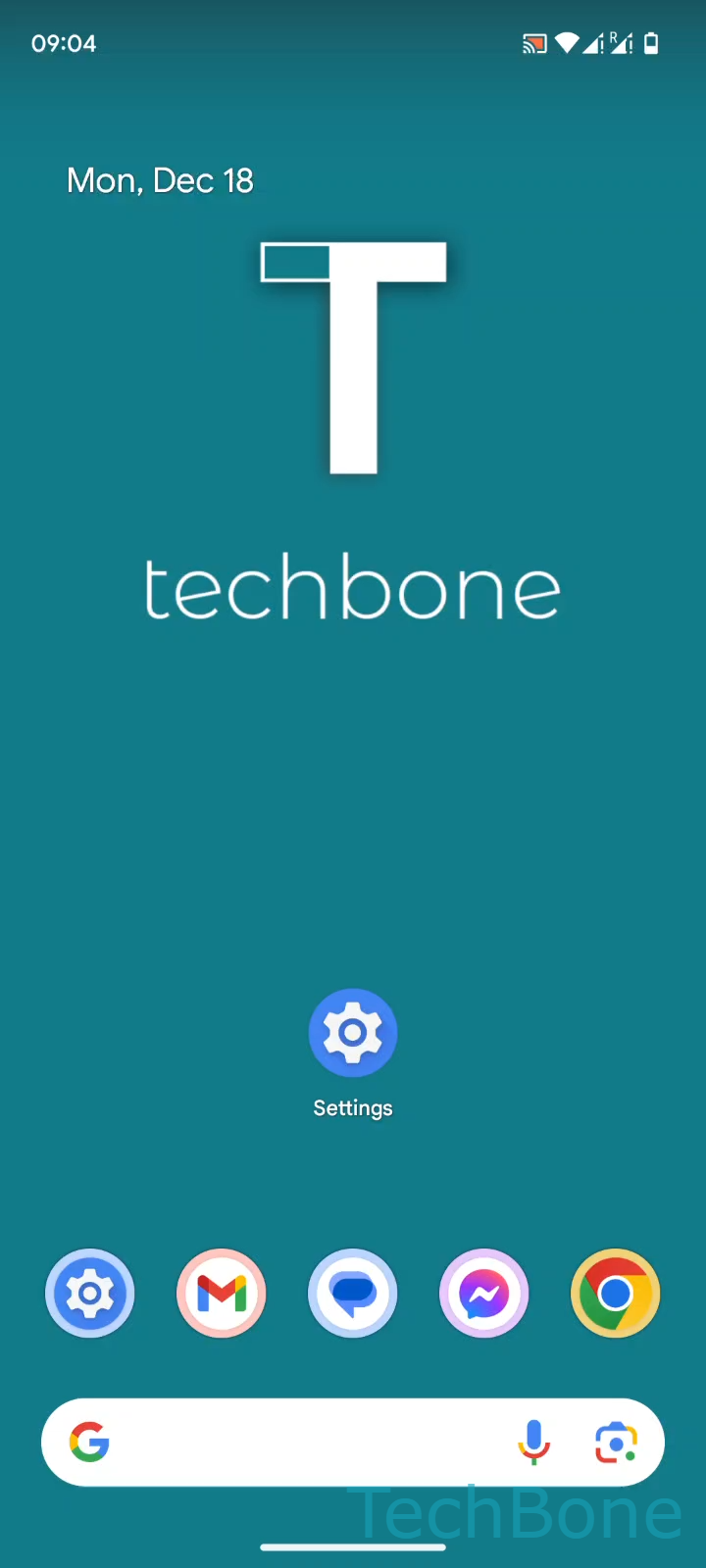
Step 1 of 3: Tap on **Settings**

1

Tap on Settings

Live simulator

Android 14 · Android 14
Turn Auto-Rotate On or Off – Android 14: step 1 – Tap on Settings
Tap on Settings
1 / 3

Scroll or use the buttons for the next step

Feedback

Was the guide correct?

Help others: confirm the path or report a problem.

30

Confirmations

Forum verified this path

Android

Turn Auto-Rotate On or Off auf Android

Auto-rotate reads data from the accelerometer and orientation sensor to decide how content is displayed. When the setting is off, the screen stays locked in the orientation it was in when you disabled it, no matter how you hold the phone. When it is on but the screen still does not react, a stuck sensor, a case blocking the sensor area, or an app that forces its own orientation can all be the cause.

You control this behavior under SettingsDisplayAuto-rotate screen. Toggling it on lets the display follow the physical position of the device; toggling it off keeps the current orientation permanently, which is useful for reading in bed or watching a fixed layout without accidental flips.

If rotation still fails after enabling the option, check whether the quick settings panel has its own rotation lock icon active, since that toggle can override the menu setting. Some apps, especially camera or media players, also lock their own orientation regardless of the system setting, which is normal and not a bug.

Frequently asked questions

Check the quick settings panel for a separate rotation lock icon, since it can override the setting under SettingsDisplayAuto-rotate screen. A dirty or blocked sensor area, usually near the top of the screen, can also prevent orientation changes.