

Android
Create a Folder on the Home Screen auf Android
A cluttered home screen slows you down because every app sits as its own icon with no grouping. Android lets you combine apps into a folder so related tools, like messaging or photo apps, live under one icon instead of taking up separate slots.
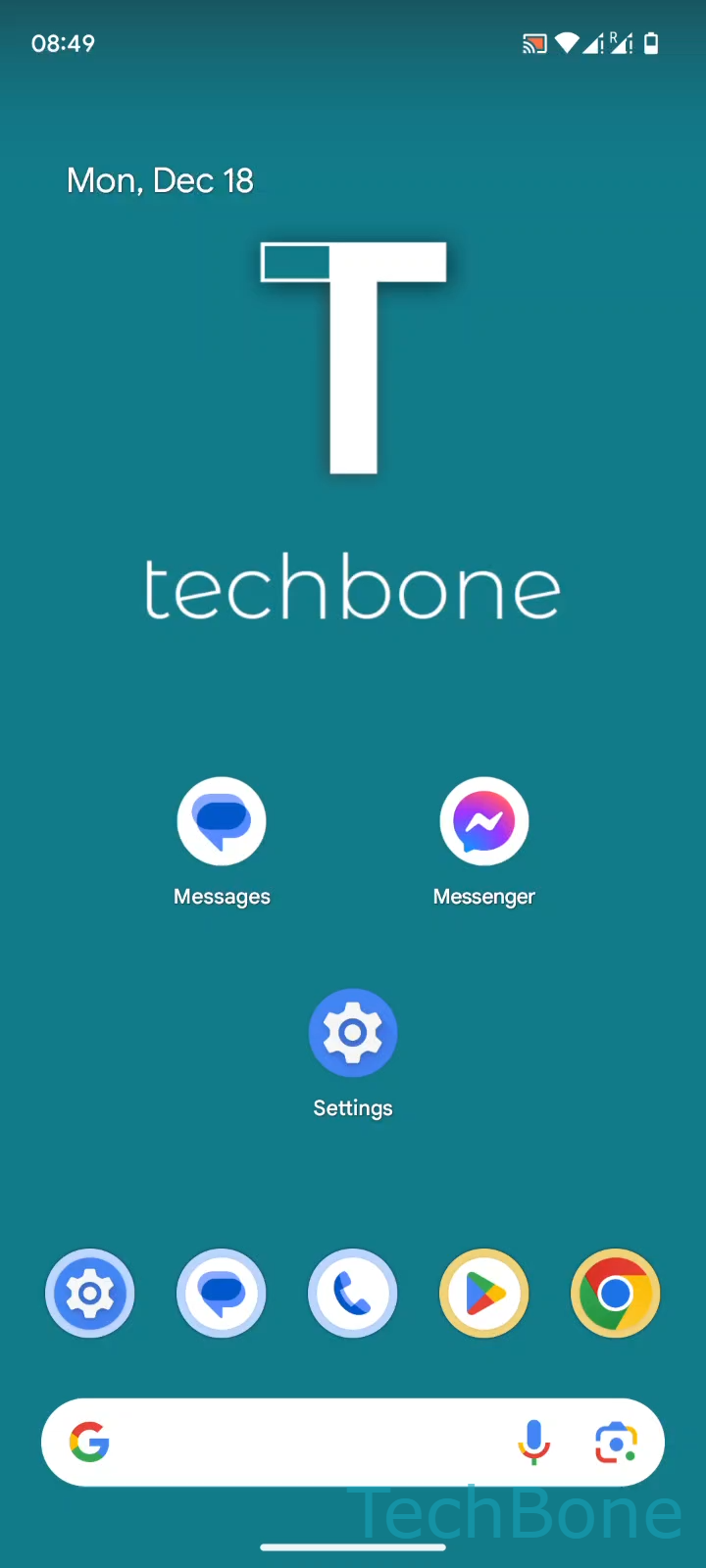
Creating a folder does not use a settings menu. It relies on a drag gesture directly on the home screen: Tap and hold an App ➔ Drag the App onto another ➔ Release the App to create a folder. Android detects the overlap and automatically wraps both apps into a new folder icon.
Why the gesture sometimes fails
If you lift your finger too soon, the app just moves to a new position instead of merging. If you drop it slightly off-target, it lands next to the other icon rather than on top of it. A short pause after the initial tap-and-hold, before dragging, gives Android time to register the long-press and enter move mode.
Once the folder exists, you can add more apps the same way by dragging additional icons onto it. Tapping the folder opens it and shows a text field where you can rename it. This behaviour is consistent across stock Android, though some manufacturer launchers add extra options like folder colors or grid layouts.