

Android
Delete a Text Message Conversation auf Android
Android groups every SMS and MMS exchanged with one contact into a single conversation thread inside the Messages app. Removing a thread does not require opening it and deleting each message manually.
A long-press on the conversation switches the app into selection mode. From there you confirm the removal once, and every message inside that thread is deleted together.
To delete a conversation:
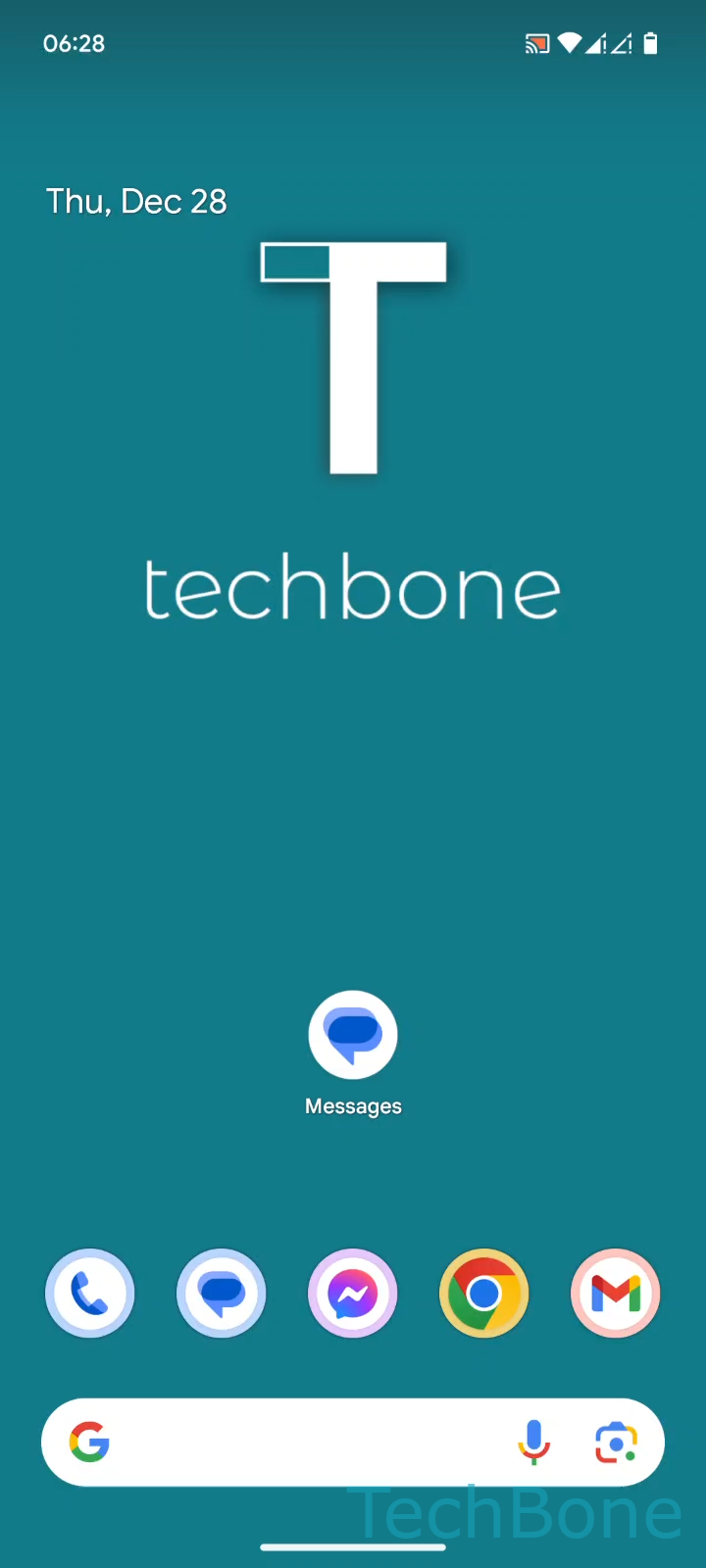
Tap on Messages ➔ Tap and hold a Conversation ➔ Tap on Delete ➔ Tap on Delete to confirm.
The deletion only affects the copy stored on your device. It does not notify the other person and does not remove the messages from their phone.
If you only want to remove a few messages inside a thread but keep the rest, open the conversation instead and delete individual messages there. Use the full thread deletion when the entire exchange is no longer needed, for example after a one-time verification code or an old group chat.