

Android
Remove a Folder from the Home Screen auf Android
Folders on the Android home screen are not deleted through a menu setting. They disappear only when they no longer contain any apps, or when you actively drag the folder to the remove option.
The first method works automatically. Open the folder and drag every app icon back out onto the home screen or into the app drawer. Once the last app leaves the folder, Android removes the empty folder container by itself.
The second method removes the folder together with the shortcuts inside it, without deleting the apps themselves from your device. Use this Menüpfad:
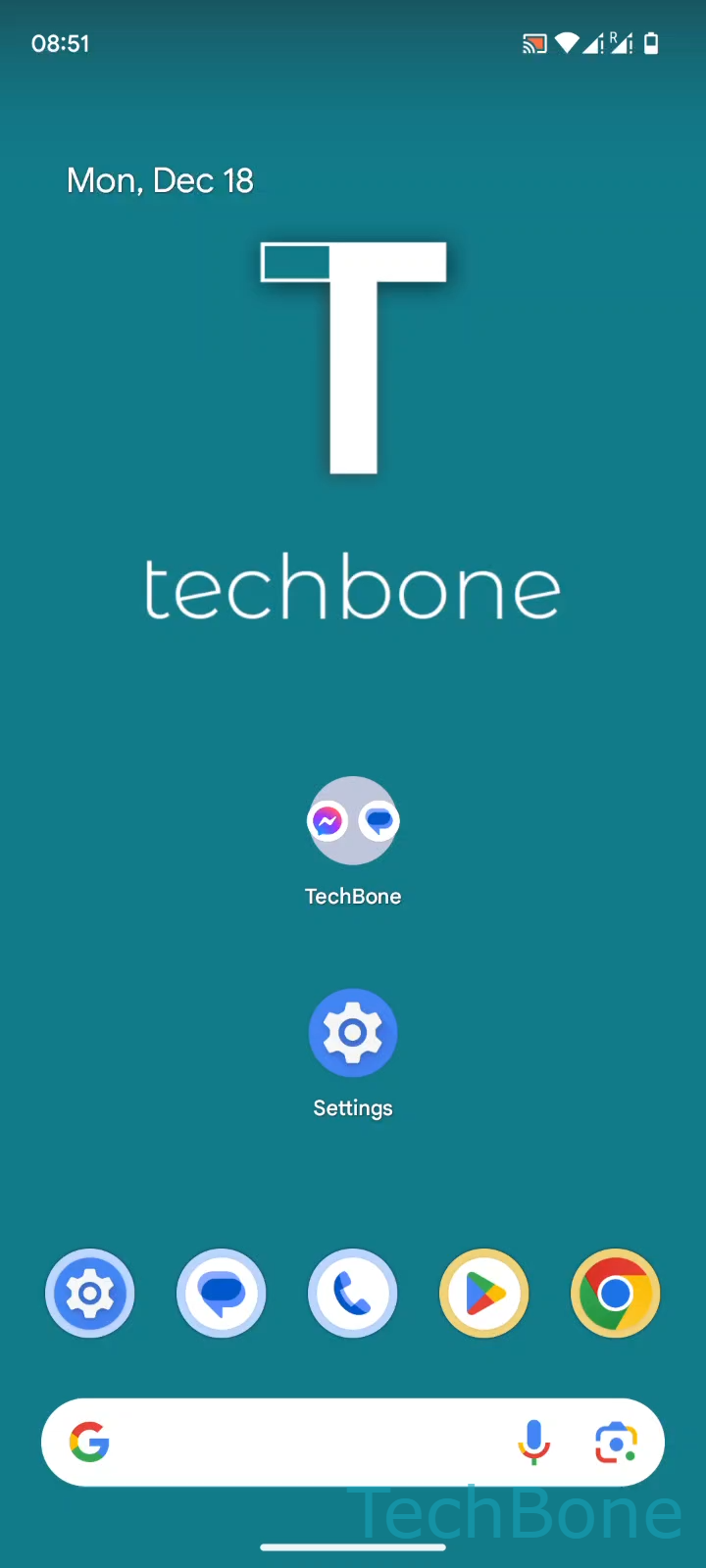
Tap and hold a Folder ➔ Drag the Folder upwards ➔ Release the Folder on the Remove button
This gesture works the same way across recent Android versions. Only the position and label of the Remove button on screen can vary slightly depending on your device's launcher.
If you only want to get rid of one app instead of the whole folder, drag that single icon out of the folder first. The folder stays as long as at least one app remains inside.