

Android
Auto-Download MMS Setting auf Android
Auto-download MMS controls whether picture messages, videos and group-chat attachments load automatically the moment they arrive, instead of waiting for you to tap and download them manually.
On Android this setting lives inside the Messages app, not in the general system settings, because it is tied to your Google Account and your SIM data connection. If you use a dual SIM phone, each SIM card has its own switch, so MMS can auto-download on one line while staying blocked on the other.
Where to find the setting
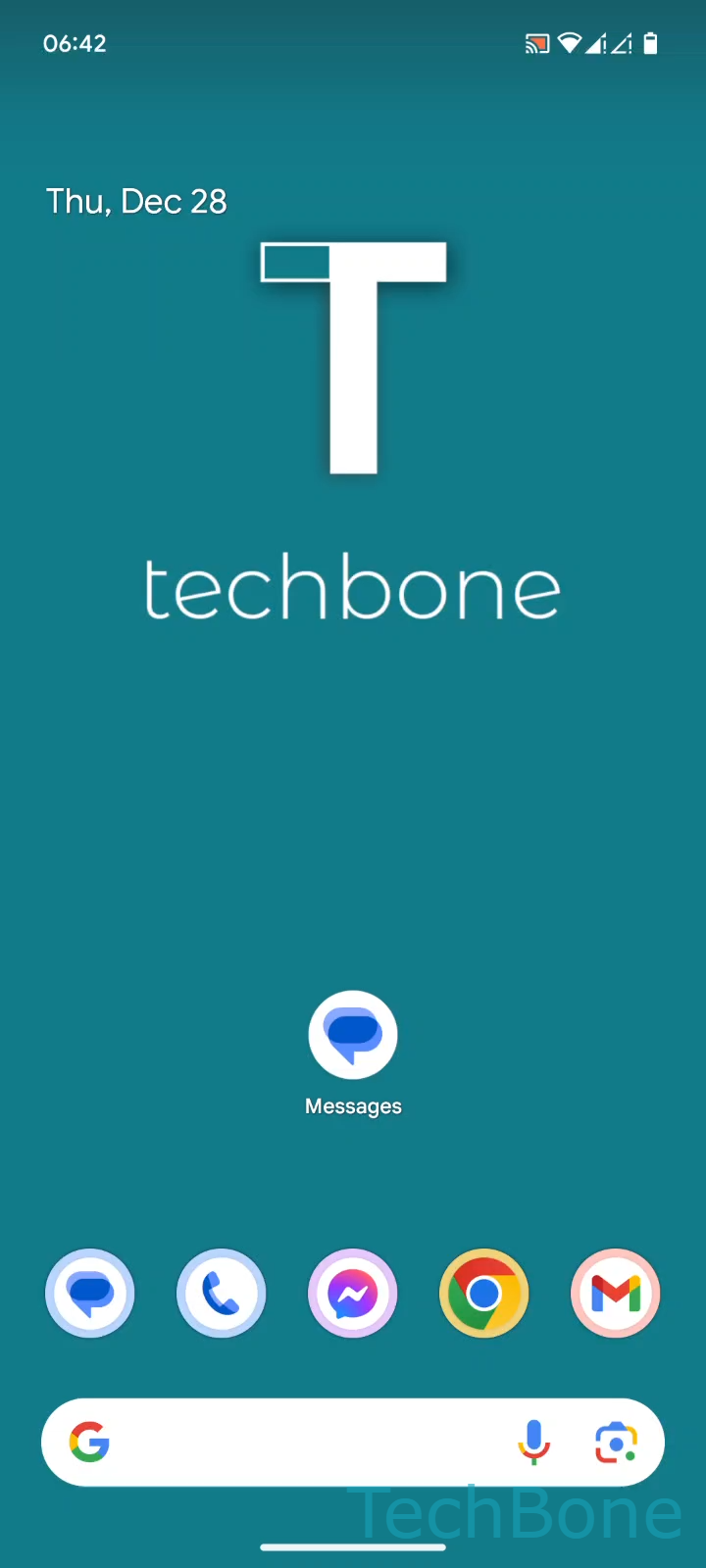
Open the path: Tap on Messages ➔ Tap on Google Account ➔ Tap on Messages settings ➔ Choose a SIM card (Dual SIM) ➔ Enable or disable Auto-download MMS.
Turning the toggle off means MMS content stays queued until you open the conversation and download it yourself. This is the safer option on limited or pay-as-you-go data plans.
Turning it on gives you instant access to shared photos and videos without an extra tap, but every attachment counts against your mobile data the moment it lands, even for messages you never open.
If your carrier already includes unlimited MMS or you are usually connected to Wi-Fi, leaving auto-download enabled causes no real downside.