Skip to content
TechBone
Android

Android: Turn Next-word Suggestions On or Off

If tapping the space bar stops inserting a suggested word, or Gboard suddenly stops predicting text based on what you typed before, the Next-word suggestions option has likely been toggled off. This setting controls whether the keyboard guesses your next word from previous entries, and losing it can make typing noticeably slower. It sits inside the Gboard text correction settings, separate from autocorrect.

6 min7 steps
Version

Step by step

1 / 7

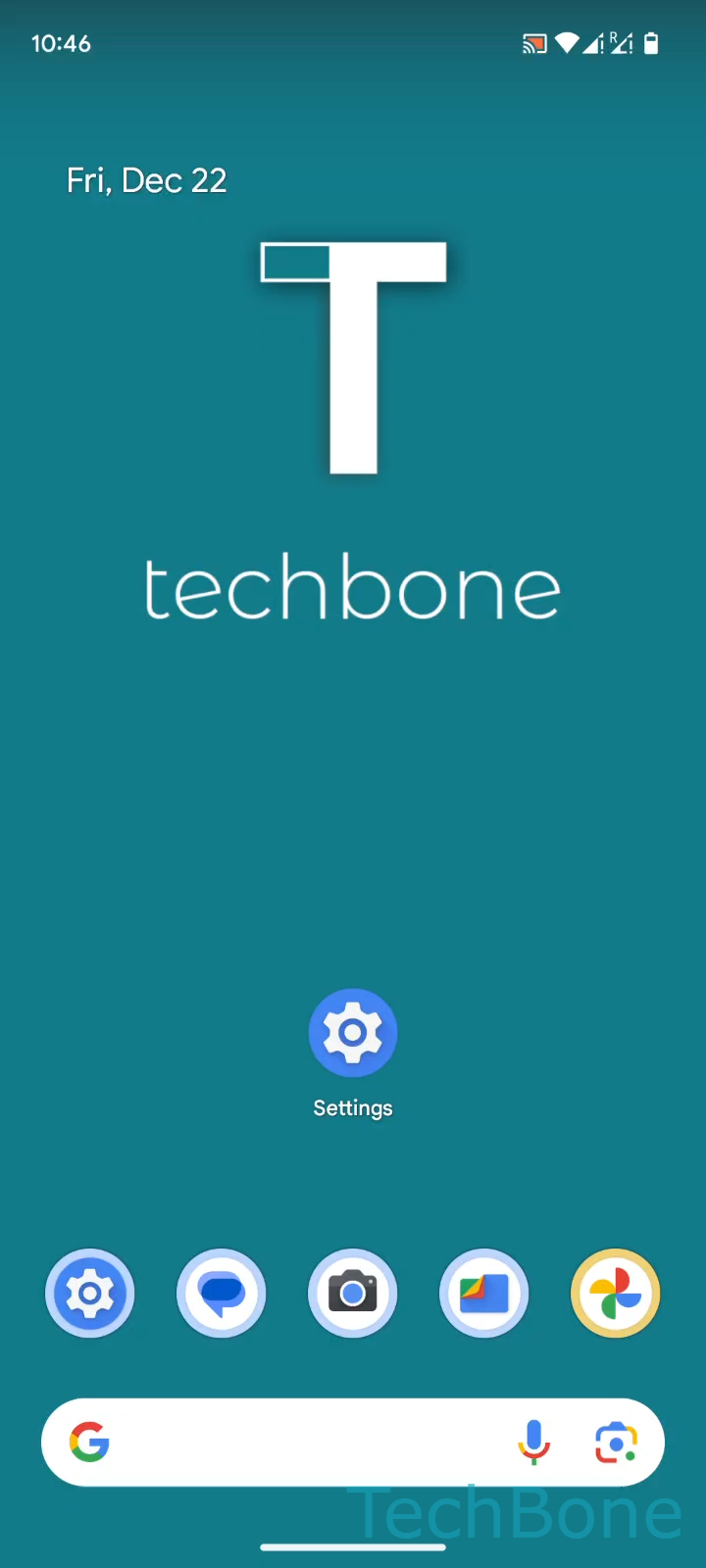
Step 1 of 7: Tap on **Settings**

1

Tap on Settings

Live simulator

Android 14 · Android 14
Turn Next-word Suggestions On or Off – Android 14: step 1 – Tap on Settings
Tap on Settings
1 / 7

Scroll or use the buttons for the next step

Feedback

Was the guide correct?

Help others: confirm the path or report a problem.

34

Confirmations

Forum verified this path

Android

Turn Next-word Suggestions On or Off auf Android

Next-word suggestions is a Gboard feature that predicts the word you are likely to type next, based on what you already typed. When a suggestion appears in the bar above the keyboard, tapping the space bar inserts it instead of typing it out manually.

If this stops working, the option is usually switched off in the keyboard settings, or it was reset after a Gboard update. This is separate from autocorrect and spell check, so disabling one does not affect the other.

To check or change the setting, open Tap on SettingsTap on SystemTap on KeyboardTap on On-screen keyboardTap on GboardTap on Text correctionEnable or disable Next-word suggestions.

Turning it off can help if you type in multiple languages and the predictions mix vocabulary, or if you find the suggestion bar distracting. Turning it on speeds up typing for people who write repetitive phrases or messages in one language.

If suggestions still do not appear after enabling the option, check that Gboard is set as your active keyboard and that text correction itself is not disabled.

Frequently asked questions

This happens when Next-word suggestions is turned off, or when no prediction is shown because the correction dictionary has too little context. Enable the option under Tap on SettingsTap on SystemTap on KeyboardTap on On-screen keyboardTap on GboardTap on Text correction.