

Android
Remove a Widget from the Home Screen auf Android
A widget on the home screen is only a shortcut view, not the app itself. Removing it frees up space but keeps the underlying app fully installed.
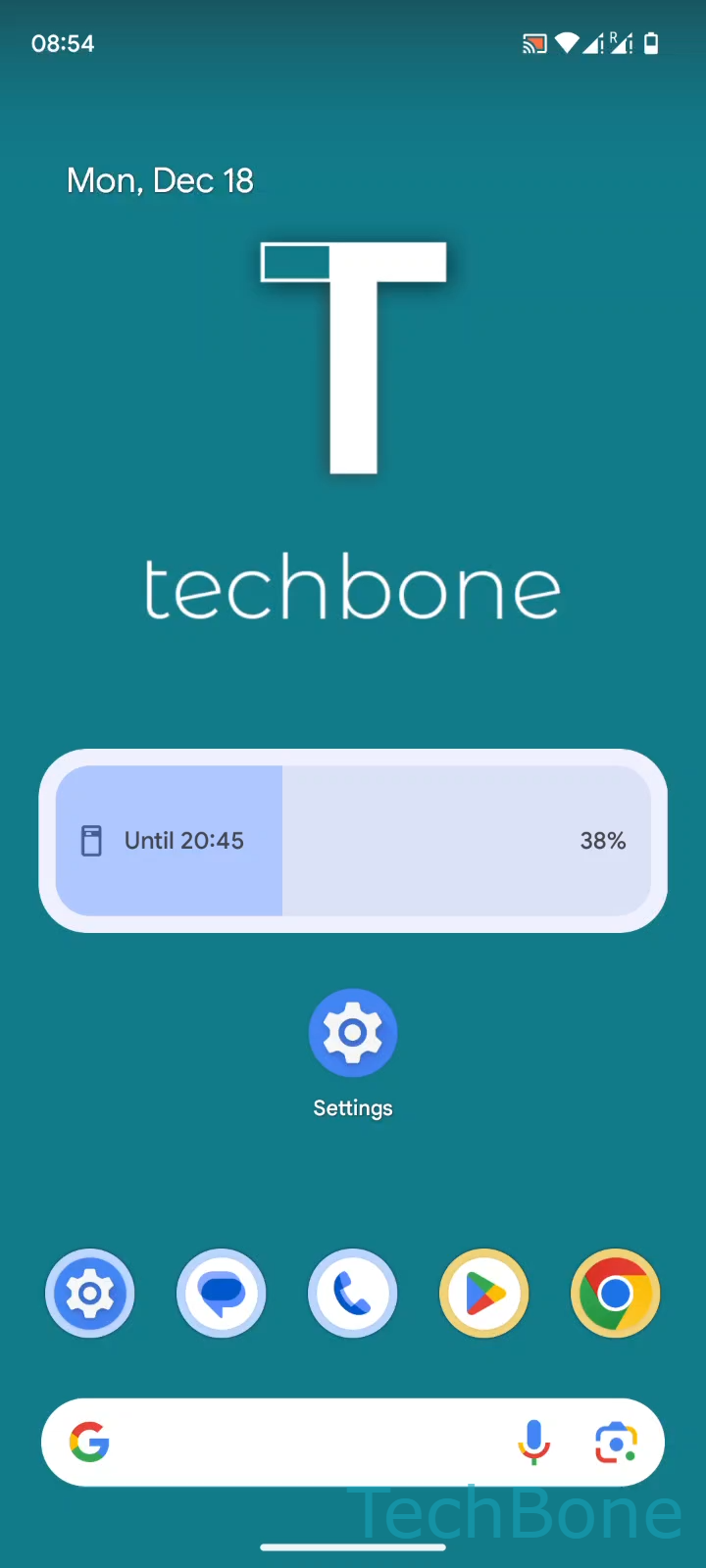
To remove a widget: Tap and hold a Widget ➔ Drag the Widget upwards ➔ Release the Widget on the Remove button.
The remove option only appears while you keep dragging. Releasing the widget too early anywhere else on the screen just moves it to a new position instead of deleting it.
Why this happens
Android treats widgets as independent home screen elements, separate from app icons. That is why deleting a widget never triggers an uninstall prompt, and why the app keeps running normally afterward.
If you actually want to remove the app as well, you need a separate step from the app icon or app list, not from the widget itself.
When to use a different fix
If the widget freezes, shows outdated data, or fails to update, removing and re-adding it is often faster than digging through app settings. This resets the widget instance without affecting any saved app data.