Skip to content
TechBone
Android

Android: Set a Mobile Data Warning Limit

Getting an unexpected data overage charge usually means the data warning threshold was never set or is far off from your actual plan. Android tracks mobile data usage per SIM, but the warning notification only fires once you define a specific amount yourself. Without that limit, you only notice you are close to your cap when your carrier texts you or your connection slows down.

6 min7 steps
Version

Step by step

1 / 7

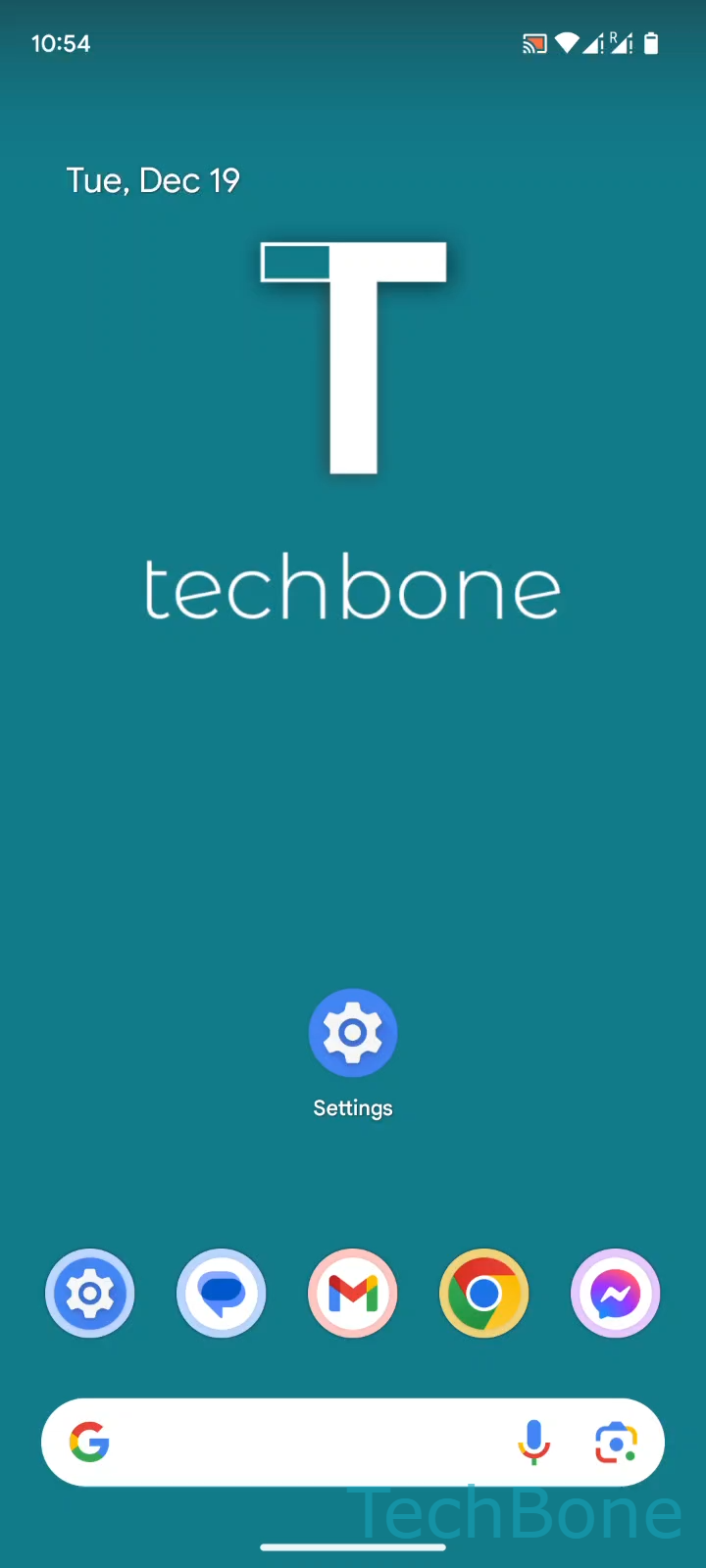
Step 1 of 7: Tap on **Settings**

1

Tap on Settings

Live simulator

Android 14 · Android 14
Set a Mobile Data Warning Limit – Android 14: step 1 – Tap on Settings
Tap on Settings
1 / 7

Scroll or use the buttons for the next step

Feedback

Was the guide correct?

Help others: confirm the path or report a problem.

89

Confirmations

Forum verified this path

Android

Set a Mobile Data Warning Limit auf Android

The data warning notification on Android only appears once a specific usage amount has been defined manually. By default, no threshold is active, so the system has nothing to compare your current usage against.

This setting lives under mobile network options and is tracked separately for each SIM on dual-SIM devices. Setting a realistic value close to your plan gives you a heads-up before you actually run out of data or trigger overage fees from your carrier.

Menu path

Tap on SettingsTap on Network & internetTap on SIMsChoose a SIM card (Dual SIM)Tap on Data warning & limitTap on Data warningSet a Data warning limit and tap on Set.

The warning only notifies you, it does not restrict your connection. If you also want mobile data to shut off automatically at a certain point, you need to configure the separate data limit option in the same menu.

Keep in mind that Android calculates usage based on its own counter, which can differ slightly from the numbers your carrier reports.

Frequently asked questions

No. The warning only sends a notification once your usage reaches the value you set under Data warning. To actually cut off mobile data automatically, you need to configure the separate limit option in the same Data warning & limit menu.