
Android
Turn SMS Delivery Reports On or Off auf Android
Android does not enable SMS delivery reports by default. Without this setting, your messaging app has no way to show you whether a text actually reached the recipient's phone, only that it was sent from your device.
Delivery reports work at the carrier level. Once enabled, your network sends a short confirmation back to your phone as soon as the message is delivered to the receiving device. This only works for standard SMS, not for messages sent over data through chat apps.
The option lives inside your messaging app's settings and, on dual-SIM phones, can be turned on for one SIM and left off for the other. This is useful if you only need confirmations for a business line or a specific carrier.
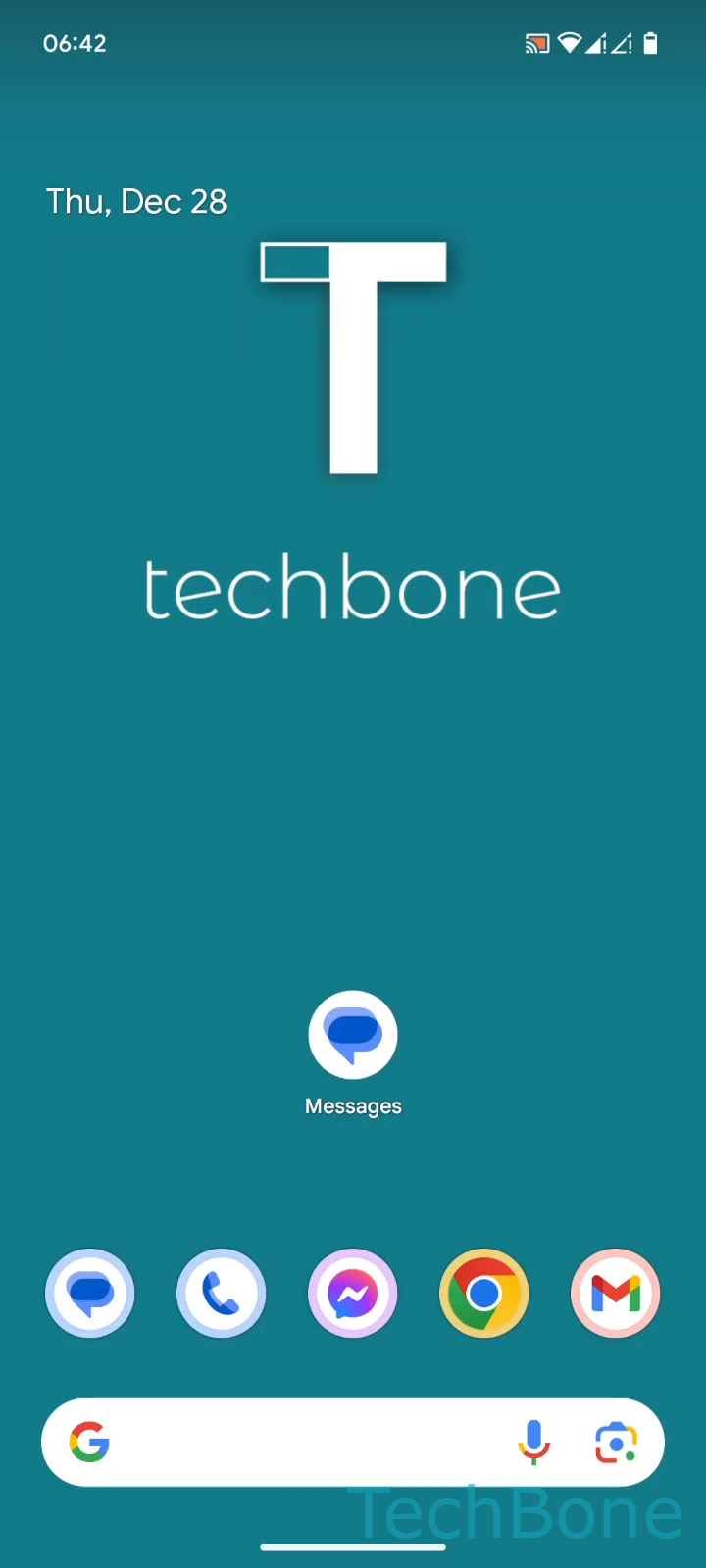
To turn it on or off: Tap on Messages ➔ Tap on Google Account ➔ Tap on Messages settings ➔ Choose a SIM card (Dual SIM) ➔ Enable or disable Get SMS delivery reports.
If your default messaging app is not Google Messages, the setting is usually found under a similar Advanced or SMS settings menu, but the toggle name and location can differ slightly between manufacturers.
Keep in mind that some carriers do not support delivery reports at all, so an incoming report can be missing even with the setting enabled.