Skip to content
TechBone
OnePlus

OnePlus: Turn On the Daily Wallpaper Feature

If your home screen and lock screen show the same picture every day, the Shot on OnePlus wallpaper collection is probably still set to a fixed image instead of updating on its own. OnePlus ships a built-in daily wallpaper option that swaps the background automatically, but it only works once it is switched on for the screen you want. Without checking the update source, it can also pull new images over mobile data without you noticing.

6 min7 steps
VersionAndroid 10 · Oxygenos 10

Step by step

1 / 7

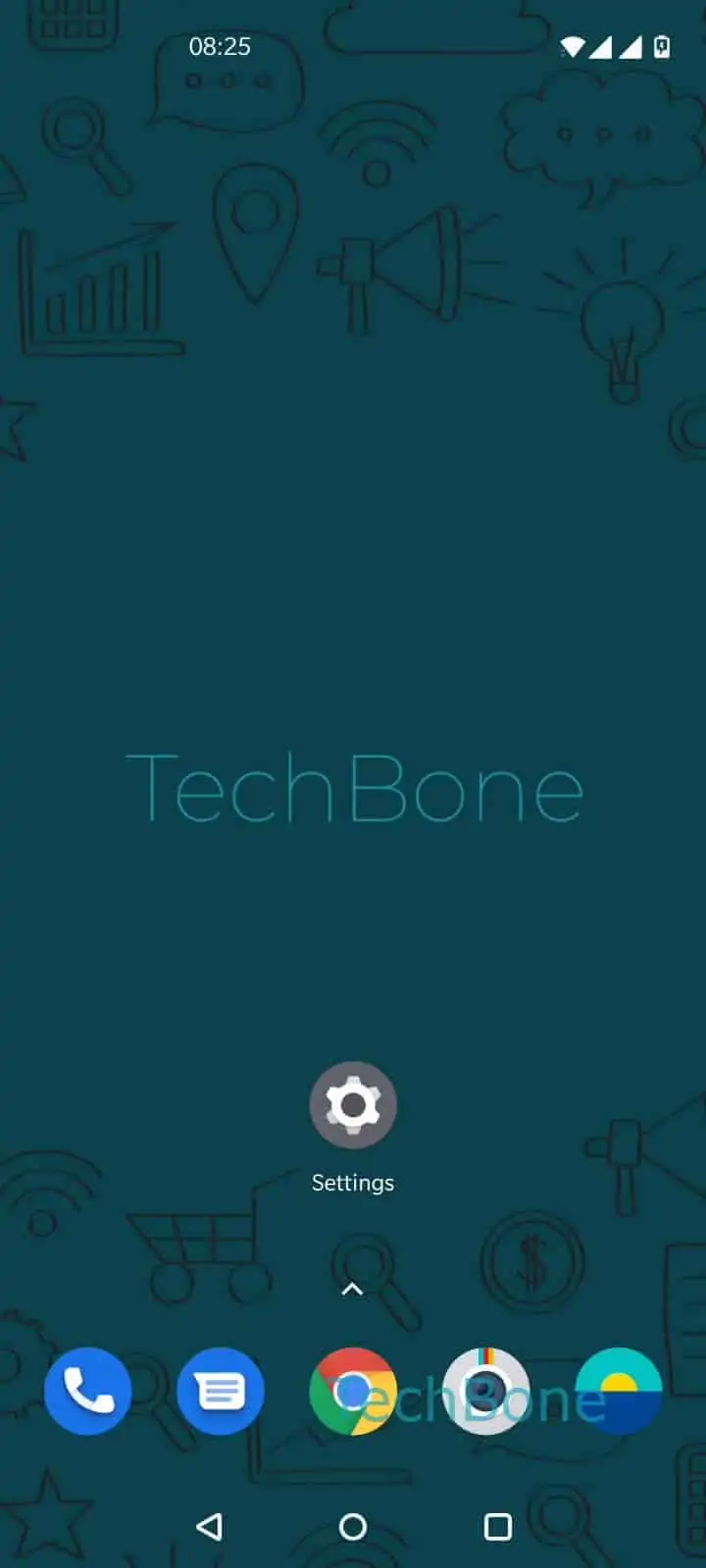
Step 1 of 7: Tap and hold a **free area** on home screen

1

Tap and hold a free area on home screen

Live simulator

Android 10 · Oxygenos 10
Set Up Daily Wallpaper for Home and Lock Screen – Oxygenos 10: step 1 – Tap and hold a free area on home screen
Tap and hold a free area on home screen
1 / 7

Scroll or use the buttons for the next step

Feedback

Was the guide correct?

Help others: confirm the path or report a problem.

89

Confirmations

Forum verified this path

OnePlus

Set Up Daily Wallpaper for Home and Lock Screen auf OnePlus

The daily wallpaper feature on OnePlus phones automatically replaces the home screen and lock screen background with a new image from the Shot on OnePlus collection. It only works once you activate it and choose which screen it should apply to.

To find the setting, touch and hold a free area on the home screen, then tap Wallpapers. From there open Shot on OnePlus and go into its Settings. Here you can enable or disable the daily wallpaper separately for the home screen and the lock screen.

Once enabled, tap Update automatically to control how new images are downloaded. Choose Only Wi-Fi if you want to avoid using mobile data, or pick Wi-Fi and Mobile data if you don't mind background downloads on cellular.

If the wallpaper still doesn't change, check that a data connection was available at the time of the scheduled update. Turning the feature off again works the same way, just switch the toggle back inside the same settings screen.

Frequently asked questions

Yes. Inside Shot on OnePlusSettings, the daily wallpaper toggle can be enabled or disabled separately for the home screen and the lock screen.

Compatible devices

Tap your device — opens its hub with matching guides.