Skip to content
TechBone
OnePlus

OnePlus: Delete a Conversation in the Messages App

If you want to clear out an entire SMS or MMS thread from the Messages app without tapping through every single message, OnePlus lets you remove the whole conversation in one action. Once you confirm the deletion, everything inside that thread, including attached photos or videos, is gone and cannot be brought back. This applies the same way on any OnePlus phone running Android with OxygenOS.

3 min4 steps
VersionAndroid 10 · Oxygenos 10

Step by step

1 / 4

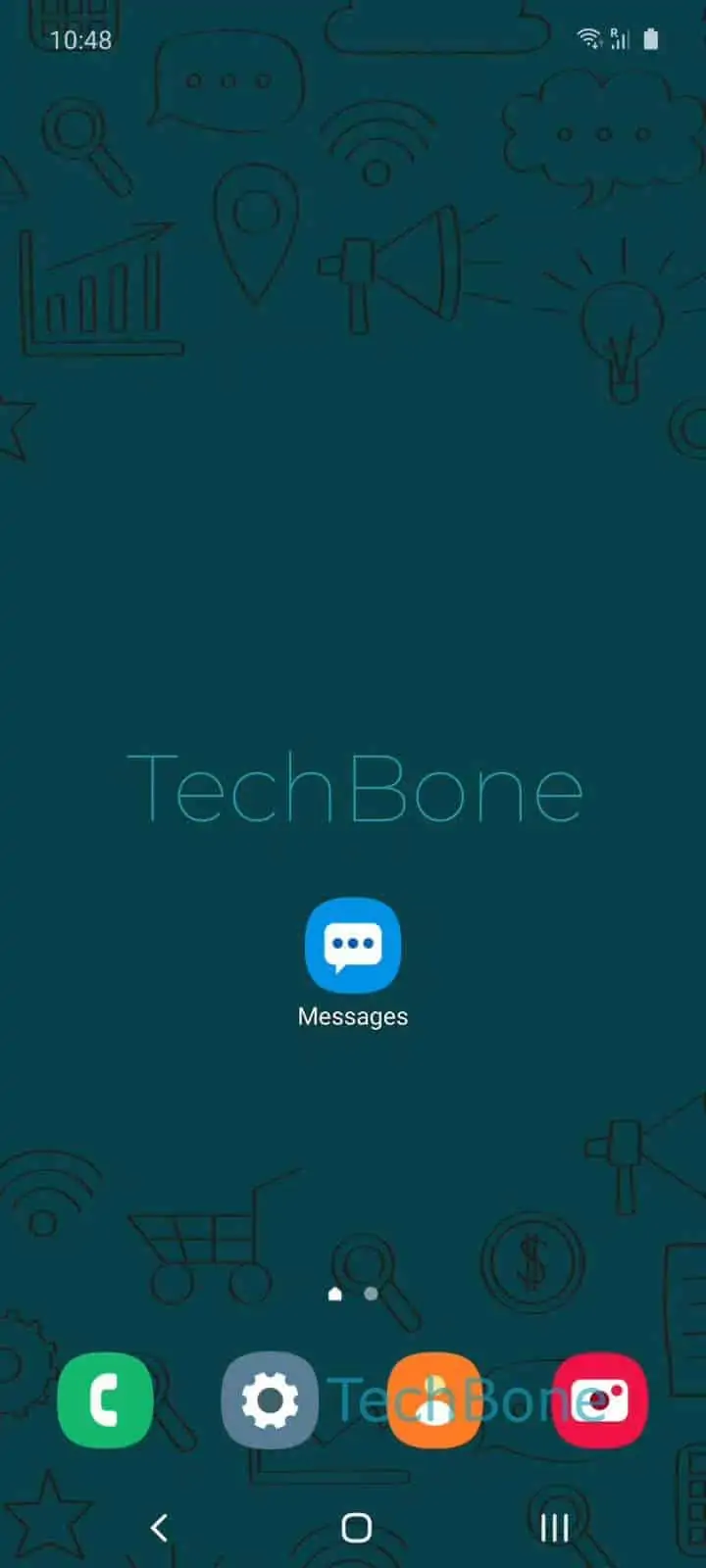
Step 1 of 4: Open the **Messages app**

1

Open the Messages app

Live simulator

Android 10 · Oxygenos 10
Delete a Conversation in Messages – Oxygenos 10: step 1 – Open the Messages app
Open the Messages app
1 / 4

Scroll or use the buttons for the next step

Feedback

Was the guide correct?

Help others: confirm the path or report a problem.

42

Confirmations

Forum verified this path

OnePlus

Delete a Conversation in Messages auf OnePlus

The OnePlus Messages app treats each SMS or MMS thread as a single conversation. Deleting that conversation removes every message inside it in one step, so you don't have to select and delete texts one by one.

To remove a thread, open Open the Messages appTap and hold a conversationTap on DeleteConfirm with Delete. The confirmation step exists because the action cannot be undone afterwards.

Any photos, videos, or voice messages that were shared inside that specific thread are deleted along with it. If you need those files, save them to your gallery or a cloud backup before confirming the deletion.

Deleting a conversation only removes it locally on your OnePlus phone. It does not block the sender, and it has no effect on messages stored on the other person's device or on any linked messaging service.

If you only want the thread out of sight temporarily rather than gone permanently, check whether your Messages app version offers an archive or pin option instead, since that keeps the content while hiding it from the main list.

Frequently asked questions

No. Once you confirm with Delete, the messages in that thread are removed from the device and there is no built-in trash or undo option in the Messages app.

Compatible devices

Tap your device — opens its hub with matching guides.