
OnePlus
Enable or Disable High Contrast Text auf OnePlus
Text on a OnePlus display can lack contrast against wallpapers or bright backgrounds, especially for users with low vision or when reading outdoors. The High contrast text feature widens letter spacing and sharpens the edges of on-screen text, making menus and app labels stand out more clearly from the background.
This option sits inside the Accessibility section of the system settings, separate from Dark mode or font size controls. It only changes how text renders on screen, not icon size or overall color theme.
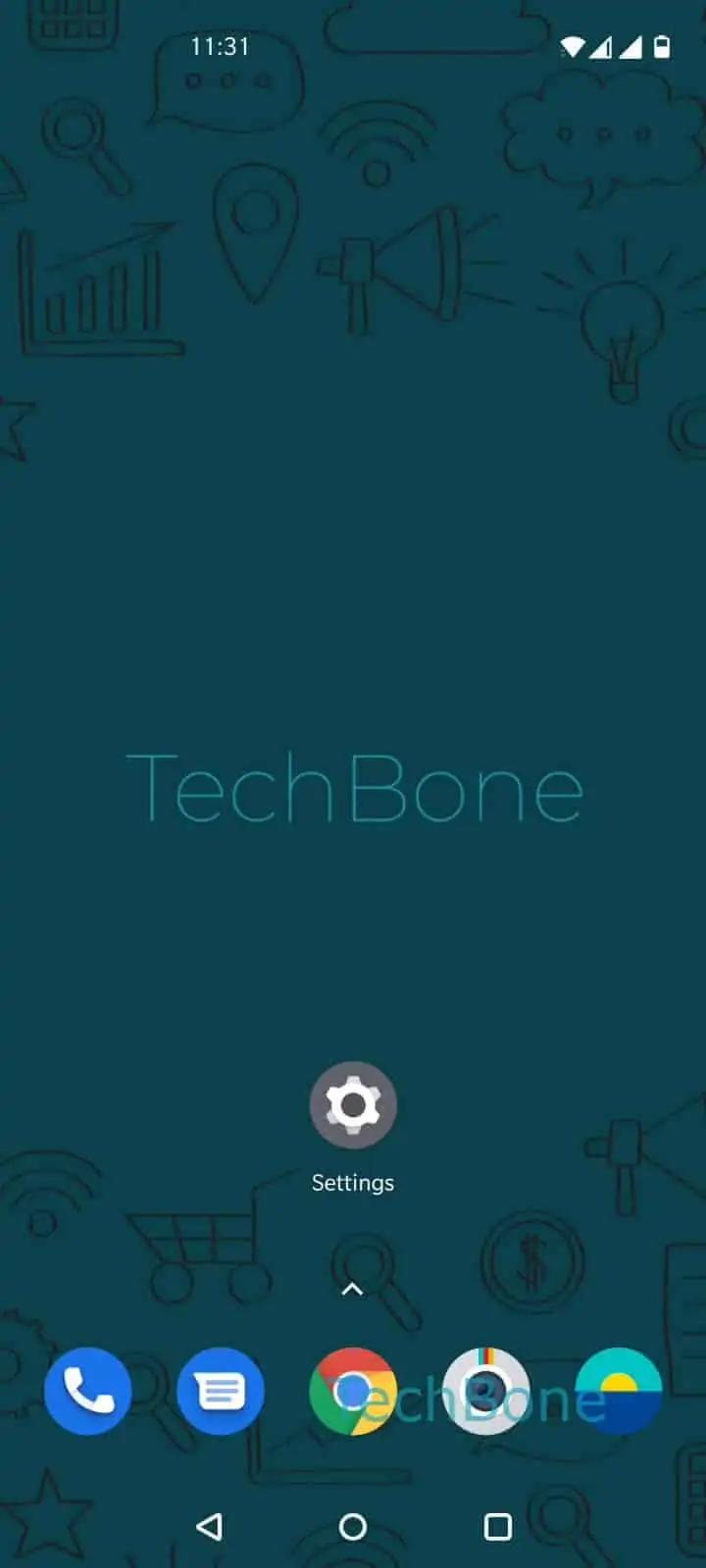
To turn it on or off: Open the Settings ➔ Tap on System ➔ Tap on Accessibility ➔ Enable or disable High contrast text.
Some apps use their own custom fonts and rendering, so text inside third-party apps may look unchanged even with the option enabled. If reading is still difficult afterward, check the Font size and style setting in the same Accessibility menu, or combine this option with Dark mode for stronger background contrast.