Skip to content
TechBone
OnePlus

OnePlus: Set a Data Warning Limit for Mobile Data

If your OnePlus phone never tells you when you are close to your mobile data cap, the data warning notification is probably switched off or set too high. Without an early alert, you only notice the overage once your carrier already throttles or bills extra data. A properly set warning threshold gives you time to cut back before the actual limit is reached.

5 min6 steps
VersionAndroid 10 · Oxygenos 10

Step by step

1 / 6

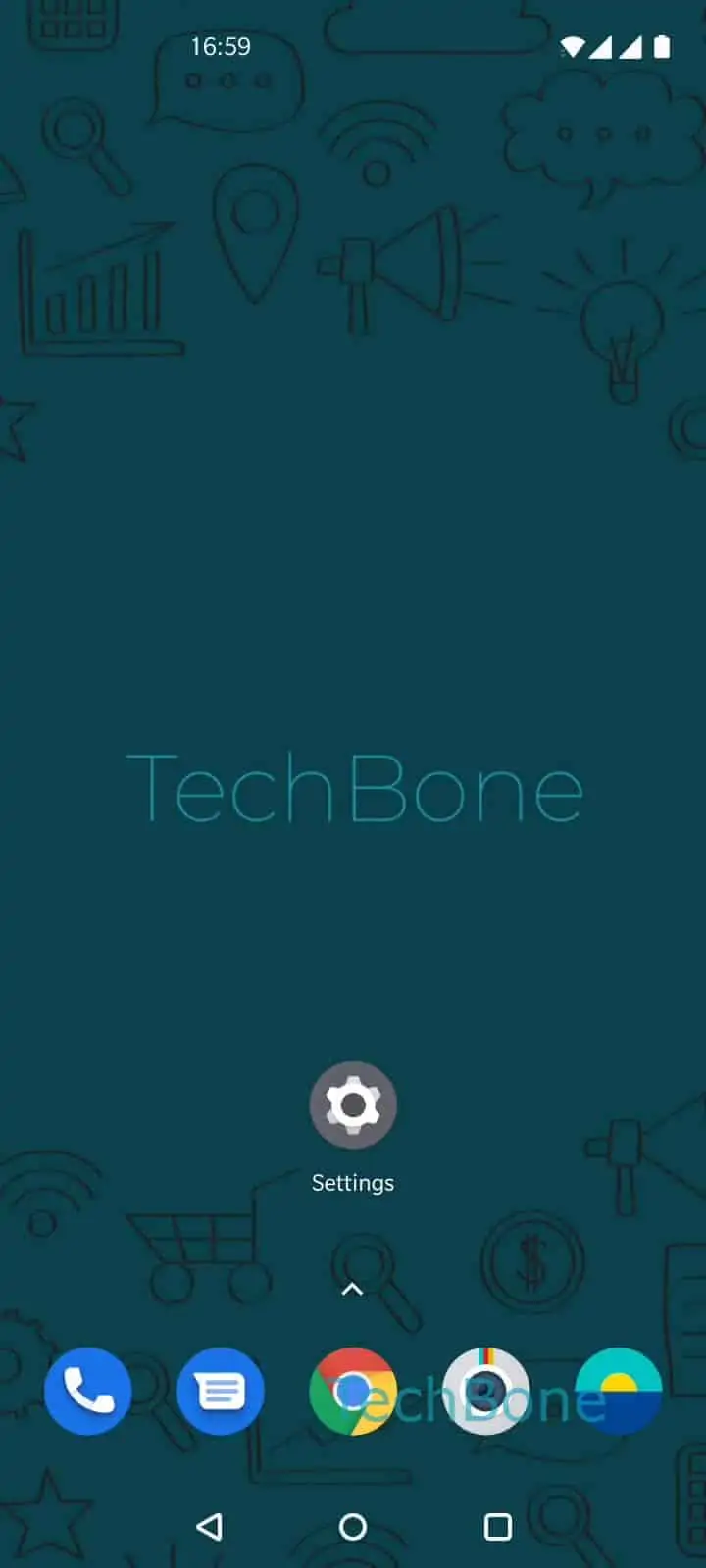
Step 1 of 6: Open the **Settings**

1

Open the Settings

Live simulator

Android 10 · Oxygenos 10
Set Mobile Data Warning Limit – Oxygenos 10: step 1 – Open the Settings
Open the Settings
1 / 6

Scroll or use the buttons for the next step

Feedback

Was the guide correct?

Help others: confirm the path or report a problem.

30

Confirmations

Forum verified this path

OnePlus

Set Mobile Data Warning Limit auf OnePlus

The data warning on OnePlus phones is a separate function from the hard data limit. It only sends a notification once your mobile data usage crosses a threshold you define, without blocking your connection.

Many users leave this threshold at the default value or forget to set it after a carrier change, so the alert either never triggers or comes too late to matter.

Where to find the setting

Open Open the SettingsTap on Wi-Fi & networkTap on Data usageTap on Billing cycleTap on Data warningSet the data warning and tap OK.

Enter a value below your actual monthly data volume. A limit around 80 percent of your real allowance leaves enough buffer to react before the full amount is used up.

This setting is separate from the billing cycle date, so check that the cycle matches your carrier plan first. If the cycle is wrong, the warning will trigger on the wrong days even with a correct threshold.

If you need a hard cutoff instead of just a notification, look for the separate data limit option in the same menu area rather than relying on the warning alone.

Frequently asked questions

Your OnePlus phone shows a notification once mobile data usage crosses the value you set in Tap on Data warning. The connection stays active; nothing gets blocked automatically.

Compatible devices

Tap your device — opens its hub with matching guides.