Skip to content
TechBone
OnePlus

OnePlus: How to Use the Stopwatch in the Clock App

Trying to time a workout or a recipe on your OnePlus phone but the stopwatch buttons seem to do nothing when you tap them? The Clock app bundles a stopwatch with lap timing, but Start, Lap, Pause and Reset only respond in a fixed order. Tap them out of sequence and the stopwatch either freezes on the current time or the lap list stays empty.

5 min6 steps
VersionAndroid 10 · Oxygenos 10

Step by step

1 / 6

Step 1 of 6: Open the **Clock app**

1

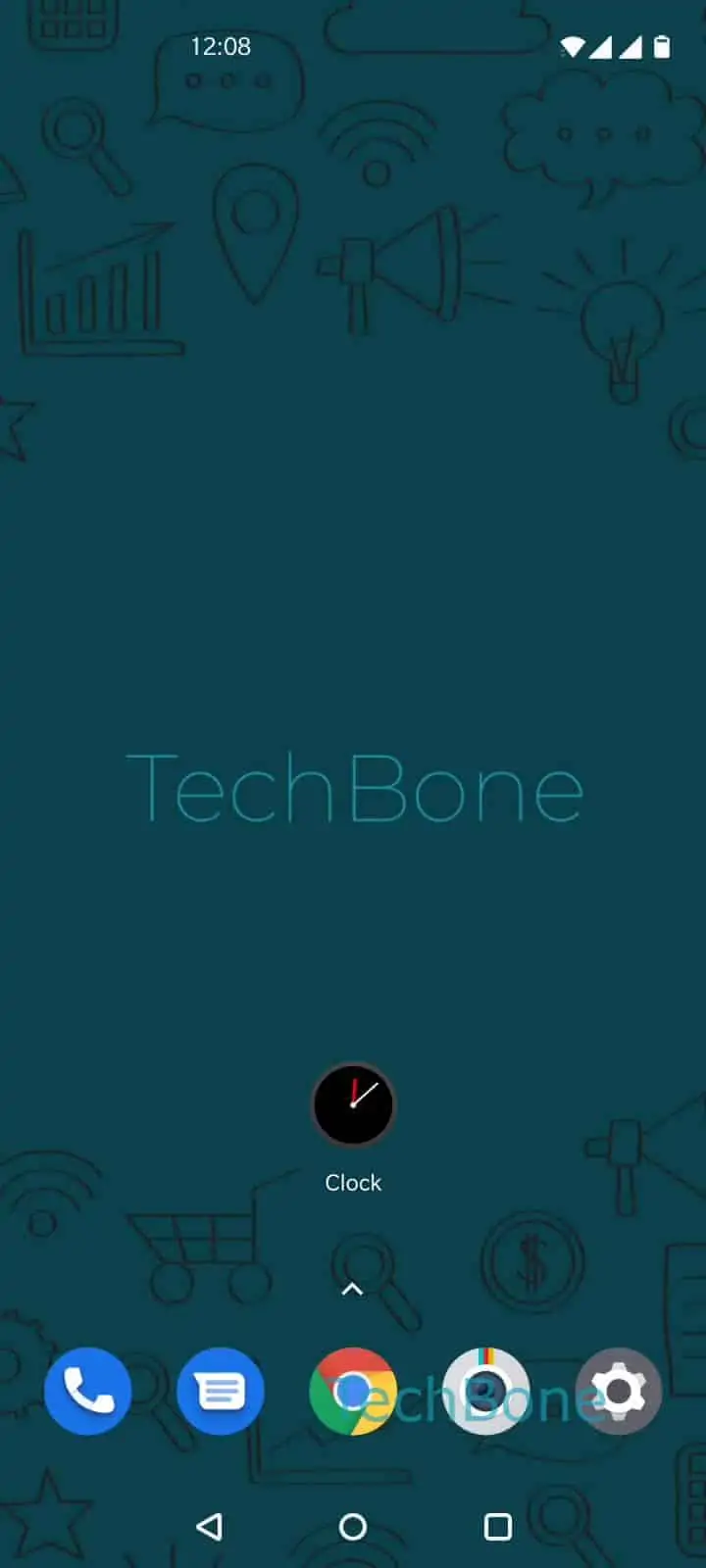
Open the Clock app

Live simulator

Android 10 · Oxygenos 10
Stopwatch: Start, Pause and Lap Timer – Oxygenos 10: step 1 – Open the Clock app
Open the Clock app
1 / 6

Scroll or use the buttons for the next step

Feedback

Was the guide correct?

Help others: confirm the path or report a problem.

104

Confirmations

Forum verified this path

OnePlus

Stopwatch: Start, Pause and Lap Timer auf OnePlus

The stopwatch on OnePlus phones lives inside the Clock app, next to the alarm and timer tools. It only accepts input in a fixed sequence: you have to start it before a lap or pause action becomes available, and you can only reset it once it is paused.

To use it, follow this path: Open the Clock appTap on StopwatchTap on StartTap on Lap timerTap on PauseTap on Reset.

Tapping Tap on Lap timer while the stopwatch is running logs the current split without stopping the count. You can repeat this as many times as needed to compare intervals later. Tap on Pause freezes the display so you can read the exact time, and the stopwatch resumes from that point if you tap Start again instead of Reset.

Tap on Reset only appears once the stopwatch is paused, and it clears both the running time and the recorded laps. If you only need a single countdown instead of manual lap tracking, the Timer tab next to Stopwatch is the better tool, since it counts down automatically and does not require lap taps.

Frequently asked questions

The lap function only becomes active after you tap Tap on Start. If the stopwatch shows 00:00 and has not been started, Tap on Lap timer stays greyed out or unresponsive.

Compatible devices

Tap your device — opens its hub with matching guides.