Skip to content
TechBone
OnePlus

OnePlus: Turn Wi-Fi Calling On or Off

When your carrier signal drops to one bar indoors, calls often cut out or fail to connect entirely. Wi-Fi calling routes voice calls through your wireless network instead, but it only works if your provider has switched on the feature for your SIM. If the toggle is missing or stays greyed out, that mismatch is usually the reason.

4 min5 steps
VersionAndroid 10 · Oxygenos 10

Step by step

1 / 5

Step 1 of 5: Open the **Settings**

1

Open the Settings

Live simulator

Android 10 · Oxygenos 10
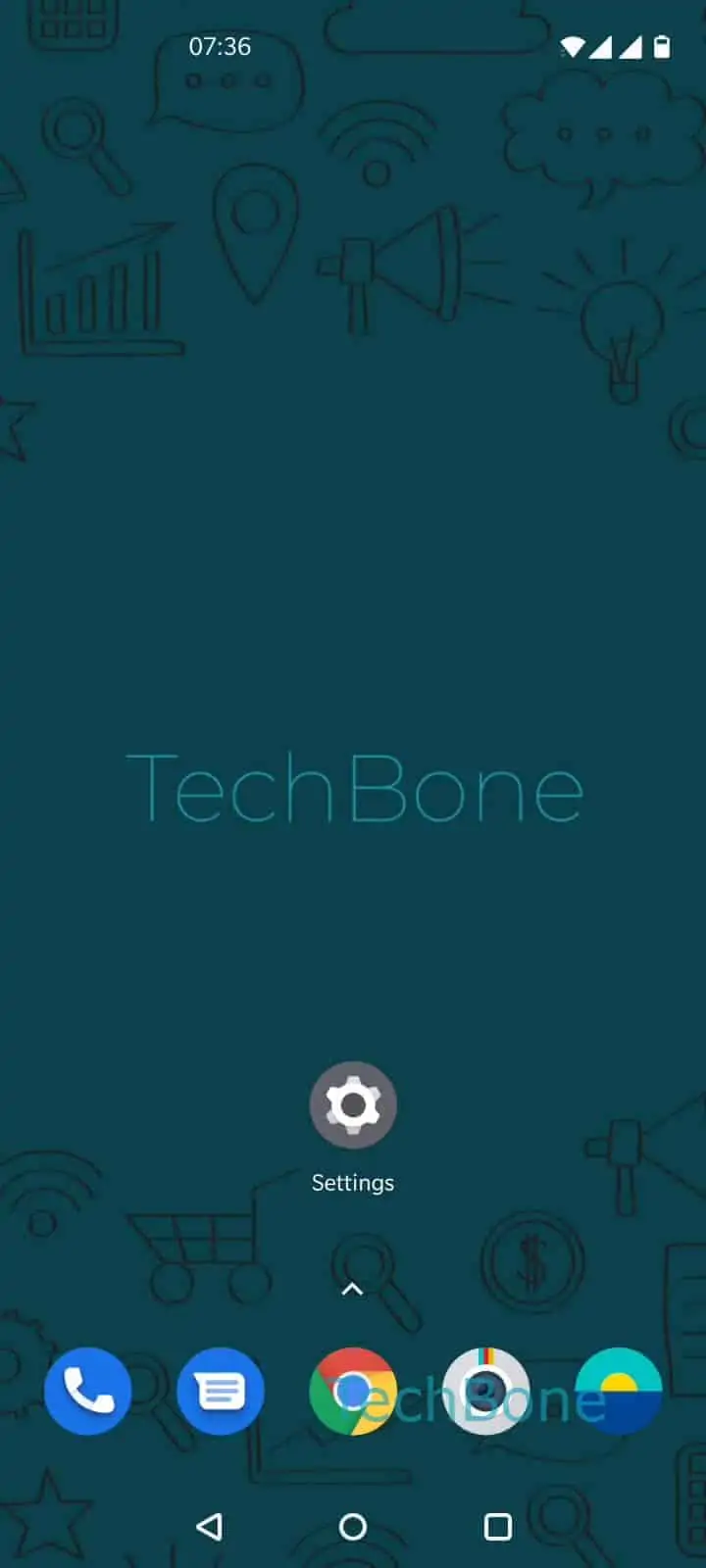
Enable or Disable Wi-Fi Calling – Oxygenos 10: step 1 – Open the Settings
Open the Settings
1 / 5

Scroll or use the buttons for the next step

Feedback

Was the guide correct?

Help others: confirm the path or report a problem.

44

Confirmations

Forum verified this path

OnePlus

Enable or Disable Wi-Fi Calling auf OnePlus

Wi-Fi calling sends your voice call data over a connected wireless network instead of the mobile antenna. That matters in basements, thick-walled buildings, or rural spots where carrier bars are low but Wi-Fi is stable.

The feature depends on two things: your provider must support and activate it for your specific plan, and your OnePlus needs the setting switched on for the correct SIM. If either piece is missing, the option stays hidden or disabled even though the phone itself supports it.

Where to find the toggle

Go to Open the SettingsTap on Wi-Fi & networkTap on SIM & networkChoose a SIM card (Dual SIM)Enable or disable Wi-Fi Calling.

On a Dual-SIM device, each SIM has its own switch. Enabling it on one slot does not activate it on the other, so check both if you swap SIMs regularly.

If the toggle refuses to switch on, contact your carrier first. Some providers require a specific tariff, an app activation, or a manual unlock on their end before the phone will show the option as available.

Frequently asked questions

This usually means your carrier has not activated the feature for your SIM yet. Check under Wi-Fi & networkSIM & network that you selected the correct SIM, then confirm activation status with your provider.

Compatible devices

Tap your device — opens its hub with matching guides.