Skip to content
TechBone
Oppo

Oppo: Add Widgets to the Home Screen

If your Oppo home screen only shows app icons and folders, you are missing widgets that display live info like weather, calendar events, or battery status. Many users never spot the widget menu because it does not sit in the regular app drawer. Both system apps and many installed apps offer their own widgets in different sizes.

3 min4 steps
Version

Step by step

1 / 4

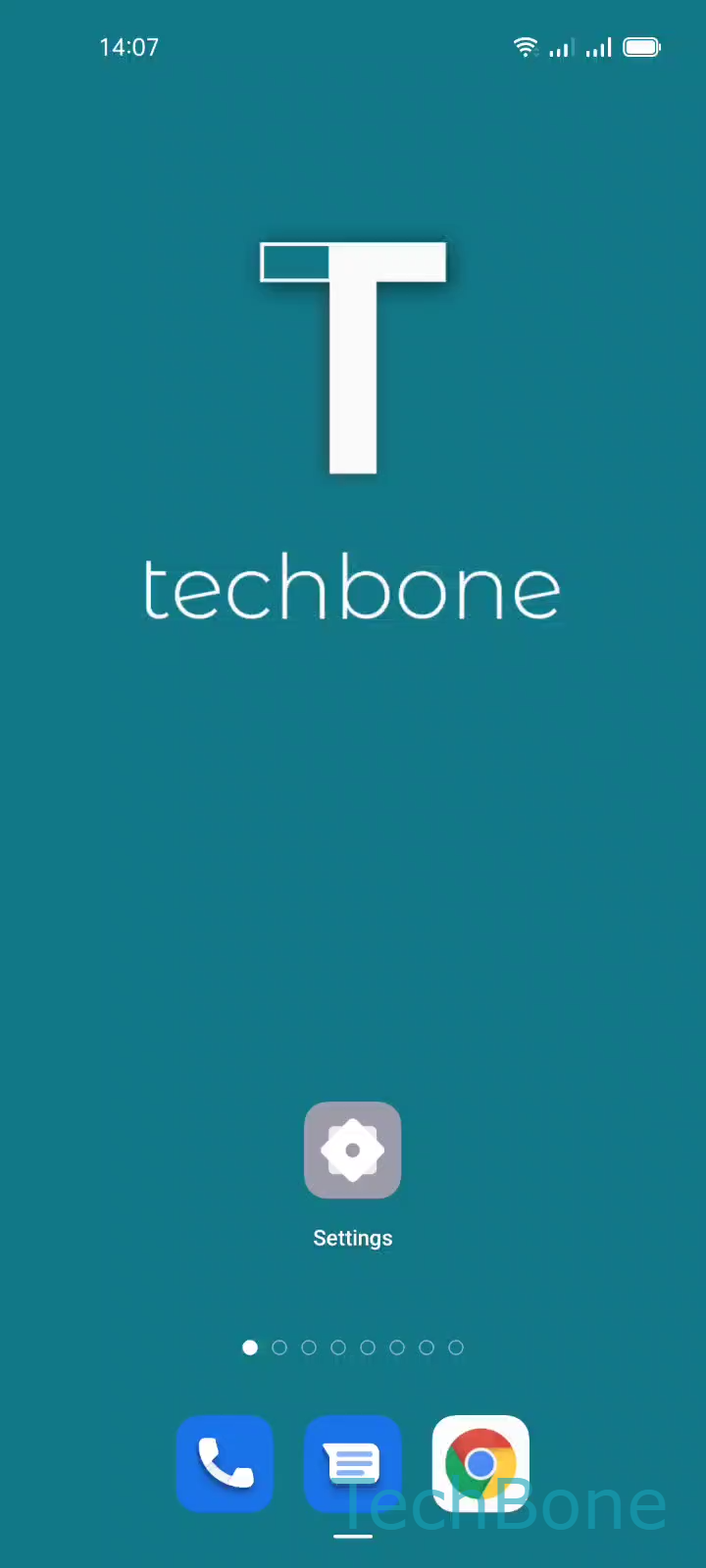
Step 1 of 4: Tap and hold a **Free area**on Home screen

1

Tap and hold a Free areaon Home screen

Live simulator

Android 11 · Coloros 11
Add Widgets to the Home Screen – Coloros 11: step 1 – Tap and hold a Free areaon Home screen
Tap and hold a Free areaon Home screen
1 / 4

Scroll or use the buttons for the next step

Feedback

Was the guide correct?

Help others: confirm the path or report a problem.

69

Confirmations

Forum verified this path

Oppo

Add Widgets to the Home Screen auf Oppo

Widgets on ColorOS work differently from app shortcuts. A shortcut just opens an app, while a widget shows live content directly on the home screen, for example a clock, weather forecast, or calendar entry.

The widget menu is hidden inside the home screen itself, not in the app drawer. That is the main reason many Oppo users never find it. You reach it by pressing on empty space rather than on an icon.

How to open the widget menu

Press and hold Tap and hold a Free area on the home screen until the edit menu appears. Then tap Tap on Widgets to open the full widget list.

Browse the list and tap Choose a Widget to place it on the current home screen page. Some widgets offer more than one size, so check the preview before confirming.

Once the widget sits where you want it, tap Tap on a Free area to exit to close the editing mode and lock the layout in place.

Only apps that ship with their own widget will appear in this list. If an installed app is missing, it likely does not support widgets at all.

Frequently asked questions

Not every app ships with a widget. If the developer never built one, it will not appear when you tap Tap on Widgets, even though the app itself works fine.