Skip to content
TechBone
Oppo

Oppo: Enable or Disable Android Beam via NFC

If your Oppo phone will not share files, contacts, or links over NFC with a nearby device, Android Beam is probably switched off in the wireless settings. The feature only works when NFC is on and Android Beam is enabled on both phones at the same time. On newer Coloros builds the option can also be missing entirely, since Android Beam has been phased out on many recent Android releases.

3 min4 steps
Version

Step by step

1 / 4

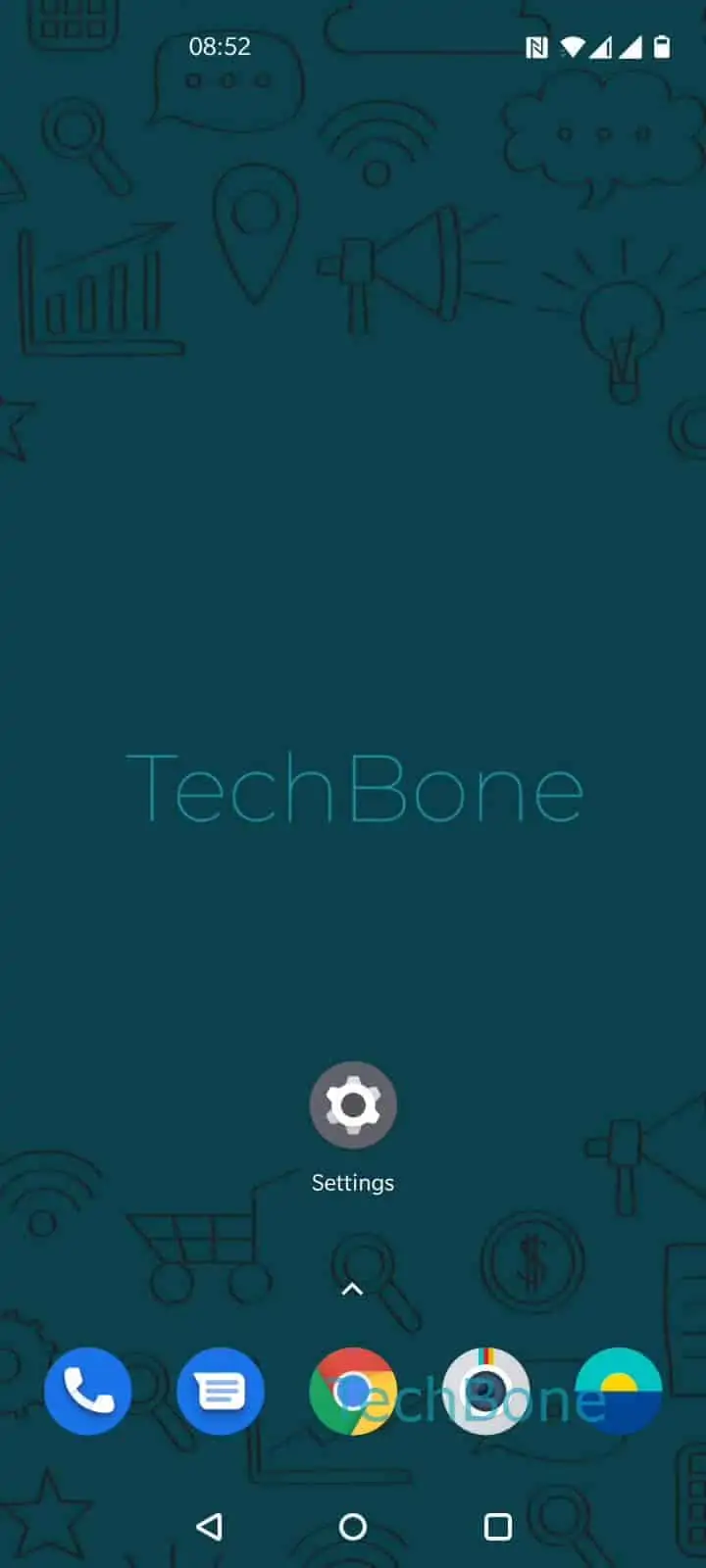
Step 1 of 4: Open the **Settings**

1

Open the Settings

Live simulator

Android 10 · Coloros
Enable or Disable Android Beam – Coloros: step 1 – Open the Settings
Open the Settings
1 / 4

Scroll or use the buttons for the next step

Feedback

Was the guide correct?

Help others: confirm the path or report a problem.

37

Confirmations

Forum verified this path

Oppo

Enable or Disable Android Beam auf Oppo

Android Beam lets two NFC-enabled phones exchange contacts, links, or small files by holding them close together. On Oppo phones running Coloros, the switch for this sits inside the wireless connection settings, separate from the main NFC toggle.

If a transfer fails, the usual reason is that Android Beam itself is off, even though NFC is active. Both phones need the feature enabled at the same time, because Beam only works between two devices that support it.

To check or change the setting, go to Open the SettingsTap on Other Wireless ConnectionsTap on Android BeamEnable or Disable Android Beam. Confirm the switch is set the way you need before testing the transfer again.

Android Beam has been removed from many recent Android builds in favor of newer sharing tools. If the option no longer appears on your device, look for a general nearby-sharing feature instead, since Beam may not be supported anymore on the installed Coloros version.

Frequently asked questions

Android Beam relies on the phone's NFC radio to detect the other device. If NFC is off, the Android Beam switch stays inactive even when it is enabled in settings.