
Oppo
Answer an Incoming Call auf Oppo
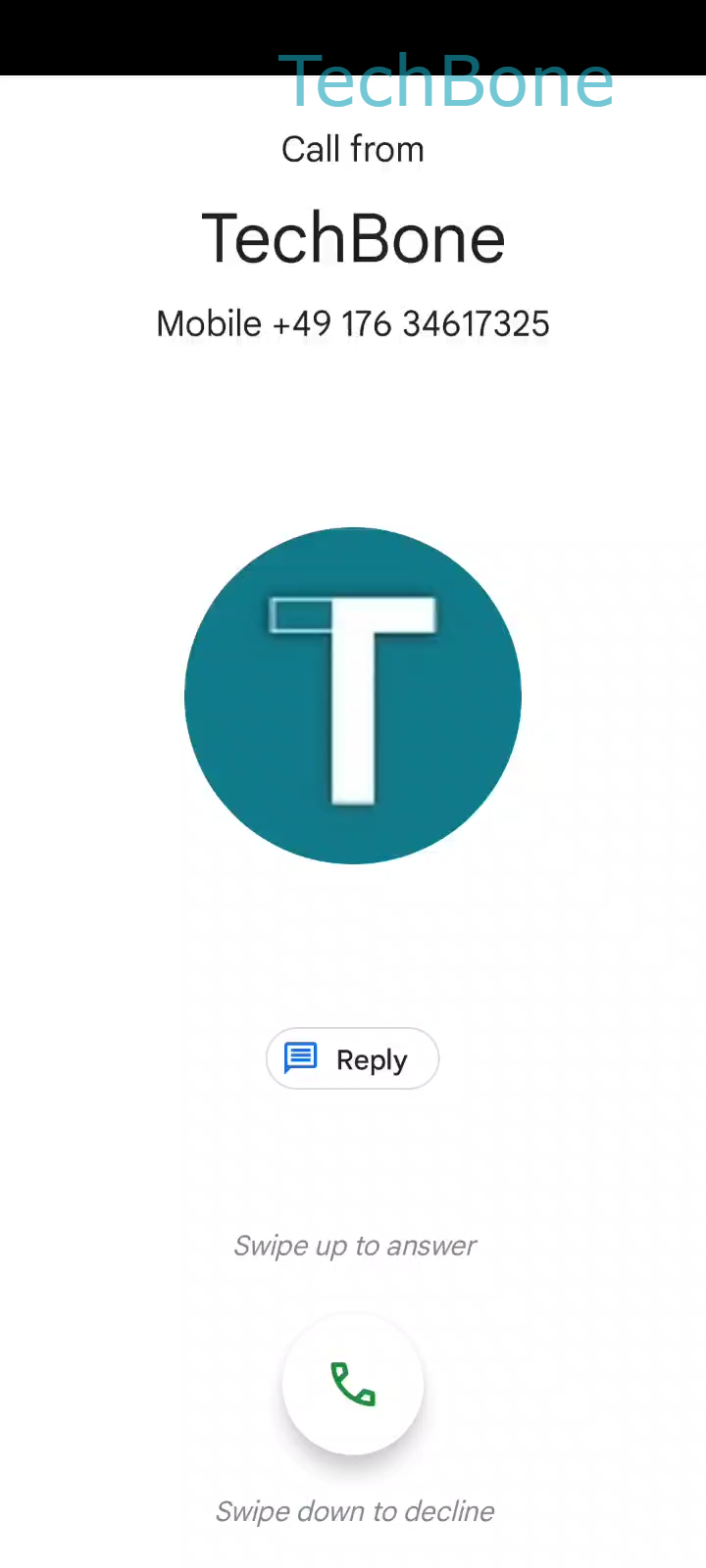
On Oppo phones running Coloros, an incoming call takes over the entire screen instead of showing a small notification banner. This full-screen layout is intentional: it makes the caller name and photo easier to read, but it also replaces the tap-based answer button found on many other Android skins.
Because there is no button to press, people used to stock Android sometimes miss the call while searching for one. The system instead expects a drag gesture on the green phone icon.
How to pick up the call
When the call screen appears, place your finger on the green phone icon and Drag the Phone icon upwards. Keep dragging until the icon reaches the top area of the screen, then Release the Phone icon to answer the call. The call connects as soon as you lift your finger at that point.
If the drag stops too early, the call screen simply resets and keeps ringing, so you can try again without missing the call. This gesture works the same way whether the phone is locked or unlocked, since the full-screen call layout appears above the lock screen.
If your phone is inside a case that partially blocks the screen edges, the drag distance can feel shorter or get interrupted. In that case, try starting the drag slightly lower on the icon so you have more room to complete the motion before your finger reaches the top edge.